 Documentation
 Examples
 Model API Reference
 SDK Reference
 Inference API
 Platform API
 Changelog

In the chat
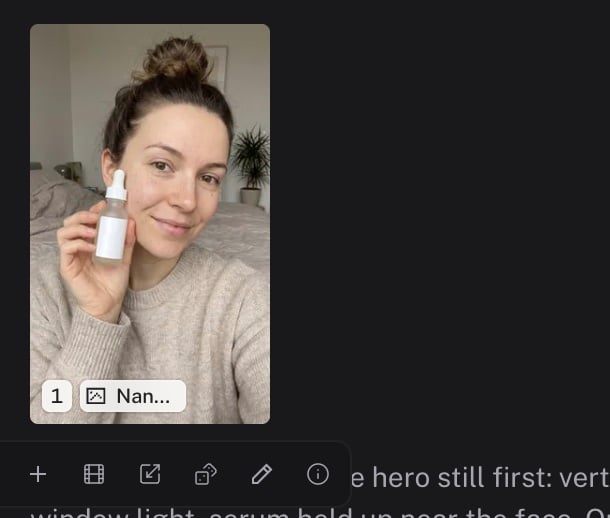
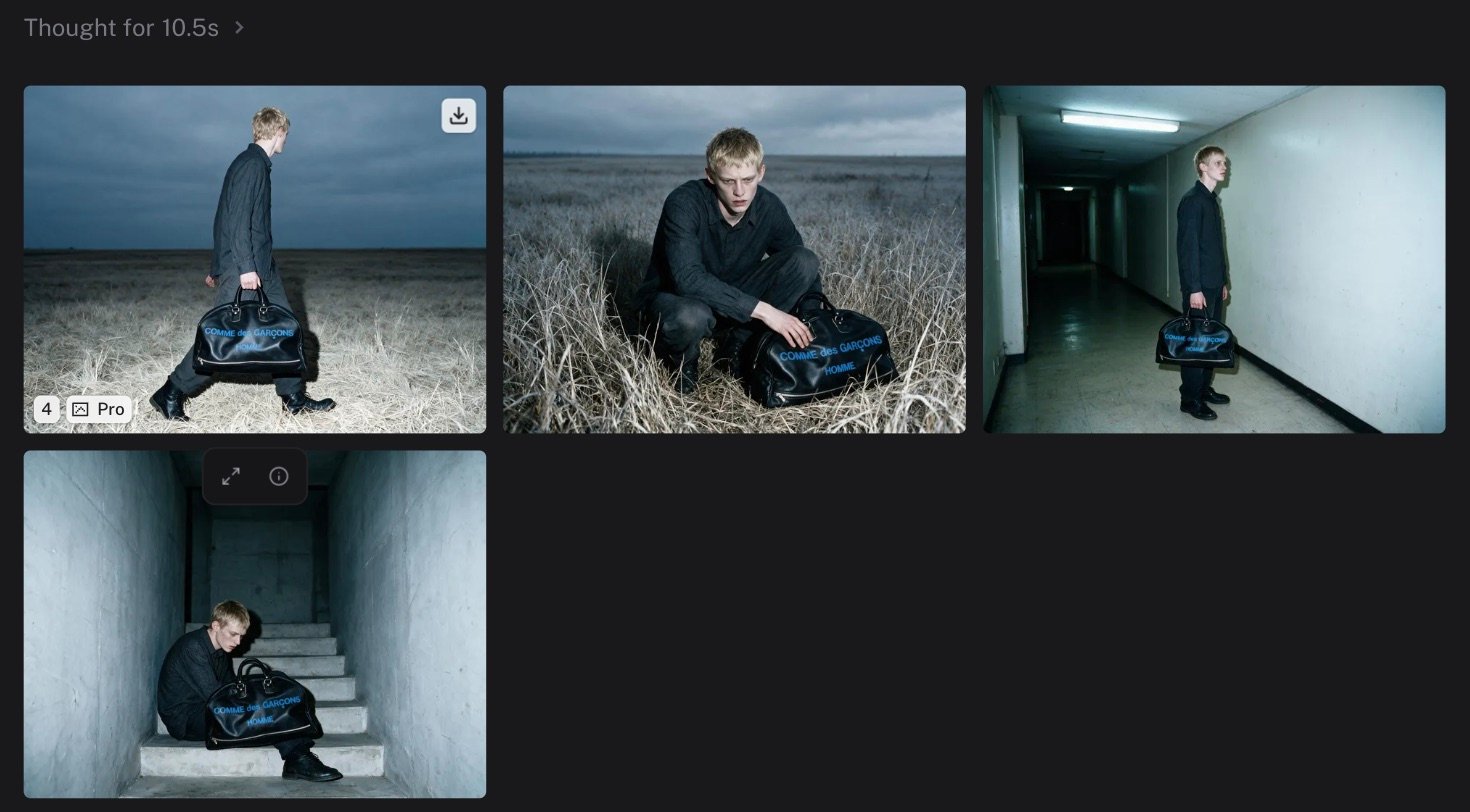
Runs render as cells in a grid. A batch renders as one grid, laid out like a moodboard. In-flight cells show the model name and a cancel button. Completed cells show the media, a media-type badge, and on hover:
A toolbar also appears under a hovered cell. It offers Attach, Quick animate, Upscale, Make a variation, Edit, and Details.
.zip or .csv, render as a file card with a download button.
Retries are grouped in the same cell. Use Previous attempt and Next attempt to compare them.
Names and ordinals
Each completed output gets an ordinal in the order the runs landed. Your uploads and video sequences do not take an ordinal. When the agent names a batch, each run also gets a readable name, such ascdg-bag-environments/open-field. The media viewer header shows both. Use the Generations section of the @ palette to refer to an output in your next message.
The media rail
The rail shows every tile in the chat, or in the whole project when the scope is Project. Filter by media type or Favorites, and search by prompt, model, or name.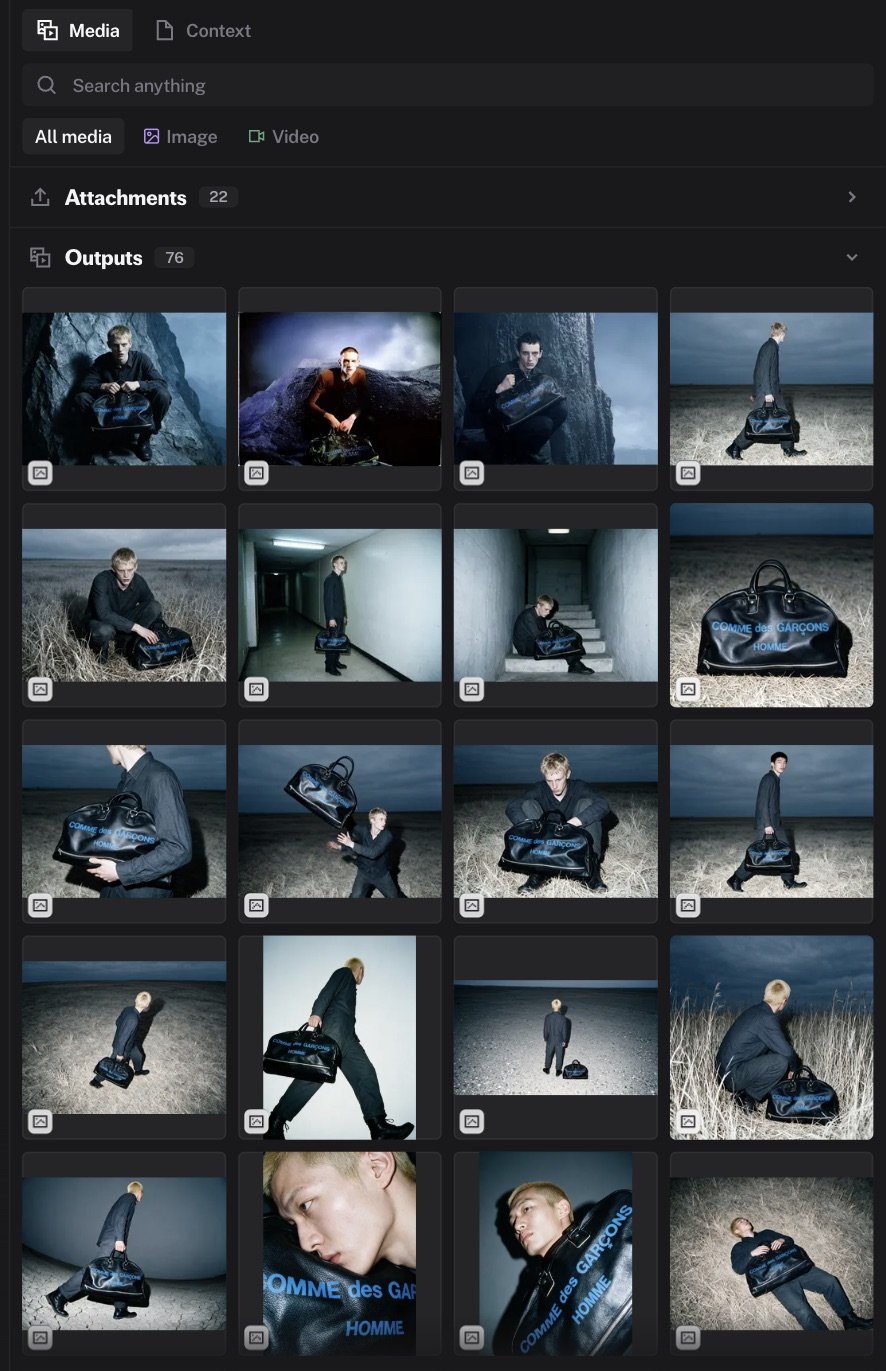
Cmd+click (Ctrl+click) selects several tiles. An Attach N button then attaches all of them.