 Documentation
 Examples
 Model API Reference
 SDK Reference
 Inference API
 Platform API
 Changelog

Before you start
You need a fal account. Access is enabled by default for signed-in accounts. You do not need a credit plan or an Enterprise contract to use fal Agent. Account and organization restrictions still apply. Model runs are billed as normal fal usage. See Access and pricing for details.1
Open fal Agent
Go to fal.ai/agent. Sign in with Google, GitHub, or SSO. If prompted, complete account setup. Prompts entered before sign-in are saved so you can continue after sign-in, if your account has access.If access is disabled for your account or organization, contact your organization administrator or fal support. Buying a credit plan does not override an access restriction.
2
Describe what you want
Type a request in the composer. Be specific about the subject, the format, and the number of outputs. For example:Press 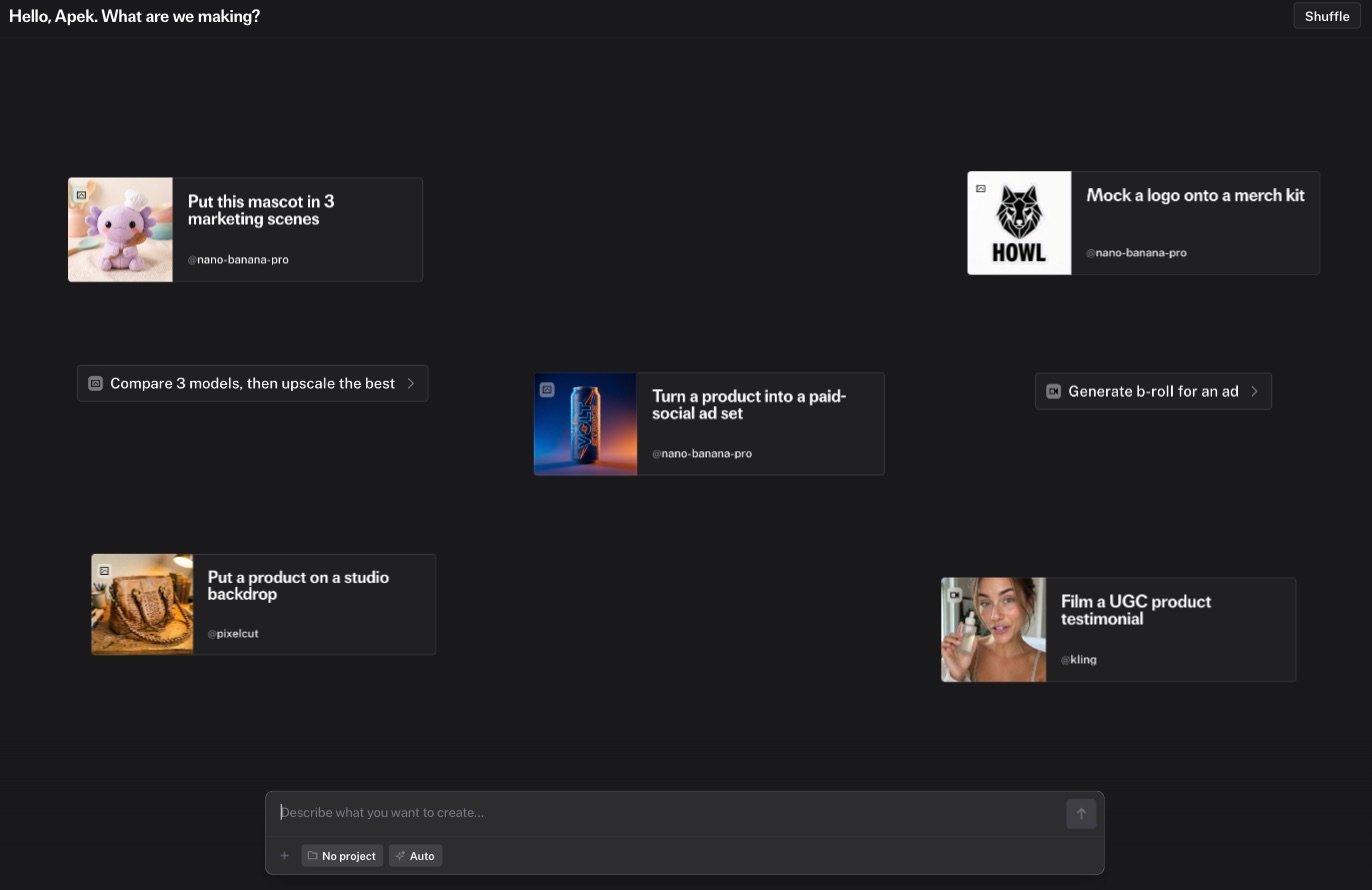
Enter to send. Shift+Enter adds a new line.3
Attach a reference
Drag an image, a video, or a document into the chat, or click the attachment button. The agent uses attachments as references, edit sources, or context. See Composer and references for the supported file types and limits.
4
Review the plan
For a multi-step request, the agent shows a plan card before it runs anything. Read the steps and the model chips. You can rename a step, reorder steps, pin a different model, or add an approval checkpoint. Click Run plan when the plan looks right. Simple requests run directly without a plan card.
5
Watch the generations land
Each run appears as a cell in the chat and in the media rail on the right. In-flight cells show a cancel button. When a run finishes, hover the cell for Retry and Download. Failed runs show a short explanation, and the agent repairs the input and retries when it can.
6
Iterate
Type
@ to open the palette. Pick a previous output under Generations, or pin a model under Models. The agent keeps the chat context, so you can say “make the second one warmer” without repeating the prompt.7
Download or export
Click Download on a cell to save one file. Ask the agent to “export everything as a zip” to get one archive with a folder per batch and a manifest. See Export.
Next steps
Chat interface
Sidebar, media rail, history, shortcuts, and notifications
Models and generation
How the agent chooses models and repairs failed runs
Projects
Group chats and media under a shared memory
Spending caps
Confirm expensive runs before they start