Documentation
 Examples
 Model API Reference
 SDK Reference
 Inference API
 Platform API
 Changelog


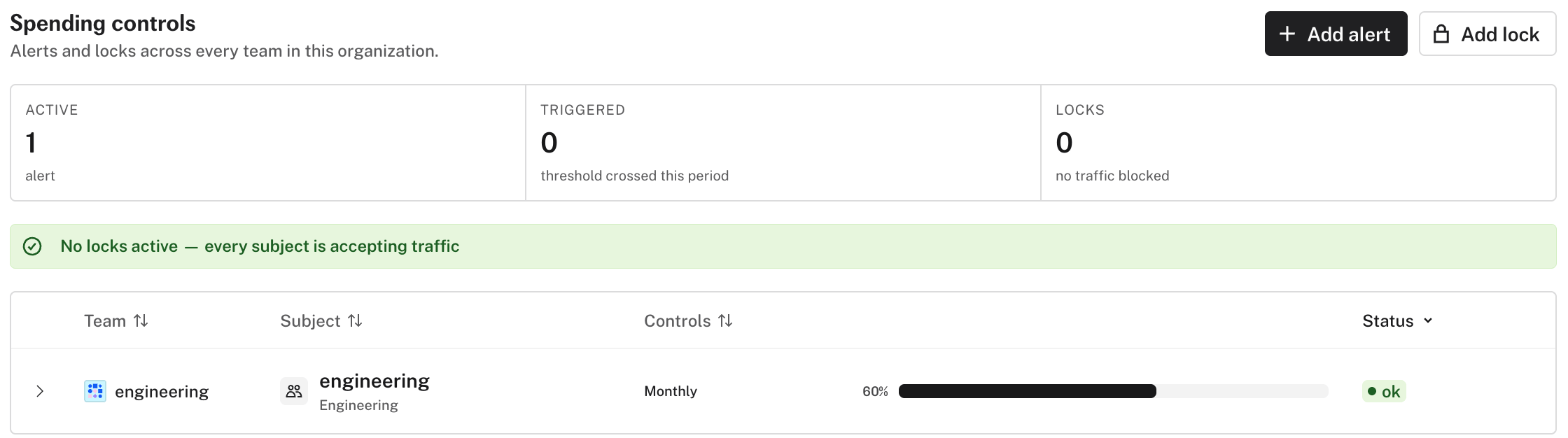
- An alert notifies you when your usage costs cross a threshold in a daily, weekly, or monthly period.
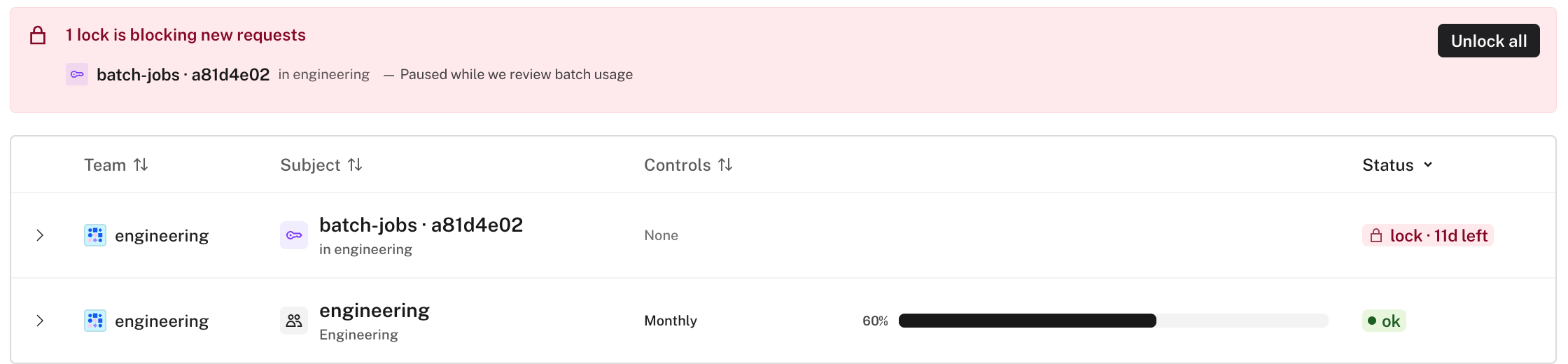
- A lock blocks new requests. Requests that are already running continue to completion.
fal must enable spending controls for your account. fal enables locks separately. Contact support@fal.ai to request access.
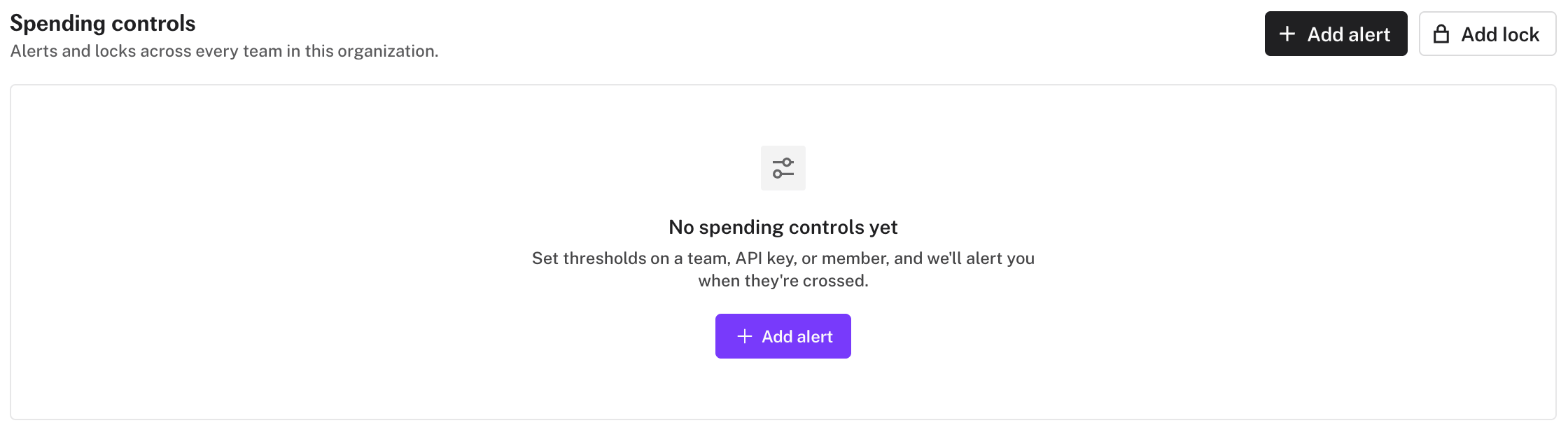
Set Up an Alert
- Click Add alert.
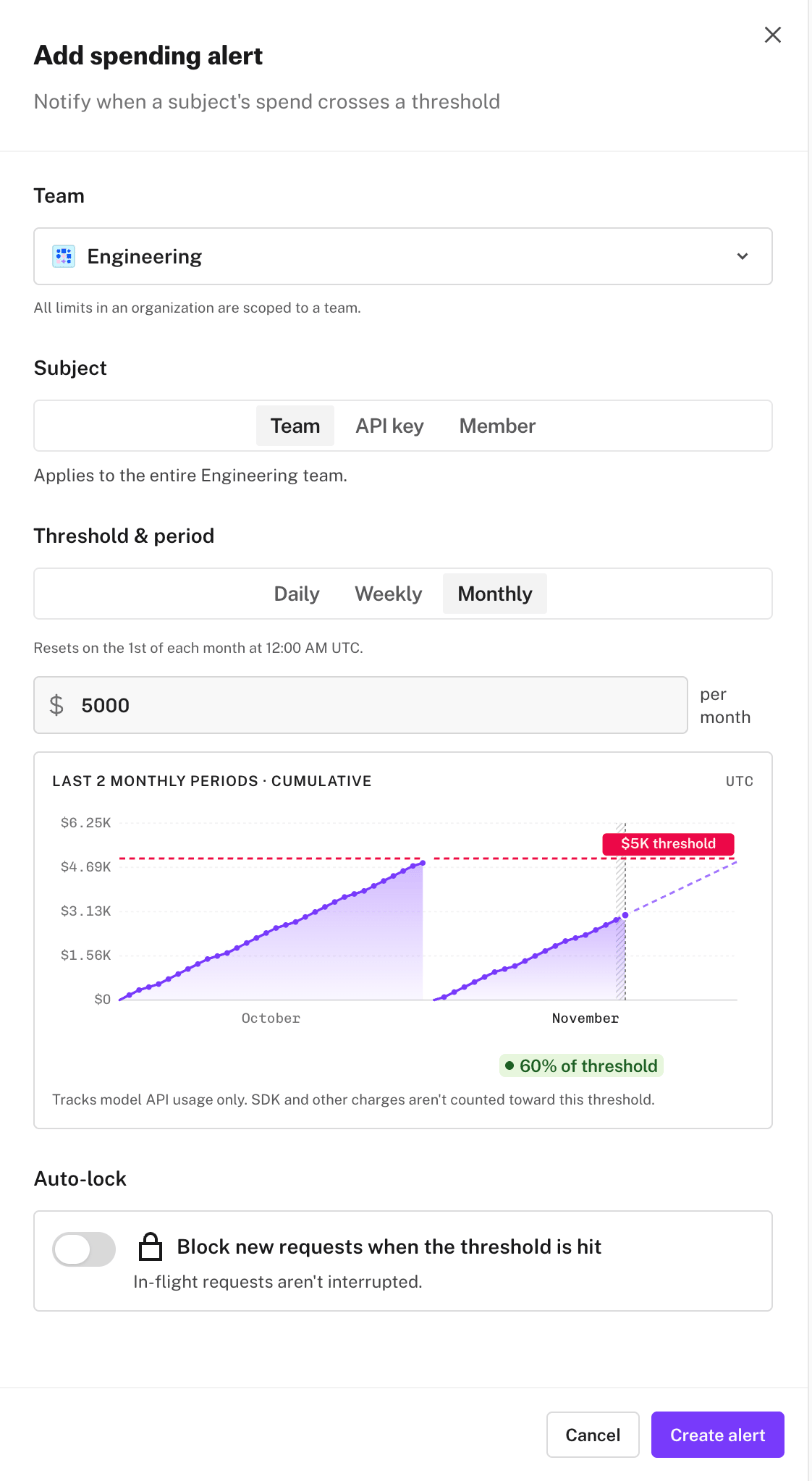
- In an organization, select the team.
- Select the subject. The subject is the whole team, one API key, or one member.
- Select the period.
- Enter the threshold amount.
- Optional: turn on Auto-lock to block new requests when costs reach the threshold.
- Click Create alert.
Set Up a Lock
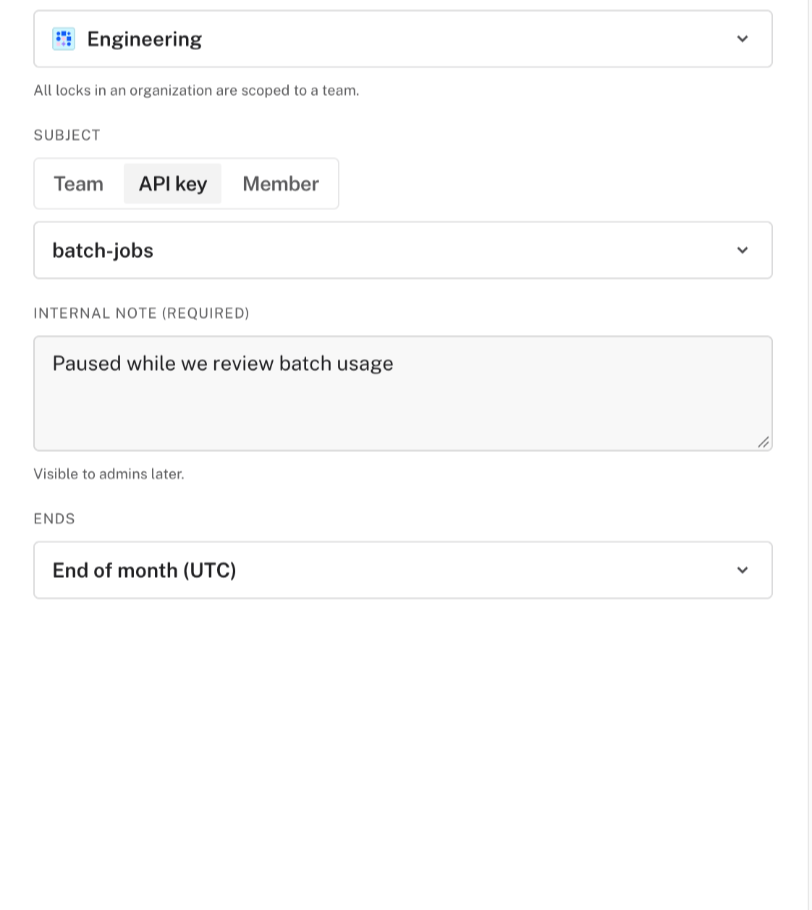
- Click Add lock.
- In an organization, select the team.
- Select the subject.
- Enter an internal note. Members with the Admin or Billing role can see this note.
- Select when the lock ends.
- Click Lock now.