Loading playground
Input
Additional Settings
Customize your input with more control.
Result
Idle

This model is no longer supported.
Customize your input with more control.
Customize your input with more control.
Hint: Drag and drop image files from your computer, images from web pages, paste from clipboard (Ctrl/Cmd+V), or provide a URL. Accepted file types: jpg, jpeg, png, webp, gif, avif, heic, heif
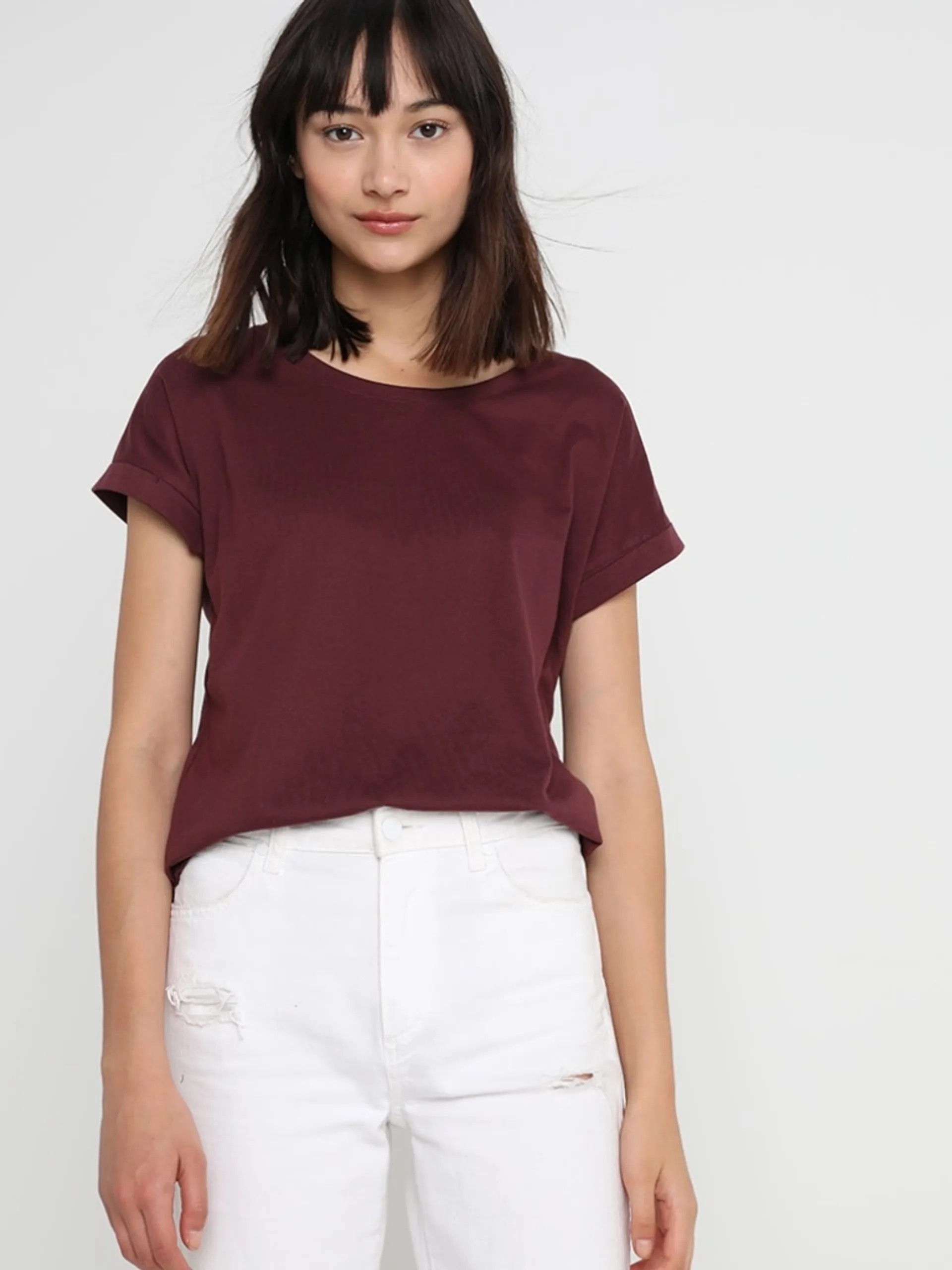
Hint: Drag and drop image files from your computer, images from web pages, paste from clipboard (Ctrl/Cmd+V), or provide a URL. Accepted file types: jpg, jpeg, png, webp, gif, avif, heic, heif
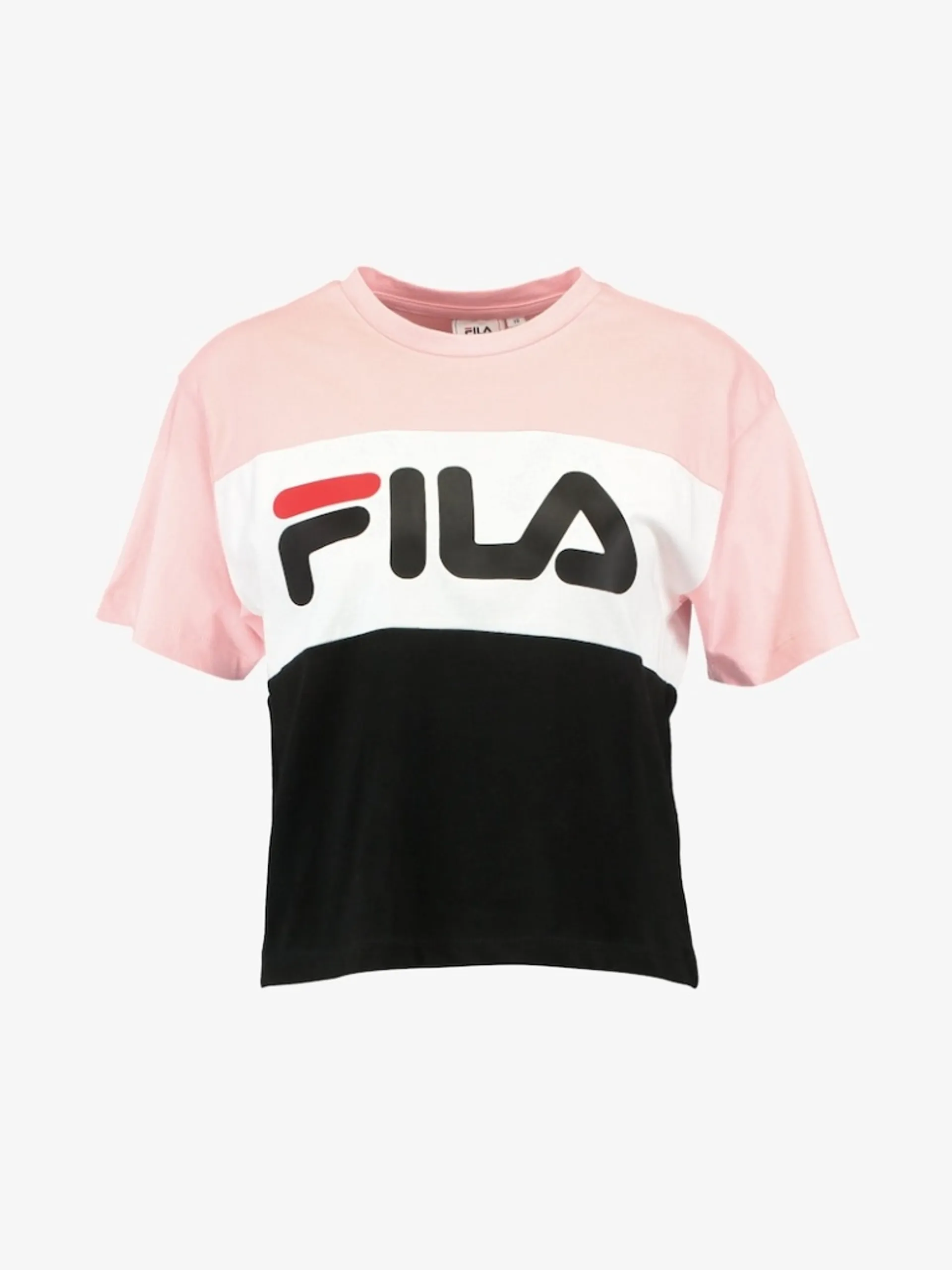
Customize your input with more control.
Your request will cost $0.07 per generation.
Virtual try-on model for fashion e-commerce. Composites a garment onto a person in a photo using Kling Kolors v1.5.
fal-ai/kling/v1-5/kolors-virtual-try-on
Cost: $0.07 / generation
Best for: Garment-on-model compositing, fashion e-commerce
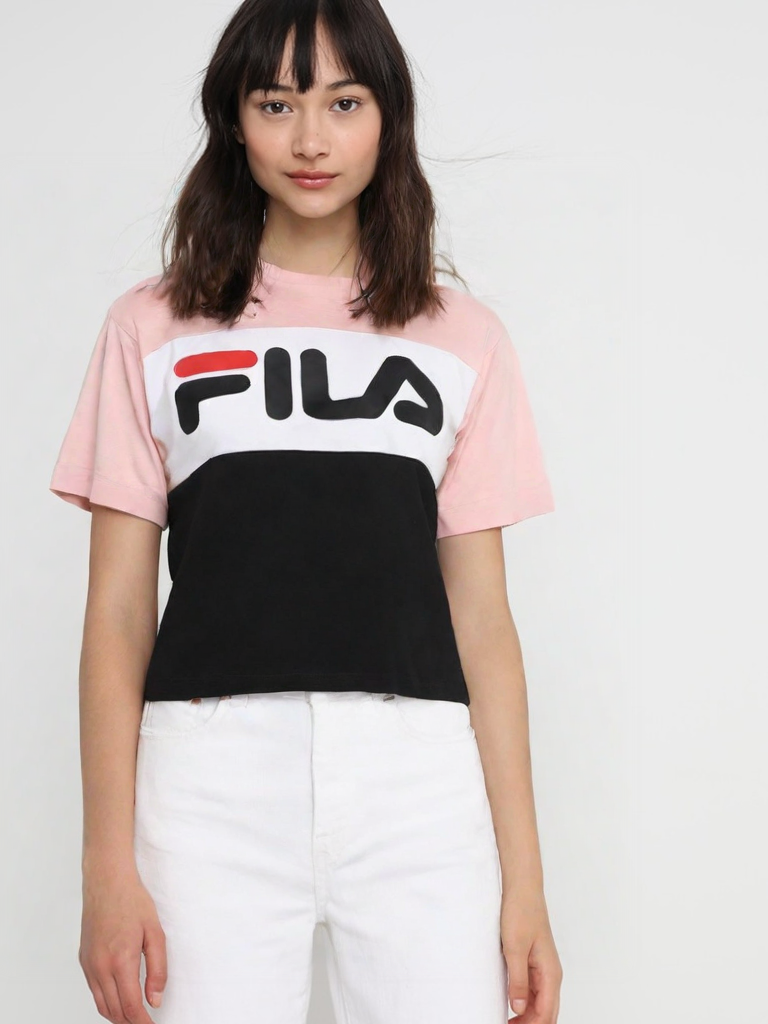
Kling Kolors Virtual Try-On v1.5 is a commercial-grade virtual try-on model developed by Kuaishou as part of the Kling image generation suite. It uses diffusion-based inpainting to realistically composite a garment onto a person: preserving the model's pose, skin tone, and body shape while accurately rendering fabric texture, color, and fit.
The model is image-in, image-out. It takes a photo of a person and a photo of a garment, and returns a single composited result. It is optimized for fashion e-commerce use cases and is cleared for commercial use.
Kolors refers to the underlying image generation backbone, which is Kuaishou's proprietary text-to-image model trained on a large Chinese and multilingual dataset. In the context of virtual try-on, the Kolors backbone handles perceptual quality and photorealism, while the Kling v1.5 wrapper handles garment alignment and pose conditioning.
bashnpm install --save @fal-ai/client
bashexport FAL_KEY="YOUR_API_KEY"
javascriptimport { fal } from "@fal-ai/client";

const result = await fal.subscribe("fal-ai/kling/v1-5/kolors-virtual-try-on", {
  input: {
    human_image_url: "https://example.com/person.jpg",
    garment_image_url: "https://example.com/shirt.jpg"
  },
  logs: true,
  onQueueUpdate: (update) => {
    if (update.status === "IN_PROGRESS") {
      update.logs.map((log) => log.message).forEach(console.log);
    }
  },
});

console.log(result.data.image.url); // output image URL
bashpip install fal-client
bashexport FAL_KEY="YOUR_API_KEY"
pythonimport fal_client

def on_queue_update(update):
    if isinstance(update, fal_client.InProgress):
        for log in update.logs:
            print(log["message"])

result = fal_client.subscribe(
    "fal-ai/kling/v1-5/kolors-virtual-try-on",
    arguments={
        "human_image_url": "https://example.com/person.jpg",
        "garment_image_url": "https://example.com/shirt.jpg"
    },
    with_logs=True,
    on_queue_update=on_queue_update,
)

print(result["image"]["url"])  # output image URL
| Parameter | Type | Description |
|---|---|---|
human_image_url | string | URL of the person photo. Front-facing, clear body visibility recommended. |
garment_image_url | string | URL of the garment photo. Flat lay with clean edges and no background preferred. |
sync_mode | boolean | If true, returns the image directly in the response instead of via queue. |
json{
  "human_image_url": "https://example.com/person.jpg",
  "garment_image_url": "https://example.com/shirt.jpg"
}
| Field | Type | Description |
|---|---|---|
image.url | string | URL of the generated try-on image |
image.width | integer | Image width in pixels |
image.height | integer | Image height in pixels |
image.content_type | string | MIME type (e.g. image/png) |
image.file_name | string | File name |
image.file_size | integer | File size in bytes |
json{
  "image": {
    "url": "https://v3.fal.media/files/panda/Hoy3zhimzVKi3F2uoGBnh_result.png",
    "width": 768,
    "height": 1024,
    "content_type": "image/png",
    "file_name": "result.png",
    "file_size": 595094
  }
}
Note: The output is a single image object, not an array. Access the URL at
result["image"]["url"](Python) orresult.data.image.url(JS), notresult[0].
Works well with:
Known limitations:
Person photo:
Garment photo:
You can pass images as public URLs or upload them via the client:
javascript// Upload a local file and use the returned URL
const file = new File([fileData], "garment.jpg", { type: "image/jpeg" });
const url = await fal.storage.upload(file);
pythonurl = fal_client.upload_file("path/to/garment.jpg")
Base64 data URIs are also accepted, though they may slow down large requests.
For async usage, submit to the queue and poll for results:
javascriptconst { request_id } = await fal.queue.submit("fal-ai/kling/v1-5/kolors-virtual-try-on", {
  input: { human_image_url: "...", garment_image_url: "..." },
  webhookUrl: "https://your-webhook.url/results", // optional
});

const status = await fal.queue.status("fal-ai/kling/v1-5/kolors-virtual-try-on", {
  requestId: request_id,
  logs: true,
});

const result = await fal.queue.result("fal-ai/kling/v1-5/kolors-virtual-try-on", {
  requestId: request_id,
});
If this model doesn't fit your use case, consider:
fal-ai/leffa/virtual-tryonfal-ai/image-apps-v2/virtual-try-on