fal-ai/flux-2-lora-gallery/add-background
Input
Hint: Drag and drop files from your computer, images from web pages, paste from clipboard (Ctrl/Cmd+V), or provide a URL.
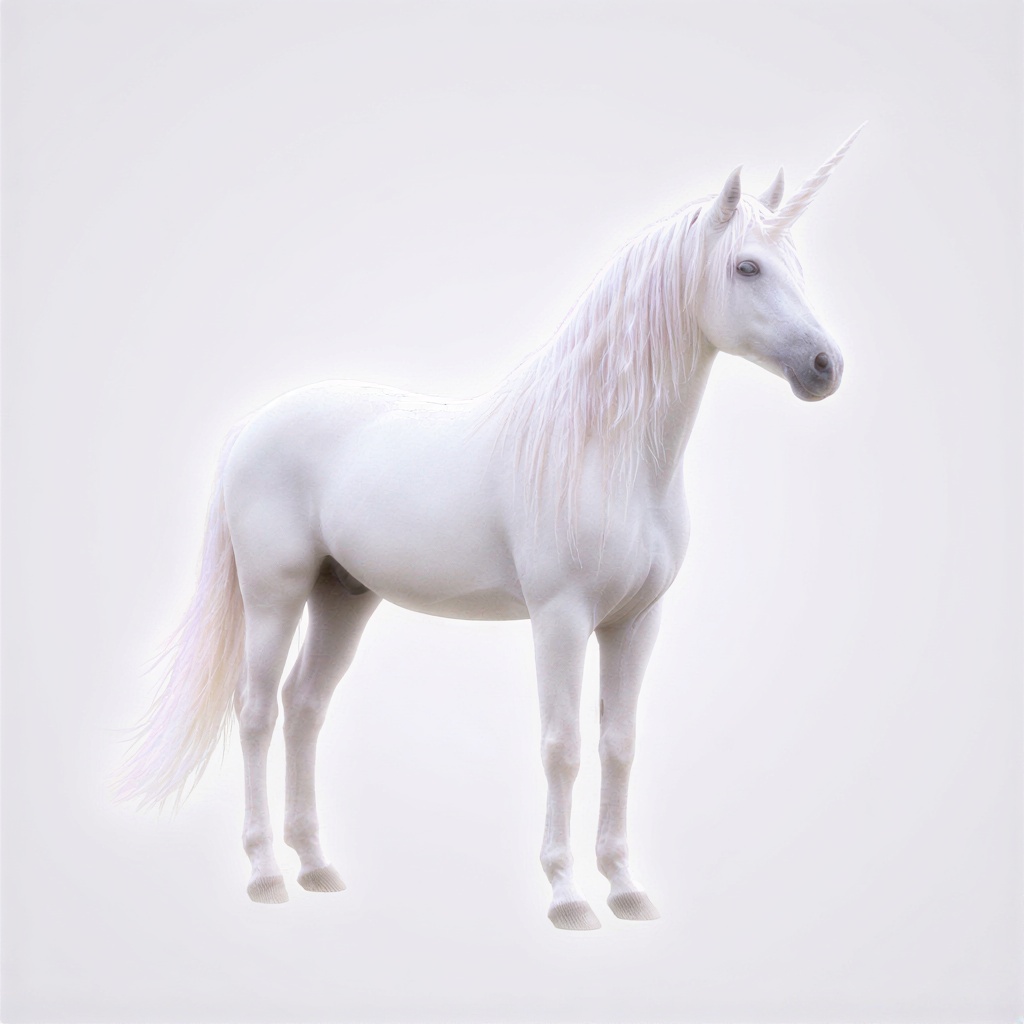
Customize your input with more control.
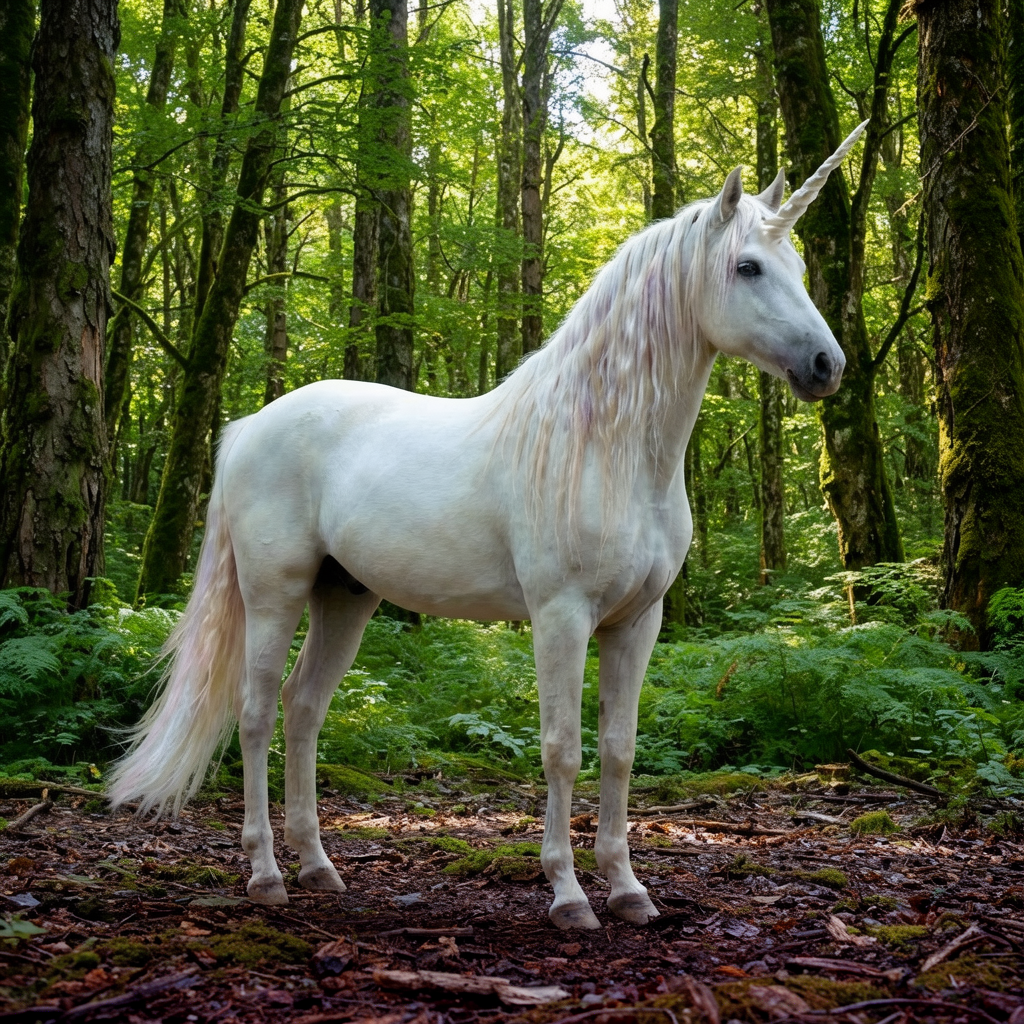
Flux 2 Add Background LoRA| [image-to-image]
Black Forest Labs' FLUX.2 LoRA Gallery delivers specialized background addition for product photography at $0.021 per megapixel. Trading general-purpose image generation for focused background compositing, this endpoint handles clean-background product shots where manual masking would slow production workflows. Built for e-commerce teams processing hundreds of SKU images daily.
Use Cases: Product Photography | E-commerce Listings | Marketing Asset Production
Performance
At $0.021 per megapixel versus $0.039+ for general-purpose image editing models, FLUX.2 LoRA Gallery targets 50% cost savings for teams with repetitive background replacement workflows.
| Metric | Result | Context |
|---|---|---|
| Cost per Megapixel | $0.021 | 48 generations per $1.00 on fal |
| Inference Steps | 40 (default) | Configurable 1-50 range for speed/quality tradeoffs |
| Batch Capacity | 1-4 images | Per-request parallel generation |
| Output Formats | PNG, JPEG, WebP | Optimized for web and print workflows |
| Related Endpoints | FLUX.2 Edit, FLUX.2 LoRA | Edit for general image-to-image, LoRA for custom training |
Specialized Background Compositing Architecture
FLUX.2 LoRA Gallery uses pre-trained LoRA weights optimized for clean-background detection and natural background insertion, contrasting with general image-to-image models that require explicit masking or multi-step workflows.
What this means for you:
-
Single-prompt workflow: "Add Background forest" handles detection, masking, and compositing without manual intervention, eliminating 3-5 manual steps per image
-
Constraint-driven quality: Requires white/clean backgrounds as input, trading flexibility for consistent edge detection and natural lighting integration
-
Configurable effect strength:
`lora_scale`parameter (0-2 range) controls background blend intensity for subtle product integration versus dramatic scene changes -
Reproducible outputs: Seed-based generation enables consistent background application across product variant images for cohesive catalog presentation
Technical Specifications
| Spec | Details |
|---|---|
| Architecture | FLUX.2 with specialized background addition LoRA weights |
| Input Formats | Image URLs (clean/white background required) |
| Output Formats | PNG, JPEG, WebP |
| Resolution Handling | Matches input dimensions or custom via `image_size` parameter |
| License | Commercial use permitted |
API Documentation | Quickstart Guide | Enterprise Pricing
How It Stacks Up
FLUX.2 Edit ($0.039/megapixel) – Flux 2 Add Background LoRA trades general-purpose editing flexibility for 46% cost savings ($0.021 vs $0.039) on background-specific workflows. FLUX.2 Edit handles arbitrary image transformations and multi-element edits where background replacement is one of many modifications.
FLUX.1 [dev] Image to Image – Flux 2 Add Background LoRA prioritizes production speed through specialized LoRA weights versus FLUX.1's broader transformation capabilities. FLUX.1 [dev] remains ideal for exploratory creative work requiring maximum prompt flexibility and non-background-focused edits.
FLUX.1 Kontext [pro] – Flux 2 Add Background LoRA focuses on background compositing at $0.021/megapixel versus Kontext's multi-image reference system for style transfer and composition control. Kontext handles complex scene assembly with multiple reference images where background is one component among many visual elements.