bytedance/seedance-2.0/image-to-video

Input
Hint: Drag and drop image files from your computer, images from web pages, paste from clipboard (Ctrl/Cmd+V), or provide a URL. Accepted file types: jpg, jpeg, png, webp, gif, avif
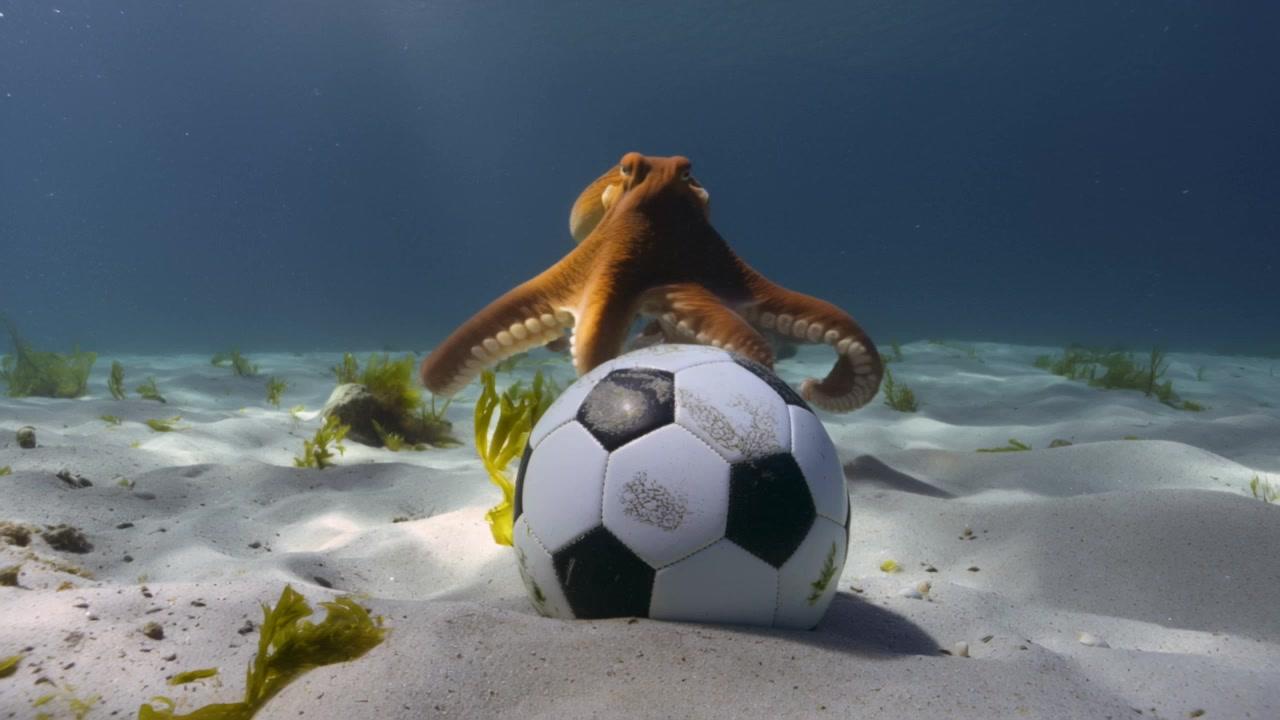
Hint: Drag and drop image files from your computer, images from web pages, paste from clipboard (Ctrl/Cmd+V), or provide a URL. Accepted file types: jpg, jpeg, png, webp, gif, avif
Customize your input with more control.
Result
What would you like to do next?
For every second of 720p video you generated, you will be charged $0.3024/second. Your request will cost $0.014 per 1000 tokens. The number of tokens is given by (height of output video * width of output video * duration * 24) / 1024.
Logs
Run Seedance 2.0 AI Image To Video API on fal
ByteDance's most advanced image-to-video model, available on fal as `bytedance/seedance-2.0/image-to-video`.
Overview
Provide a starting image URL and a text prompt describing the desired motion. The model preserves the visual content of your image and animates it with cinematic camera control, realistic physics, and synchronized audio all in a single pass.
The standard tier is identical in capability to the fast tier, with higher latency and cost in exchange for access to 1080p output — the only resolution option not available on fast.
Key capabilities:
- Native audio generation: music, SFX, and lip-synced dialogue at no extra cost
- Director-level camera control: dolly zooms, rack focuses, tracking shots, POV switches, handheld movement
- Realistic physics: collisions, fabric behavior, character motion
- Multi-shot editing: natural cuts within a single generation, up to 15 seconds
- Output up to 1080p
Inputs
| Parameter | Required | Type | Description |
|---|---|---|---|
`prompt` | Yes | string | Text describing the desired motion and action |
`image_url` | Yes | string | Starting frame to animate. JPEG, PNG, WebP, max 30 MB |
`end_image_url` | No | string | Optional ending frame. The video transitions from start to end image |
Parameters
| Parameter | Type | Default | Options |
|---|---|---|---|
`resolution` | enum | `720p` | `480p`, `720p`, `1080p` |
`duration` | enum | `auto` | `auto` or any integer from `4` to `15` seconds |
`aspect_ratio` | enum | `auto` | `auto` (inferred from image), `21:9`, `16:9`, `4:3`, `1:1`, `3:4`, `9:16` |
`generate_audio` | boolean | `true` | Synchronized audio: SFX, ambient sound, lip-synced speech. Same price either way. |
`seed` | integer | — | Fix for reproducibility (minor variation may still occur) |
`end_user_id` | string | — | Optional identifier for the end user |
Pricing
Billed per second of generated output:
| Tier | Rate | 10-sec clip |
|---|---|---|
Standard (`image-to-video`) | $0.3024 / sec | ~$3.02 |
Fast (`fast/image-to-video`) | $0.2419 / sec | ~$2.42 |
| Token-based billing | $0.014 / 1,000 tokens | — |
Token formula: `tokens = (height × width × duration × 24) / 1024`
Audio generation is included at no extra cost regardless of the `generate_audio` setting.
Quick Start
Python
bashpip install fal-client
export FAL_KEY="YOUR_API_KEY"
pythonimport fal_client

result = fal_client.subscribe(
    "bytedance/seedance-2.0/image-to-video",
    arguments={
        "prompt": "The cat slowly turns its head and blinks, fur ruffling in a gentle breeze.",
        "image_url": "https://your-host.com/cat.jpg",
        "resolution": "1080p",
        "duration": "auto",
        "aspect_ratio": "auto",
        "generate_audio": True,
    },
    with_logs=True,
    on_queue_update=lambda u: [print(l["message"]) for l in u.logs]
    if isinstance(u, fal_client.InProgress) else None,
)

print(result["video"]["url"])
With start and end frames:
pythonresult = fal_client.subscribe(
    "bytedance/seedance-2.0/image-to-video",
    arguments={
        "prompt": "The sun sets behind the mountains, sky shifting from gold to deep purple.",
        "image_url": "https://your-host.com/golden-hour.jpg",
        "end_image_url": "https://your-host.com/twilight.jpg",
        "resolution": "1080p",
        "duration": "8",
        "aspect_ratio": "16:9",
    },
)
JavaScript / Node.js
bashnpm install @fal-ai/client
export FAL_KEY="YOUR_API_KEY"
jsimport { fal } from "@fal-ai/client";

const result = await fal.subscribe("bytedance/seedance-2.0/image-to-video", {
  input: {
    prompt: "The cat slowly turns its head and blinks, fur ruffling in a gentle breeze.",
    image_url: "https://your-host.com/cat.jpg",
    resolution: "1080p",
    duration: "auto",
    aspect_ratio: "auto",
    generate_audio: true,
  },
  logs: true,
  onQueueUpdate: (update) => {
    if (update.status === "IN_PROGRESS") {
      update.logs.map((log) => log.message).forEach(console.log);
    }
  },
});

console.log(result.data.video.url);
Output
json{
  "video": {
    "url": "https://...",
    "content_type": "video/mp4",
    "file_name": "output.mp4",
    "file_size": 4823041
  },
  "seed": 42
}
Async / Queue Usage
pythonhandler = fal_client.submit(
    "bytedance/seedance-2.0/image-to-video",
    arguments={...},
    webhook_url="https://your-server.com/webhook",
)

request_id = handler.request_id
status = fal_client.status("bytedance/seedance-2.0/image-to-video", request_id, with_logs=True)
result = fal_client.result("bytedance/seedance-2.0/image-to-video", request_id)
Standard vs. Fast Tier
The only functional difference between the two tiers is resolution support. Use fast unless you need 1080p.
| Standard | Fast | |
|---|---|---|
| Endpoint | `bytedance/seedance-2.0/image-to-video` | `bytedance/seedance-2.0/fast/image-to-video` |
| Max resolution | 1080p | 720p |
| Cost (10 sec, 720p) | ~$3.02 | ~$2.42 |
| Latency | Higher | Lower |
| Schema | Identical | Identical |