Loading playground
Input
Additional Settings
Customize your input with more control.
Result
Idle

Customize your input with more control.
Customize your input with more control.
Type # to reference inputs.
Hint: Drag and drop files from your computer, images from web pages, paste from clipboard (Ctrl/Cmd+V), or provide a URL.
Customize your input with more control.
Text tokens (per 1M): $5.00 input, $1.25 cached, $10.00 output. Image tokens (per 1M): $8.00 input, $2.00 cached, $30.00 output. Changing the quality parameter significantly affects cost; by default we use high. Adjust it to your preference. See the description at the bottom of this page for more details on how much canonical image sizes cost. Total cost is rounded up to the closest hundredth of a cent ($0.0001).
Text tokens (per 1M): $5.00 input, $1.25 cached, $10.00 output. Image tokens (per 1M): $8.00 input, $2.00 cached, $30.00 output. Changing the quality parameter significantly affects cost; by default we use high. Adjust it to your preference. See the description at the bottom of this page for more details on how much canonical image sizes cost. Total cost is rounded up to the closest hundredth of a cent ($0.0001).
Official GPT Image 2 Landing Page
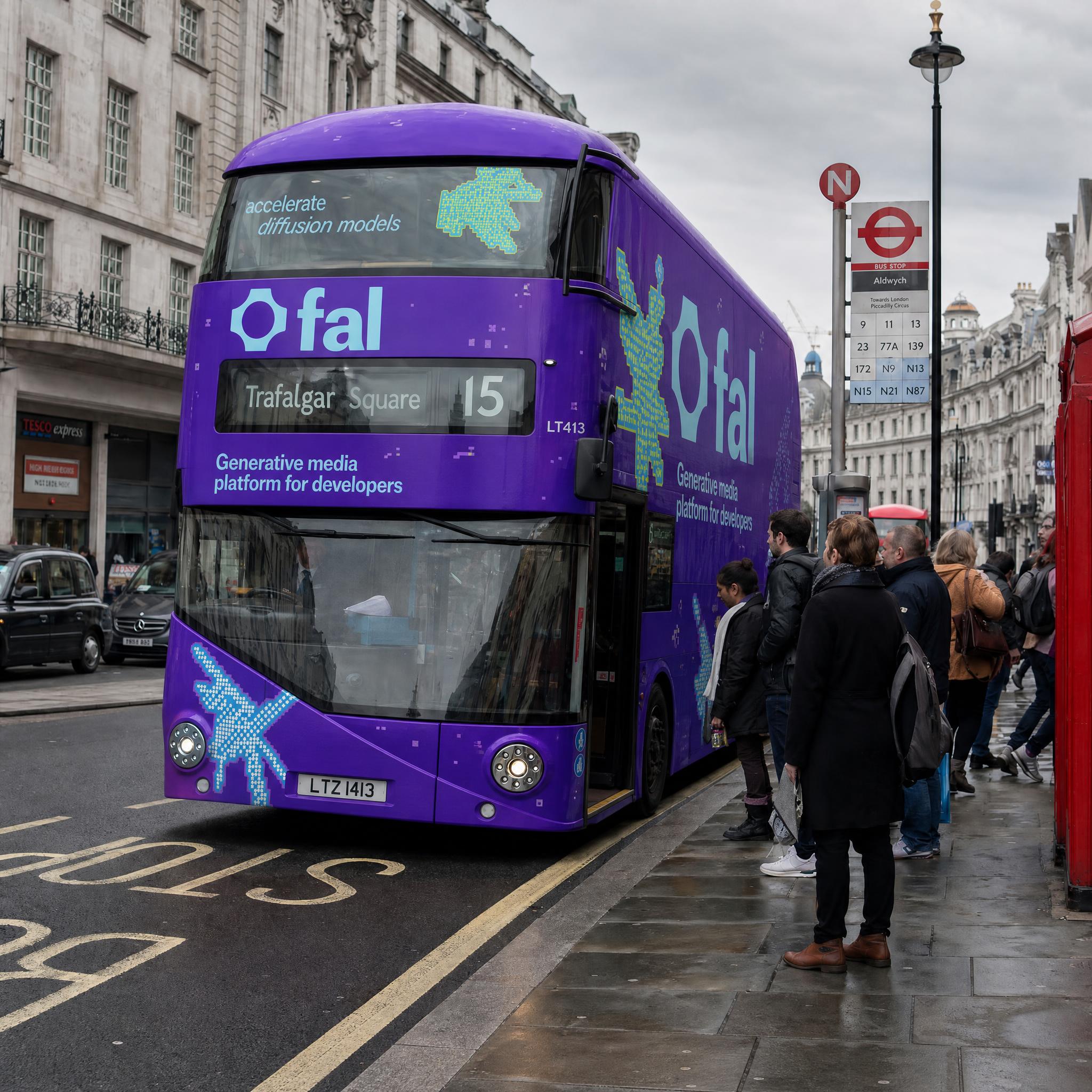
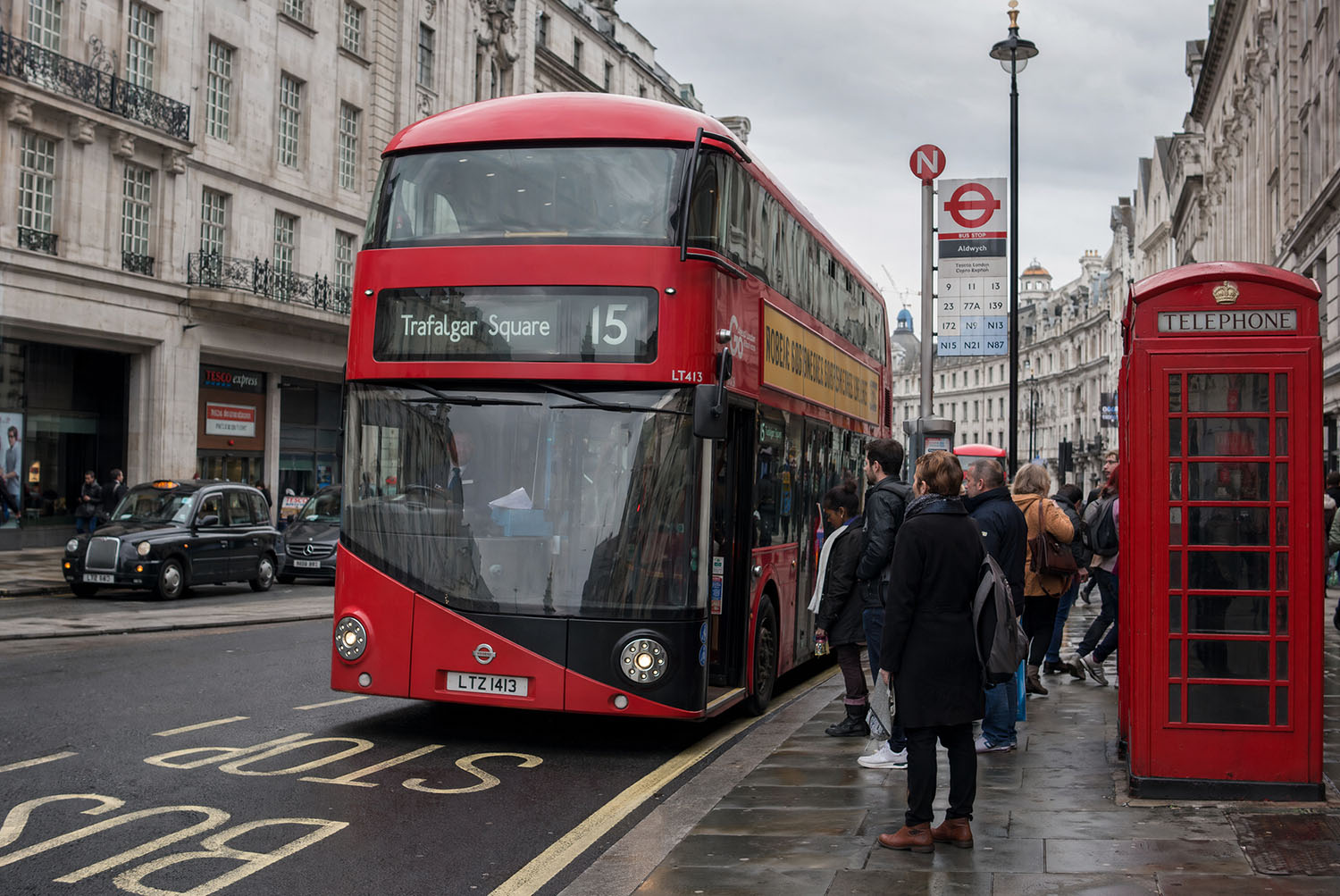
OpenAI's next-generation image model, now available as an image editing API via fal. Make fine-grained, detailed edits to existing images using natural language prompts and optional mask control.
openai/gpt-image-2/edit exposes GPT Image 2 as an image-to-image editing endpoint. Provide one or more reference images alongside a text prompt and the model will apply targeted edits while preserving the parts of the image you did not ask to change. For precise control over which region gets edited, pass an optional mask image to constrain the generation area.
This is the same underlying model as fal-ai/gpt-image-2/, optimized specifically for editing workflows rather than generation from scratch.
Streaming supported. This endpoint supports real-time streaming, so you can display partial results as they arrive rather than waiting for the full generation to complete.
The following table shows the pricing of ChatGPT Images 2.0 from a technical standpoint, including one input image.
| Size | Low Quality | Medium Quality | High Quality |
|---|---|---|---|
| 1024 x 768 | $0.011 | $0.043 | $0.151 |
| 1024 x 1024 | $0.015 | $0.061 | $0.219 |
| 1024 x 1536 | $0.018 | $0.054 | $0.178 |
| 1920 x 1080 | $0.017 | $0.053 | $0.158 |
| 2560 x 1440 | $0.019 | $0.068 | $0.234 |
| 3840 x 2160 | $0.024 | $0.113 | $0.413 |
This implies the following: Longer prompts increase the cost, more complex requests (involving use of world knowledge, etc.) cost more, and larger images cost more.
Describe the change you want in plain text and the model applies it with precision. Style, lighting, objects, clothing, text overlays, and scene details can all be targeted through the prompt alone, without any masking required.
For surgical edits, pass a mask_image_url alongside your reference image. The white regions of the mask indicate the areas to edit; everything outside remains pixel-perfect. This is ideal for product photography touch-ups, background replacements, and UI asset updates.
The image_urls field accepts a list of images. This allows the model to draw context from multiple sources, useful for style transfer, composition blending, or editing images that require cross-reference context.
When image_size is set to auto (the default for this endpoint), the model infers the output dimensions from the input image. This avoids accidental cropping or rescaling when editing existing assets.
Stream the result token by token as it is generated. Useful for interactive editing tools where responsiveness matters more than waiting for a polished final output.
bashnpm install --save @fal-ai/client
bashexport FAL_KEY="YOUR_API_KEY"
javascriptimport { fal } from "@fal-ai/client";

const result = await fal.subscribe("openai/gpt-image-2/edit", {
  input: {
    prompt: "Change the background to a rainy Tokyo street at night",
    image_urls: ["https://your-image-url.com/photo.png"],
  },
  logs: true,
  onQueueUpdate: (update) => {
    if (update.status === "IN_PROGRESS") {
      update.logs.map((log) => log.message).forEach(console.log);
    }
  },
});

console.log(result.data.images[0].url);
javascriptimport { fal } from "@fal-ai/client";

const result = await fal.subscribe("openai/gpt-image-2/edit", {
  input: {
    prompt: "Replace the sky with a dramatic sunset",
    image_urls: ["https://your-image-url.com/photo.png"],
    mask_image_url: "https://your-image-url.com/sky-mask.png",
    quality: "high",
    output_format: "png",
  },
});

console.log(result.data.images[0].url);
javascriptimport { fal } from "@fal-ai/client";

const stream = await fal.stream("openai/gpt-image-2/edit", {
  input: {
    prompt: "Change the lighting to golden hour",
    image_urls: ["https://your-image-url.com/photo.png"],
  },
});

for await (const event of stream) {
  console.log(event);
}

const result = await stream.done();
| Parameter | Type | Default | Description |
|---|---|---|---|
prompt | string | required | Text description of the edit to apply |
image_urls | list of strings | required | One or more reference image URLs to edit |
image_size | enum or object | auto | Output size. auto infers from input image. Pass { width, height } for custom dims |
quality | enum | high | low, medium, or high |
num_images | integer | 1 | Number of edited images to generate |
output_format | enum | png | jpeg, png, or webp |
sync_mode | boolean | false | Returns images as data URIs directly; output excluded from request history |
mask_image_url | string | optional | URL of a mask image. White regions indicate areas to edit |
openai_api_key | string | optional | Your OpenAI API key for BYOK usage |
| Preset | Dimensions |
|---|---|
auto | Inferred from input image (default for this endpoint) |
square_hd | 1024 x 1024 |
square | 512 x 512 |
portrait_4_3 | 768 x 1024 |
portrait_16_9 | 576 x 1024 |
landscape_4_3 | 1024 x 768 |
landscape_16_9 | 1024 x 576 |
Custom dimensions are also supported. Both edges must be multiples of 16:
json"image_size": {
  "width": 1920,
  "height": 1080
}
json{
  "images": [
    {
      "url": "https://v3b.fal.media/files/...",
      "content_type": "image/png",
      "file_name": "output.png",
      "width": 1024,
      "height": 1024
    }
  ]
}
For production workloads or longer-running edits, submit requests asynchronously and retrieve results via webhook or polling.
javascript// Submit
const { request_id } = await fal.queue.submit("openai/gpt-image-2/edit", {
  input: {
    prompt: "...",
    image_urls: ["https://your-image-url.com/photo.png"],
  },
  webhookUrl: "https://your-server.com/webhook",
});

// Check status
const status = await fal.queue.status("openai/gpt-image-2/edit", {
  requestId: request_id,
  logs: true,
});

// Fetch result
const result = await fal.queue.result("openai/gpt-image-2/edit", {
  requestId: request_id,
});
The endpoint accepts image URLs or base64 data URIs. For images that are not publicly accessible, upload them first using the fal storage API:
javascriptimport { fal } from "@fal-ai/client";

const file = new File([imageBuffer], "photo.png", { type: "image/png" });
const url = await fal.storage.upload(file);

// Use the returned URL as image_urls[0] or mask_image_url
The client will also auto-upload binary objects (File, Blob, Buffer) if you pass them directly.
Product photo editing -- Swap backgrounds, adjust lighting, or update props in product photography without reshooting.
UI and design asset updates -- Edit screenshots, mockups, or design files by describing the change in plain text.
Portrait and photo retouching -- Adjust clothing, environment, or background details while keeping the subject untouched via masking.
Batch content variation -- Generate multiple edited variants of the same base image at different quality settings for A/B testing.
Interactive editing tools -- Use streaming mode to show real-time progress in editing UIs, reducing perceived wait time.
If you want to learn more visit our blog & our gpt image 2 page
A mask image is a black-and-white PNG where:
The mask must match the dimensions of the input image. If no mask is provided, the model decides which parts of the image to change based on the prompt alone.
| Feature | openai/gpt-image-2/edit | openai/gpt-image-2 |
|---|---|---|
| Input images | Required | Not used |
| Mask support | Yes | No |
| Default image size | auto (from input) | landscape_4_3 |
| Streaming | Yes | No |
| Use case | Edit existing images | Generate from scratch |