fal-ai/pixverse/v5.5/image-to-video

Input
Hint: Drag and drop image files from your computer, images from web pages, paste from clipboard (Ctrl/Cmd+V), or provide a URL. Accepted file types: jpg, jpeg, png, webp, gif, avif
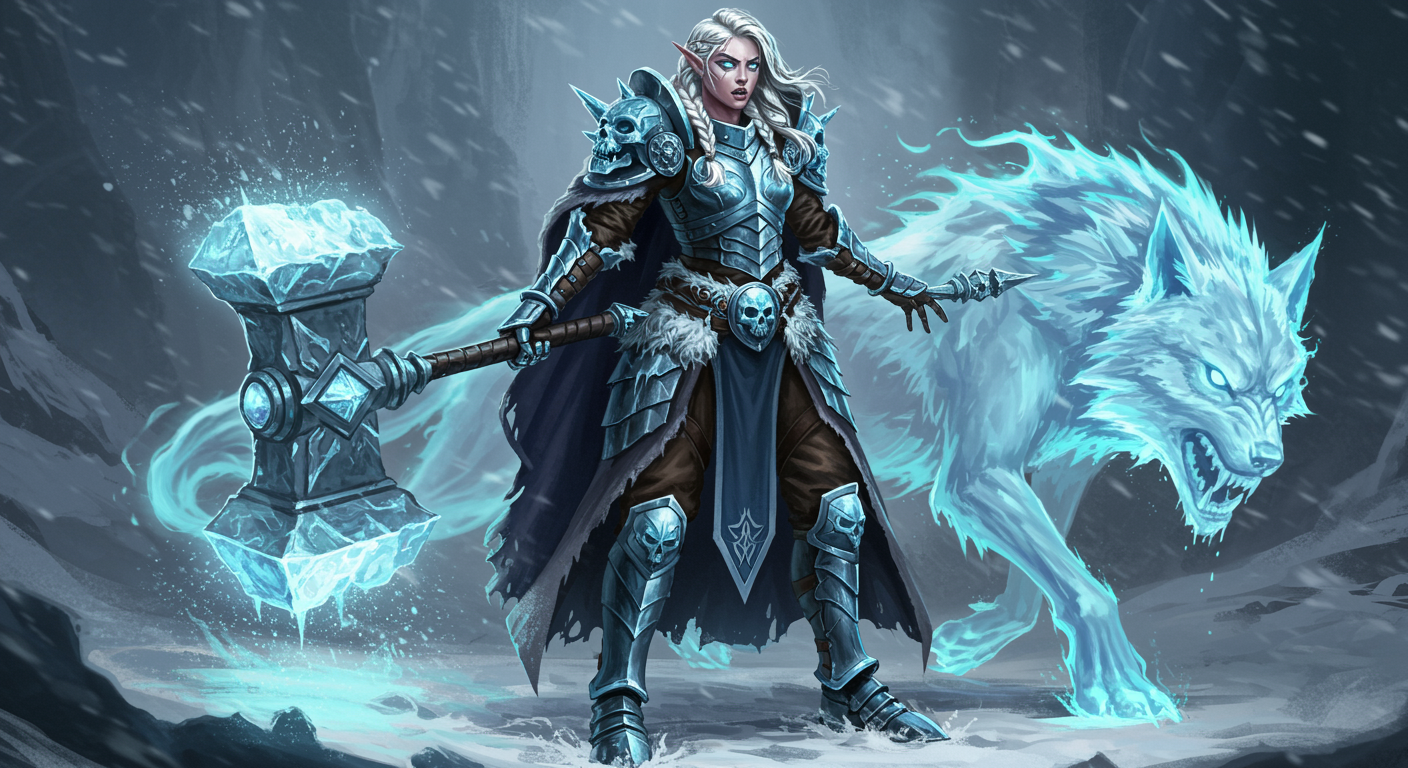
Customize your input with more control.
Result
What would you like to do next?
For a 5s video in single-clip mode without audio, your request will cost $0.15 for 360p and 540p, $0.2 for 720p, and $0.4 for 1080p. Enabling audio adds $0.05, and multi-clip mode adds $0.10 (or $0.15 with audio). For 8-second videos, costs double; for 10-second videos, costs are 2.2x the 5-second base (1080p not supported for 10s). For $1 you can run this model with approximately 2 times.
Logs
Pixverse v5.5 | [image-to-video]
Pixverse's v5.5 architecture transforms static images into 5-10 second video clips at resolutions from 360p to 1080p, priced between $0.15-$0.40 per generation. Trading flat-rate simplicity for resolution flexibility, the model costs 4-5x more than text-to-video alternatives while delivering first-frame precision. Built for creators who need exact starting compositions—product demos, character animations, or brand-consistent visual storytelling.
Use Cases: Product Demonstrations | Character Animation | Visual Storytelling
Performance
Pixverse v5.5 operates in the mid-tier cost range for image-to-video generation, with pricing scaling based on resolution and feature selection rather than flat-rate inference.
| Metric | Result | Context |
|---|---|---|
| Resolution Range | 360p to 1080p | Four resolution tiers: 360p ($0.15), 720p ($0.20), 900p ($0.30), 1080p ($0.40) |
| Video Duration | 5-10 seconds | 1080p limited to 5-8 seconds; 10-second clips cost 2.2x base rate |
| Cost per Video | $0.15-$0.40 | Base 720p 5-second generation at $0.20; audio adds $0.05, multi-clip adds $0.10 |
| Aspect Ratio Options | 5 formats | 16:9, 4:3, 1:1, 3:4, 9:16 for platform-specific output |
| Related Endpoints | v3.5, v5 | Earlier versions with different pricing structures |
Controllable Video Generation with Multi-Modal Input
Pixverse v5.5 combines text prompts with image input to anchor the first frame, contrasting with pure text-to-video models that generate all frames synthetically. The architecture adds optional audio generation (BGM, sound effects, dialogue) and multi-clip mode with dynamic camera movements, features that layer onto the base generation cost.
What this means for you:
- First-frame precision: Upload your exact starting image rather than iterating through text-to-video generations to match your composition, critical for brand consistency or character continuity across multiple clips
- Resolution flexibility: Choose from 360p ($0.15) to 1080p ($0.40) based on output requirements, with 720p as the default balance point at $0.20 per 5-second clip for social media workflows
- Audio integration: Add generated audio for $0.05 extra, eliminating separate audio production workflows when creating social media content or product demonstrations
- Style presets: Apply anime, 3D animation, clay, comic, or cyberpunk styles directly through API parameters rather than post-processing, reducing production time for stylized content
Technical Specifications
| Spec | Details |
|---|---|
| Architecture | Pixverse v5.5 |
| Input Formats | Image URL (JPEG, PNG, WebP, GIF, AVIF) + text prompt |
| Output Formats | MP4 video |
| Duration Options | 5, 8, or 10 seconds (1080p limited to 5-8s) |
| License | Commercial use permitted |
API Documentation | Quickstart Guide | Enterprise Pricing
How It Stacks Up
Pixverse v3.5 ($0.15 base) – Pixverse v5.5 adds 1080p support and audio generation capabilities at 1.3-2.7x the cost ($0.20-$0.40 vs $0.15). v3.5 remains viable for workflows prioritizing cost efficiency over resolution options, particularly for 720p-and-below content where audio integration is handled separately.
Pixverse v5 – Pixverse v5.5 refines the v5 architecture with enhanced prompt adherence and expanded duration options. v5 serves as the intermediate step between v3.5's simplicity and v5.5's feature set, though specific pricing differences require direct comparison on fal.
Kling Video v2.6 Pro – Pixverse v5.5 offers broader aspect ratio flexibility (5 formats vs standard 16:9) and integrated audio generation. Kling Video v2.6 Pro focuses on professional-grade motion quality for commercial production workflows where sustained motion coherence matters more than creative styling options.
LongCat Video – Pixverse v5.5 trades extended duration capabilities for style presets and multi-clip generation modes. LongCat Video specializes in longer-form content where video length requirements exceed 10 seconds, though it lacks the integrated audio generation and style preset options available in v5.5.