Loading playground
Input
Additional Settings
Customize your input with more control.
Result
Idle

Customize your input with more control.
Customize your input with more control.
Type # to reference inputs.
Hint: Drag and drop image files from your computer, images from web pages, paste from clipboard (Ctrl/Cmd+V), or provide a URL. Accepted file types: jpg, jpeg, png, webp, gif, avif, heic, heif
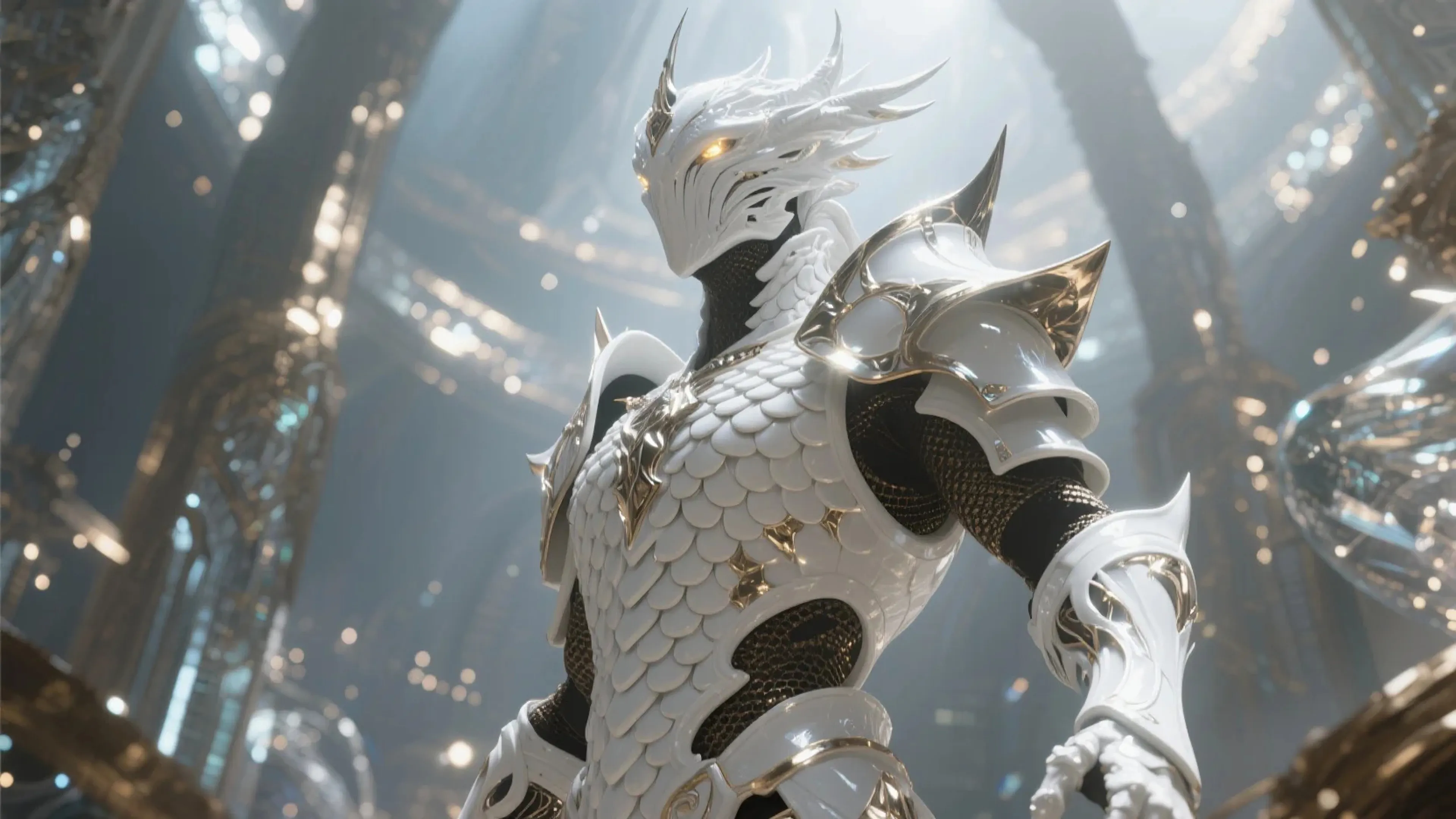
Customize your input with more control.
For 5s video your request will cost $0.15 for 360p and 540p, $0.20 for 720p and $0.40 for 1080p. For $1 you can generate 6 clips at 360p/540p, 5 at 720p or 2 at 1080p.
Transform static images into dynamic videos with PixVerse, a powerful API for creating high-quality video content from single images and text prompts.
PixVerse enables developers and creators to generate engaging video content programmatically from still images. Whether you're building a content creation app, enhancing user experiences, or automating video production, PixVerse provides a reliable and efficient solution with support for multiple resolutions and styles.
Getting up and running with PixVerse takes just a few minutes. Here's how to begin:
First, install the client library for your preferred language:
For JavaScript/TypeScript:
bashnpm install --save @fal-ai/client
For Python:
bashpip install fal-client
Configure your authentication:
javascriptimport { fal } from "@fal-ai/client";

fal.config({
  credentials: "YOUR_FAL_KEY_HERE"
});
Here's a simple example of generating a video from an image:
javascriptimport { fal } from "@fal-ai/client";

const result = await fal.subscribe("fal-ai/pixverse/v3.5/image-to-video", {
  input: {
    image_url: "https://example.com/your-image.jpg",
    prompt: "A serene mountain landscape with clouds rolling over peaks"
  }
});
Transform Static Content Convert any still image into fluid, natural-looking video content while maintaining visual quality and coherence.
Multiple Resolution Options Choose from 360p, 540p, 720p, or 1080p output resolutions to match your needs and budget.
Advanced Motion Control Fine-tune movement with motion modes (normal or fast) and style presets to achieve your desired effect.
Fast Processing Generation typically completes in approximately 1 minute, making it suitable for production workflows.
Input Parameters:
image_url (required): URL of the input imageprompt (required): Text description to guide the video generationduration: Video length - 5 or 8 secondsquality: Resolution - "360p", "540p", "720p", or "1080p"motion_mode: "normal" or "fast" (fast only available for 5s videos)style: Style preset for generation (default: "auto")negative_prompt: Elements to avoid in the generationseed: Random seed for reproducible resultsmodel: Model version (default: "v3.5")water_mark: Add watermark to output (default: false)Quality Optimization
Start with high-resolution source images for best results. The API performs best with images in standard aspect ratios.
Error Handling
Always implement proper error handling to manage API responses:
javascripttry {
  const result = await fal.subscribe("fal-ai/pixverse/v3.5/image-to-video", {
    input: {
      image_url: sourceUrl,
      prompt: "Your description"
    }
  });
  // Process successful result
} catch (error) {
  console.error("Video generation failed:", error.message);
  // Handle error appropriately
}
Queue-Based Processing
For asynchronous workflows:
javascript// Submit request
const { request_id } = await fal.queue.submit("fal-ai/pixverse/v3.5/image-to-video", {
  input: {
    image_url: "your-image-url",
    prompt: "Your prompt"
  },
  webhookUrl: "https://optional.webhook.url/for/results"
});

// Check status
const status = await fal.queue.status("fal-ai/pixverse/v3.5/image-to-video", {
  requestId: request_id,
  logs: true
});

// Get result
const result = await fal.queue.result("fal-ai/pixverse/v3.5/image-to-video", {
  requestId: request_id
});
PixVerse supports several parameters to customize video generation:
javascriptconst advancedOptions = {
  input: {
    image_url: "https://example.com/image.jpg",
    prompt: "Dynamic camera movement over landscape",
    duration: 5,          // 5 or 8 seconds
    quality: "720p",      // Resolution selection
    motion_mode: "fast",  // Available for 5s videos
    style: "cinematic",   // Style preset
    seed: 12345          // For reproducible results
  }
};
Processing Capabilities:
Supported Resolutions:
Upload local images using the file storage API:
javascriptimport { fal } from "@fal-ai/client";

const file = new File([imageData], "image.jpg", { type: "image/jpeg" });
const url = await fal.storage.upload(file);

const result = await fal.subscribe("fal-ai/pixverse/v3.5/image-to-video", {
  input: {
    image_url: url,
    prompt: "Your video description"
  }
});
Our documentation includes complete reference implementations for:
Visit our API reference for detailed endpoint specifications and response formats.
Transparent, usage-based pricing that scales with your needs:
5-second videos:
8-second videos pricing scales proportionally.
No subscription necessary - pay only for what you use.
View detailed pricing or contact sales for enterprise solutions.
For technical support or implementation guidance:
Start building with PixVerse today to bring your static images to life with fluid, natural motion.