fal-ai/chrono-edit-lora-gallery/paintbrush
Input
Hint: Drag and drop image files from your computer, images from web pages, paste from clipboard (Ctrl/Cmd+V), or provide a URL. Accepted file types: jpg, jpeg, png, webp, gif, avif
Customize your input with more control.
Result
What would you like to do next?
Your request will cost $0.02 per image for 480p or $0.03 per image for 720p.
Logs
Chrono Edit Paintbrush LoRA | [image-to-image]
Chrono Edit Paintbrush delivers sketch-based image editing at $0.02-0.03 per image with 8-step inference. Trading traditional masking workflows for intuitive paintbrush-style sketching, it processes edits in seconds while maintaining the original image's artistic style. Built for designers and creators who need quick visual iterations without complex tooling.
Use Cases: Product mockup variations | Illustration refinement | Style-preserving image modifications
Performance
At $0.02 per 480p image ($0.03 for 720p), Chrono Edit Paintbrush sits in the middle of fal's image editing lineup, more affordable than precision tools while offering sketch-based control that standard diffusion models lack.
| Metric | Result | Context |
|---|---|---|
| Inference Steps | 8 (default) | Configurable 2-50 steps, 8 balances speed and quality |
| Resolution Options | 480p / 720p | Tiered pricing: $0.02 vs $0.03 per image |
| Cost per Image | $0.02-0.03 | 50 generations per $1.00 at 480p, 33 at 720p |
| LoRA Support | Up to 3 custom LoRAs | Merge additional adapters via `loras` parameter |
| Related Endpoints | Chrono Edit, Chrono Edit LoRA, Upscaler variant | Standard, LoRA-enabled, sketch gallery, and resolution enhancement variants |
Sketch-First Editing Without Masks
Chrono Edit Paintbrush replaces pixel-perfect masking with freeform sketching. Draw directly on your input image to indicate edit regions, describe the transformation in natural language, and the model interprets your intent while preserving surrounding context.
What this means for you:
-
Paintbrush-style control: Draw rough sketches directly on images instead of creating precise masks. The model interprets your intent from loose strokes and applies edits while maintaining original composition
-
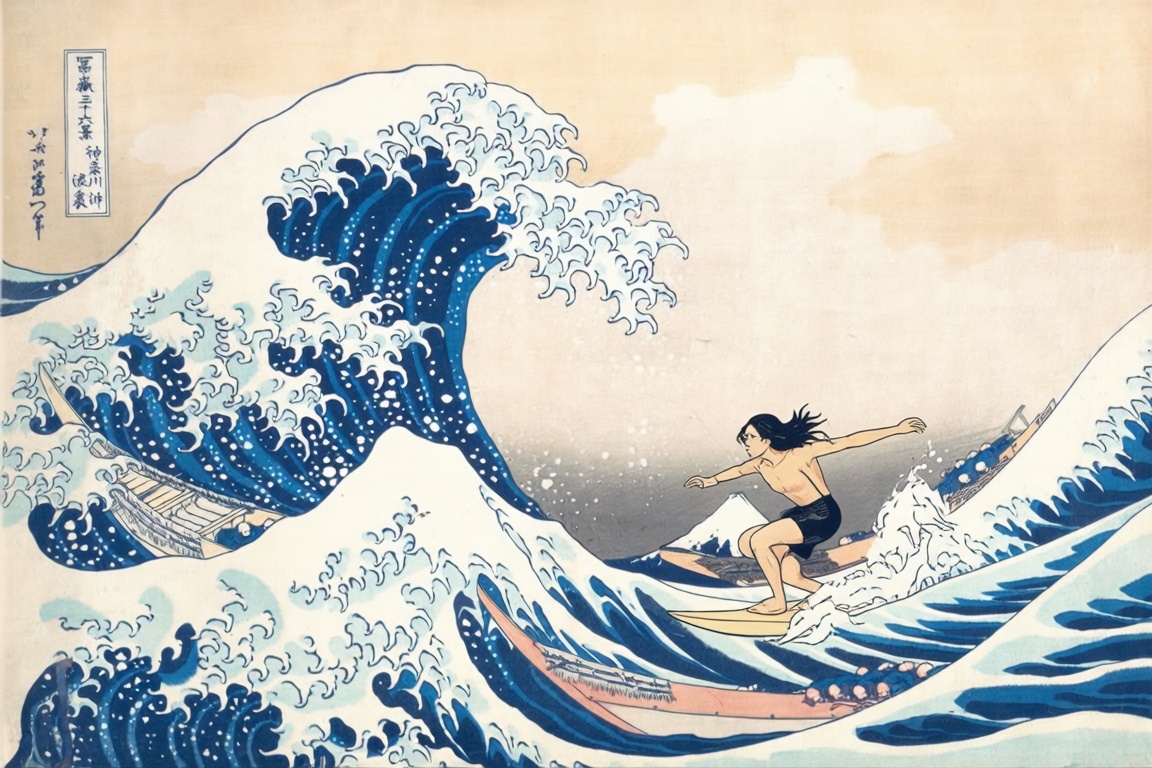
Style preservation architecture: Built-in LoRA adapters maintain artistic consistency across edits, keeping ukiyo-e prints looking like woodblock prints and watercolors looking like watercolors
-
Flexible LoRA stacking: Merge up to 3 custom LoRA adapters simultaneously with adjustable scale (0-2x), enabling compound style transfers or specialized editing behaviors beyond the base model
-
Tiered resolution pricing: Choose 480p at $0.02 or 720p at $0.03 per image based on output requirements, ideal for rapid iteration at lower resolution before final high-res renders
Technical Specifications
| Spec | Details |
|---|---|
| Architecture | Chrono Edit LoRA Gallery |
| Input Formats | Image URL (required), optional mask URL for region control |
| Output Formats | JPEG, PNG, WebP |
| Resolution | 480p (default) or 720p with tiered pricing |
| License | Commercial use permitted |
API Documentation | Quickstart Guide | Enterprise Pricing
How It Stacks Up
Chrono Edit ($0.02-0.03) – Chrono Edit Paintbrush adds sketch-based editing and multi-LoRA support at the same pricing tier. Chrono Edit offers simpler prompt-only editing for workflows that don't require visual markup or custom style adapters.
Chrono Edit LoRA ($0.02-0.03) – Chrono Edit Paintbrush extends the LoRA variant with paintbrush-style sketching and support for up to 3 simultaneous LoRA merges. Chrono Edit LoRA remains ideal for single-adapter workflows where text prompts suffice without visual region control.
FASHN Virtual Try-On V1.5 (see pricing) – Chrono Edit Paintbrush prioritizes general-purpose sketch editing with style preservation across any image type. FASHN specializes in garment try-on with body-aware transformations for fashion and e-commerce workflows.