 Documentation
 Examples
 Model API Reference
 SDK Reference
 Inference API
 Platform API
 Changelog

Built-in skills
fal’s creative engineers maintain these skills. They are on by default and appear under By fal.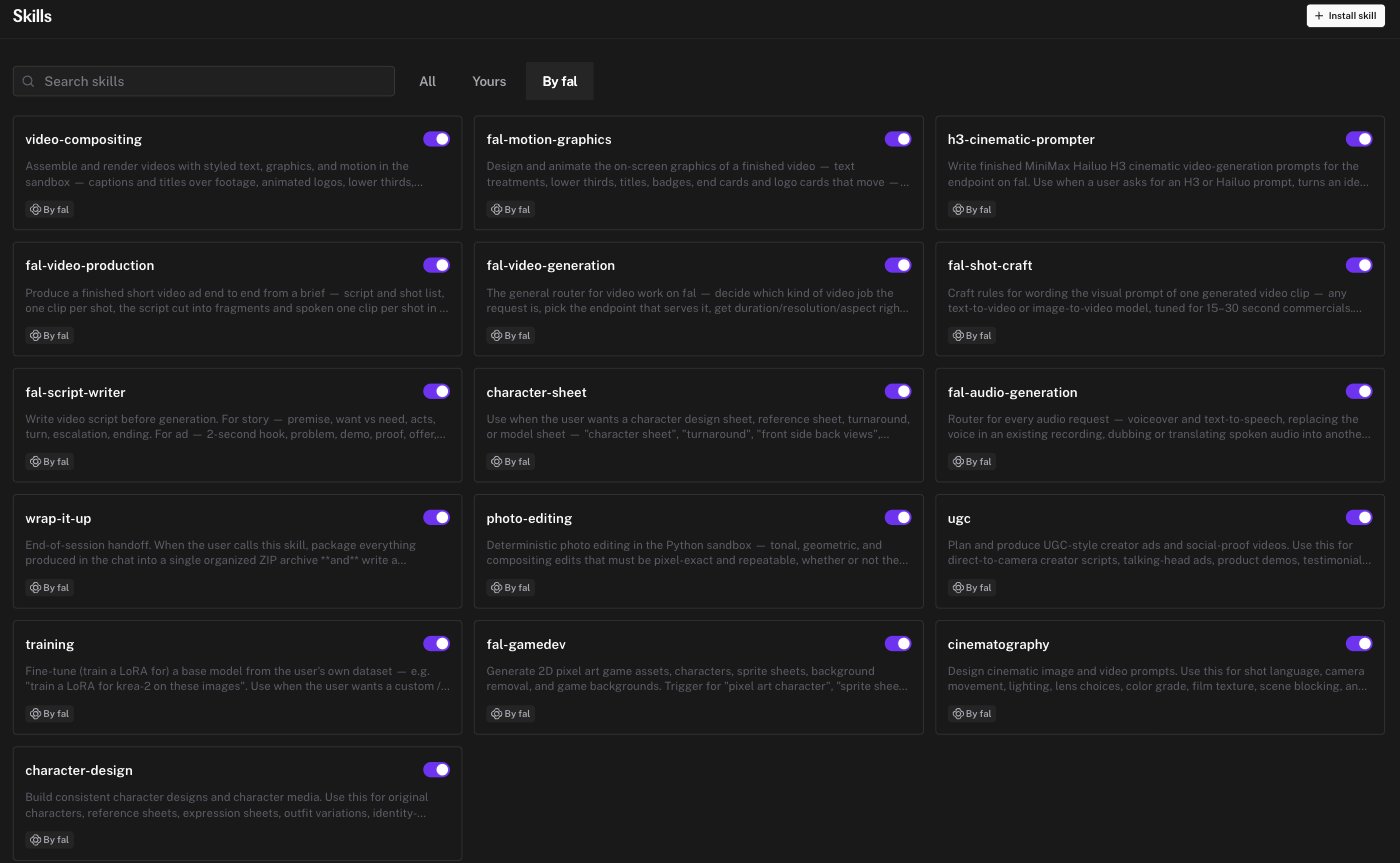
How a skill activates
- Automatically. The agent sees the name and description of every enabled skill. When a request matches, it loads the skill’s full body.
- On request. Type
@in the composer, open Skills, and pick one. It is loaded for that turn.
Turn skills on and off
- Each skill card has a toggle. A disabled skill is invisible to the agent.
- Settings → Skills → Enable skills is the master switch. When it is off, the agent ignores all skills, including fal’s and yours.
Your own skills
You can write a skill in the editor or install one from a GitHub repository. See Custom skills.Custom skills
Format, editor, GitHub install, updates, and limits