Loading playground
Input
Additional Settings
Customize your input with more control.
Result
Idle

Customize your input with more control.
Customize your input with more control.
Type # to reference inputs.
Hint: Drag and drop image files from your computer, images from web pages, paste from clipboard (Ctrl/Cmd+V), or provide a URL. Accepted file types: jpg, jpeg, png, webp, gif, avif, heic, heif
Customize your input with more control.
For a video generation, your request will cost $0.20 at 480p resolution and $0.40 at 720p resolution. For $1 you can generate 5 videos at 480p or 2 at 720p with the default frames. More than the default frames will cost 1.25x more.
For a video generation, your request will cost $0.20 at 480p resolution and $0.40 at 720p resolution. For $1 you can generate 5 videos at 480p or 2 at 720p with the default frames. More than the default frames will cost 1.25x more.
Transform your static images into fluid, natural-looking videos with WAN-2.1 Image-to-Video. This powerful API lets you create engaging video content from single images with professional-grade motion and high visual quality.
WAN-2.1 Image-to-Video uses advanced AI to analyze your source image and generate realistic motion, perfect for:
Getting up and running takes just a few minutes. Here's how to begin:
For JavaScript/TypeScript users:
javascriptimport { fal } from "@fal-ai/client";

// Configure your credentials
fal.config({
  credentials: "YOUR_FAL_KEY"
});

// Generate video from image
const result = await fal.subscribe("fal-ai/wan-i2v", {
  input: {
    image_url: "YOUR_IMAGE_URL",
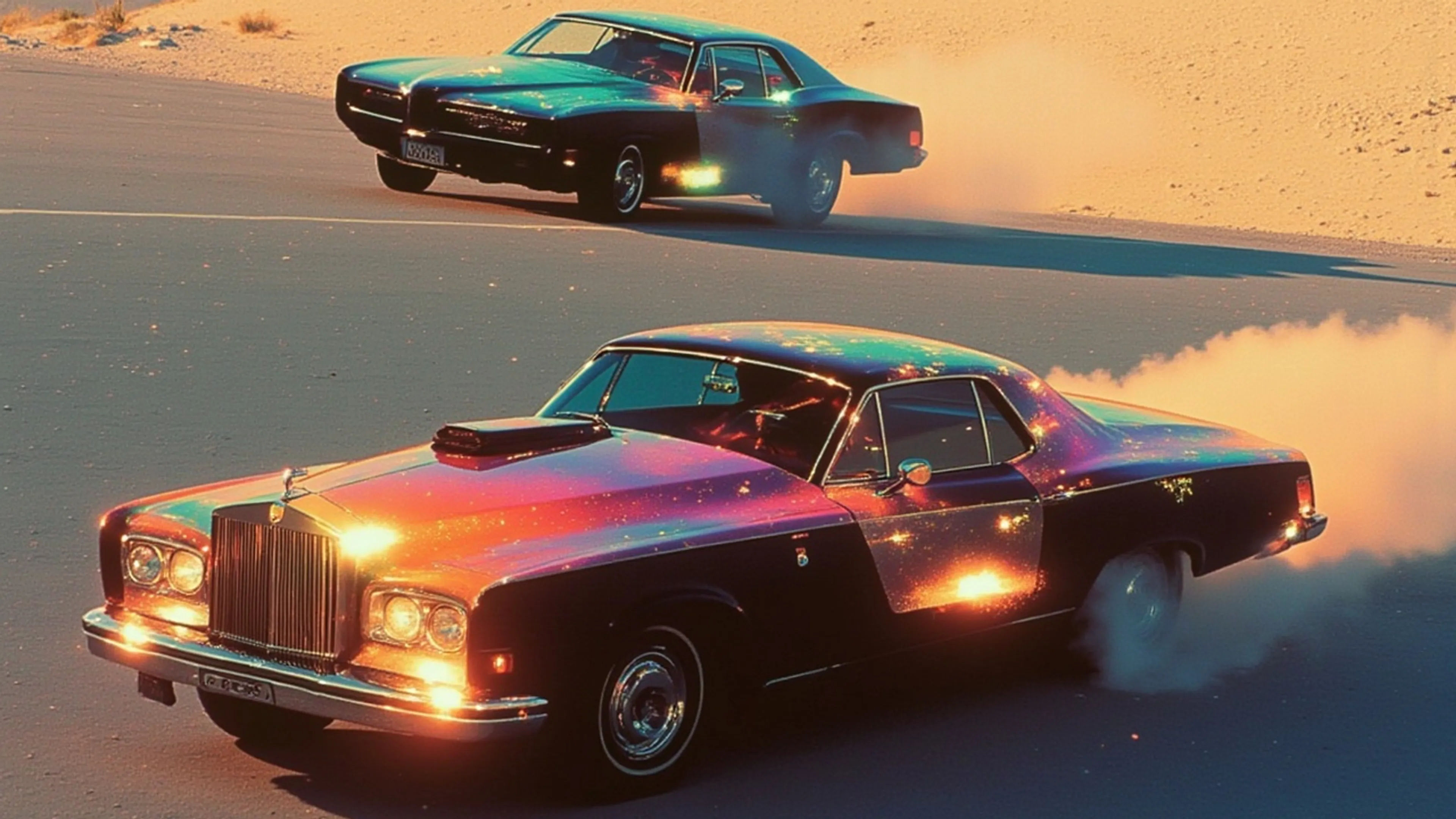
    prompt: "Cars racing in slow motion"
  }
});
For Python developers:
pythonimport fal_client

result = fal_client.subscribe("fal-ai/wan-i2v", {
    "image_url": "YOUR_IMAGE_URL",
    "prompt": "Cars racing in slow motion"
})
Video Output:
Processing:
Achieve optimal results by following these guidelines:
Image Selection Clear, high-quality source images produce better results. Use images with good lighting and sharp focus. Complex scenes with multiple subjects may require prompt adjustment.
Parameter Optimization Start with default settings and adjust based on your needs. Use higher resolution (720p) for better quality at higher cost. Adjust frames_per_second for smoother or more stylized motion.
Error Handling Implement proper error handling in your code:
javascripttry {
  const result = await fal.subscribe("fal-ai/wan-i2v", {
    input: {
      image_url: imageUrl,
      prompt: "Your motion description"
    }
  });
} catch (error) {
  console.error("Video generation failed:", error.message);
}
Core Parameters:
javascript{
  prompt: string,                // Required: Motion description
  image_url: string,            // Required: URL or base64 image
  num_frames: number,           // Optional: 81-100 (default 81)
  frames_per_second: number,    // Optional: 5-24 (default 16)
  resolution: string,           // Optional: "480p"|"720p" (default "720p")
  aspect_ratio: string,         // Optional: "auto"|"16:9"|"9:16"|"1:1"
  enable_safety_checker: boolean,
  enable_prompt_expansion: boolean
}
Transparent, usage-based pricing:
View detailed pricing or contact sales for enterprise solutions.
Coming from Replicate? Our API offers a similar interface with enhanced capabilities:
We're here to help you succeed:
Ready to get started? Create your free account to get your API key.
