fal-ai/bytedance/seedance/v1.5/pro/image-to-video
Loading playground
Input
Additional Settings
Customize your input with more control.
Result
Idle

Customize your input with more control.
Customize your input with more control.
Type # to reference inputs.
Hint: Drag and drop image files from your computer, images from web pages, paste from clipboard (Ctrl/Cmd+V), or provide a URL. Accepted file types: jpg, jpeg, png, webp, gif, avif, heic, heif
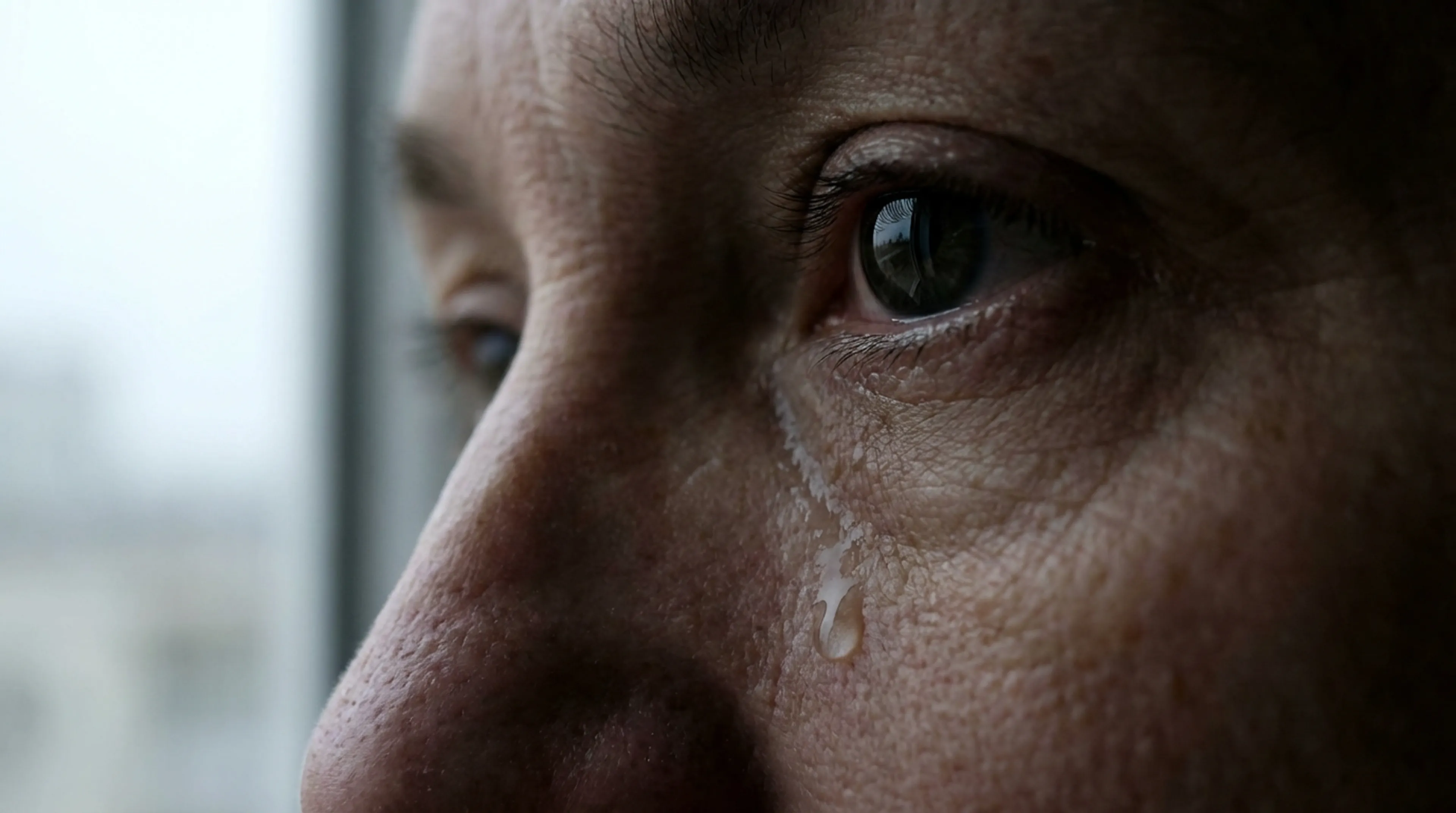
Customize your input with more control.
Each 720p 5 second video with audio costs roughly $0.26. For other resolutions, 1 million video tokens with audio costs $2.40. Without audio, the price is $1.20 per million tokens. tokens(video) = (height x width x FPS x duration) / 1024.
Each 720p 5 second video with audio costs roughly $0.26. For other resolutions, 1 million video tokens with audio costs $2.40. Without audio, the price is $1.20 per million tokens. tokens(video) = (height x width x FPS x duration) / 1024.
Animate any image into a cinematic video with synchronized audio. Upload a start frame and optionally an end frame and Seedance 1.5 Pro generates the motion, camera movement, dialogue, and sound design in between.
| Use Case | Why Seedance 1.5 Pro fits |
|---|---|
| Photo animation | Breathe life into a still portrait or product shot with realistic motion and ambient sound. |
| Character animation | Turn concept art or a single character frame into a speaking, emoting performance with lip-sync. |
| Product reveals | Start on a hero shot, end on packaging — the model animates the transition with cinematic flair. |
| Scene transitions | Define start and end compositions for precise A-to-B shots — useful for ads, trailers, or music videos. |
| Storyboard-to-video | Convert illustrated storyboard frames into rough-cut motion tests with matching audio. |
| Social content | Animate memes, portraits, or fan art into shareable clips with sound. |
| Virtual avatars | Animate a single headshot into a talking-head video with natural speech and lip-sync. |
| Feature | Description |
|---|---|
| Start frame conditioning | Upload an image to set the opening composition, lighting, subject, and style. |
| End frame conditioning | Optionally upload a second image to define where the shot lands — the model generates the motion path between them. |
| Native audio generation | Dialogue, sound effects, and ambient audio rendered alongside the video. Lip movements stay locked to speech. |
| Cinematic camera work | Pan, tilt, zoom, dolly, orbit, tracking shots — describe the move in your prompt. |
| Character consistency | The subject from your start frame stays stable throughout — face, clothing, and expression. |
| High resolution | Output up to 1080p with smooth temporal consistency. |
| Parameter | Options | Notes |
|---|---|---|
prompt | Text (required) | Describe action, dialogue, camera, and sound |
image_url | URL (required) | Start frame — sets the opening composition |
end_image_url | URL (optional) | End frame — defines the closing composition |
aspect_ratio | 21:9 · 16:9 · 4:3 · 1:1 · 3:4 · 9:16 | Default: 16:9 |
resolution | 480p · 720p | 480p for faster iteration; 720p for final output |
duration | 4–12 seconds | Default: 5 |
generate_audio | true / false | Default: true — set false for silent video |
camera_fixed | true / false | Lock the camera in place (tripod shot) |
seed | Integer | Set a value for reproducibility; use -1 for random |
This is the core differentiator from text-to-video. You control the opening and closing compositions directly.
| Frame | What it does |
|---|---|
Start frame (image_url) | Required. Sets the initial subject, pose, lighting, color grade, and environment. The model animates forward from here. |
End frame (end_image_url) | Optional. Defines the final composition. The model generates a motion path that lands precisely on this frame. |
Tips:
Your prompt guides what happens between the frames:
| Element | Example |
|---|---|
| Action | "She turns to face the camera and smiles" |
| Dialogue | "I've been waiting for this moment." (use quotes) |
| Camera | "Slow push-in ending on a close-up" |
| Audio/Foley | "Soft piano, room reverb, fabric rustling" |
More tips:
"I can't believe it," voice breaking with emotion.camera_fixed: true if you want the subject to move but the frame to stay locked.| Spec | Value |
|---|---|
| Max duration | 12 seconds |
| Max resolution | 1080p |
| Audio | Mixed dialogue + foley + score, 48 kHz AAC |
| Output format | MP4 (H.264) |
