Loading playground
Input
Additional Settings
Customize your input with more control.
Result
Idle

This model is no longer supported.
Customize your input with more control.
Customize your input with more control.
Type # to reference inputs.
Hint: Drag and drop image files from your computer, images from web pages, paste from clipboard (Ctrl/Cmd+V), or provide a URL. Accepted file types: jpg, jpeg, png, webp, gif, avif, heic, heif
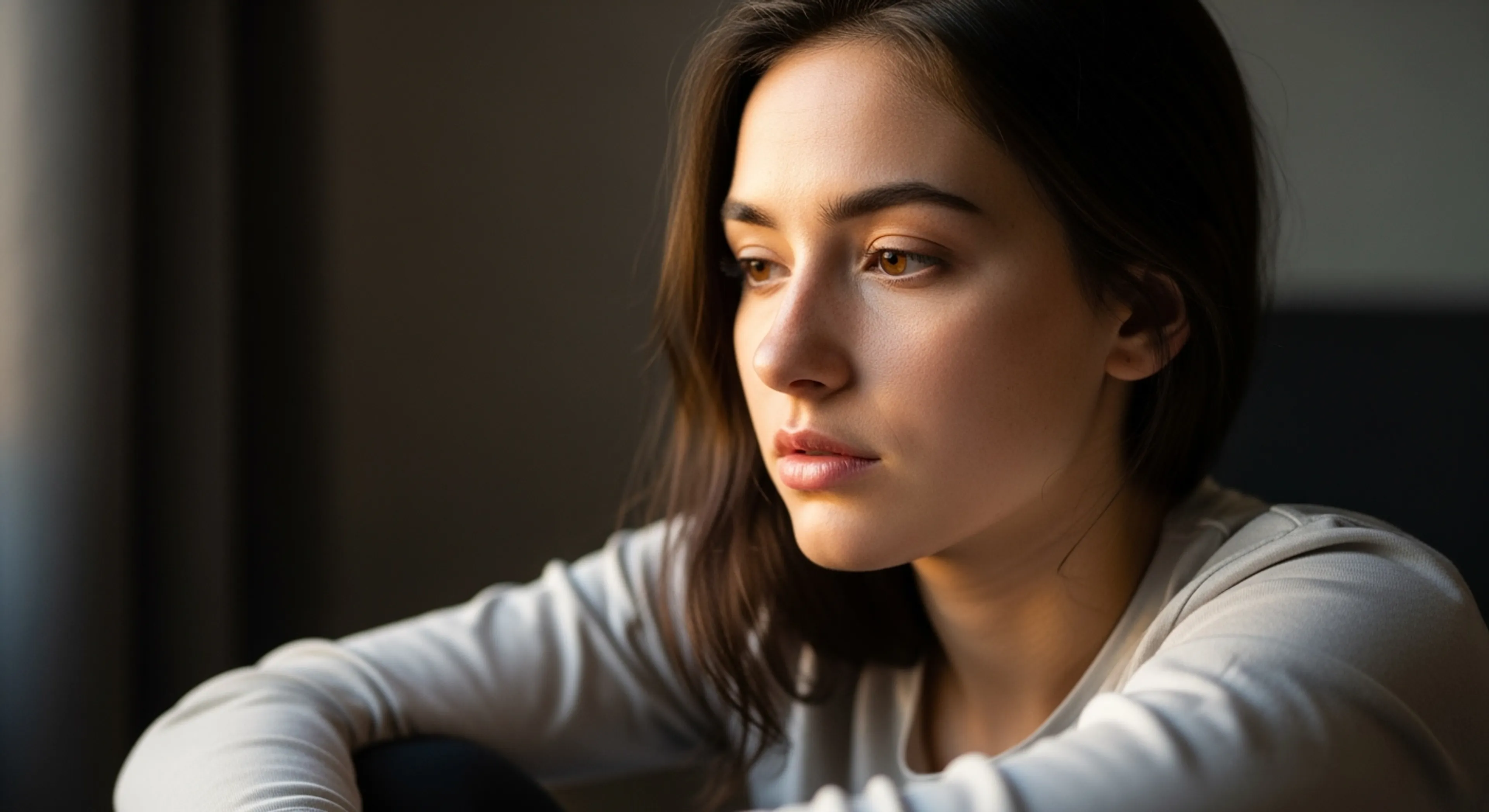
Customize your input with more control.
For 5s video your request will cost $2.50. For every aditional second you will be charged $0.50.
For 5s video your request will cost $2.50. For every aditional second you will be charged $0.50.
 Contact sales for competitive API pricing
Transform your static images into fluid, natural-looking videos with Google Veo 2. This powerful image-to-video model creates smooth, high-quality animations that bring your still images to life.
Google Veo 2 seamlessly converts static images into dynamic video sequences, offering creative professionals and developers a powerful tool for content creation. Whether you're creating social media content, digital advertisements, or interactive experiences, Veo 2 delivers professional-grade video animations.
Transform still images into fluid video content with features designed for professional use:
Natural Motion Generation
Quality Control
Getting started with Google Veo 2 is straightforward. Here's how to begin:
bashnpm install --save @fal-ai/client
# or
pip install fal-client
javascriptimport { fal } from "@fal-ai/client";

fal.config({
  credentials: "YOUR_FAL_KEY"
});
javascriptconst result = await fal.subscribe("fal-ai/veo2/image-to-video", {
  input: {
    image_url: "YOUR_IMAGE_URL",
    prompt: "A lego chef cooking eggs"
  }
});
Consider these guidelines when using Veo 2:
Input Image Quality Choose high-resolution images with clear subjects and good lighting. Images should be at least 720p or higher for optimal results.
Prompt Writing Write descriptive prompts that specify the desired animation, camera movement, and style. The prompt should describe how the image should be animated.
Error Handling Implement proper error handling in your application:
javascripttry {
  const result = await fal.subscribe("fal-ai/veo2/image-to-video", {
    input: {
      image_url: imageUrl,
      prompt: "Your animation description"
    }
  });
} catch (error) {
  console.error("Video generation failed:", error.message);
}
Video Output
Processing
Integrate Veo 2 into your existing workflow:
javascript// Example: Queue-based processing
const { request_id } = await fal.queue.submit("fal-ai/veo2/image-to-video", {
  input: {
    image_url: imageUrl,
    prompt: "Camera slowly zooms in on the subject",
    aspect_ratio: "16:9",
    duration: "5s"
  },
  webhookUrl: "https://your.webhook.url"
});

// Check status
const status = await fal.queue.status("fal-ai/veo2/image-to-video", {
  requestId: request_id,
  logs: true
});

// Get result
const result = await fal.queue.result("fal-ai/veo2/image-to-video", {
  requestId: request_id
});
Fine-tune your video generation with available parameters:
javascriptconst result = await fal.subscribe("fal-ai/veo2/image-to-video", {
  input: {
    image_url: imageUrl,
    prompt: "A smooth tracking shot revealing the scene",
    aspect_ratio: "16:9", // or "9:16", "auto"
    duration: "5s" // 5s to 8s
  },
  logs: true,
  onQueueUpdate: (update) => {
    if (update.status === "IN_PROGRESS") {
      console.log("Processing:", update.logs);
    }
  }
});
Common issues and solutions:
Poor Video Quality
Processing Errors
Transparent pricing structure:
View detailed pricing or contact sales for enterprise solutions.
Need help? Access these resources:
Ready to get started? Create your free account
