Loading playground
Input
Additional Settings
Customize your input with more control.
Result
Idle

This model is no longer supported.
Customize your input with more control.
Customize your input with more control.
Type # to reference inputs.
Hint: Drag and drop image files from your computer, images from web pages, paste from clipboard (Ctrl/Cmd+V), or provide a URL. Accepted file types: jpg, jpeg, png, webp, gif, avif, heic, heif
Customize your input with more control.
For 5s video your request will cost $1.40. For every aditional second you will be charged $0.28.
For 5s video your request will cost $1.40. For every aditional second you will be charged $0.28.
Transform static images into dynamic, fluid video content with Kling AI v2 Master. Built by Kuaishou and optimized for professional creative workflows, this advanced AI model generates high-quality video animations from single images with unprecedented control and natural motion.
Kling AI v2 Master excels at creating smooth, realistic video animations from still images. Whether you're a content creator, marketing professional, or developer building video applications, this model delivers production-ready results through an intuitive API. As the premium tier offering, it provides superior motion fluidity and cinematic quality for professional-grade video creation.
Transform any still image into fluid video content with:
Getting up and running with Kling AI is straightforward. First, install your preferred SDK:
JavaScript/TypeScript:
bashnpm install --save @fal-ai/client
Python:
bashpip install fal-client
Configure your API credentials:
typescriptimport { fal } from "@fal-ai/client";

fal.config({
  credentials: "YOUR_FAL_KEY_HERE"
});
Here's a simple example of generating a video from an image:
typescriptconst result = await fal.subscribe("fal-ai/kling-video/v2/master/image-to-video", {
  input: {
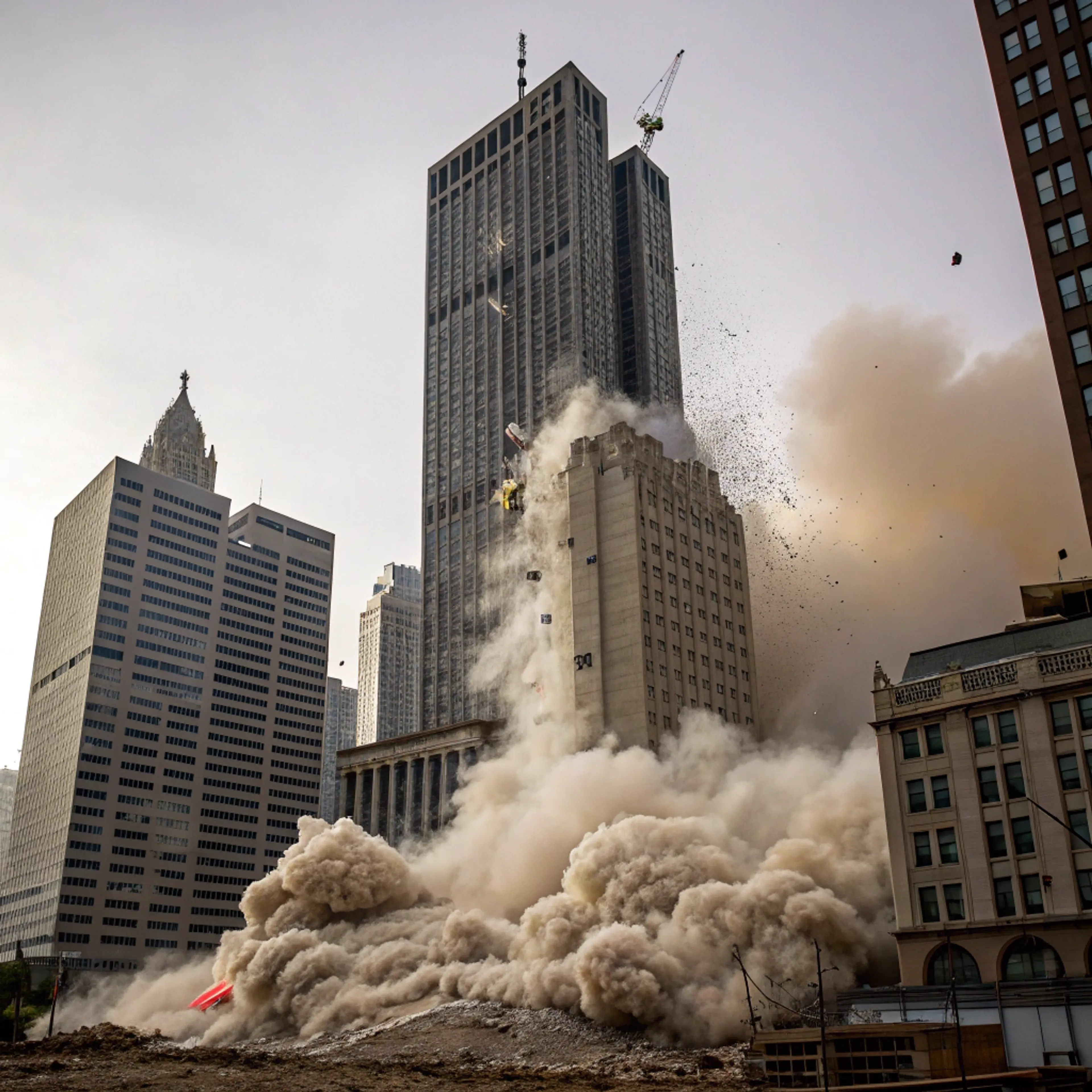
    prompt: "slow-motion sequence captures the catastrophic implosion of a skyscraper",
    image_url: "https://example.com/source-image.jpg",
    duration: "5",
    aspect_ratio: "16:9",
    negative_prompt: "blur, distort, and low quality",
    cfg_scale: 0.5
  }
});

console.log(result.video.url);
prompt (required): Text description of the desired motion and sceneimage_url (required): URL of the input imageduration: Video duration - "5" or "10" secondsaspect_ratio: Output aspect ratio (e.g., "16:9", "9:16", "1:1")negative_prompt: Elements to avoid in the generationcfg_scale: Classifier Free Guidance scale (default: 0.5)static_mask_url: URL for static motion brush maskdynamic_mask_url: URL for dynamic motion brush maskspecial_fx: Special effects optionsinput_image_urls: Array of up to 4 images for multi-image generationThe v2 Master model provides sophisticated controls for professional applications:
Adjust motion intensity and patterns through intuitive parameters. Fine-tune the balance between dramatic movement and natural flow to match your creative vision using cfg_scale and motion masks.
Master tier delivers the highest quality output with enhanced detail and smoother motion, ideal for professional productions and cinematic content.
Export to multiple video formats with control over resolution and aspect ratio to optimize for different distribution channels.
For asynchronous processing:
typescript// Submit request
const { request_id } = await fal.queue.submit("fal-ai/kling-video/v2/master/image-to-video", {
  input: {
    prompt: "Your cinematic description",
    image_url: "your-image-url",
    duration: "10"
  }
});

// Check status
const status = await fal.queue.status("fal-ai/kling-video/v2/master/image-to-video", {
  requestId: request_id,
  logs: true
});

// Get result
const result = await fal.queue.result("fal-ai/kling-video/v2/master/image-to-video", {
  requestId: request_id
});
For optimal results:
Start with high-quality source images. The model performs best with clear, well-lit images at high resolution.
Test different cfg_scale values. Begin with moderate settings (0.5) and adjust based on your content needs.
Consider your target platform. Adjust aspect ratio and duration settings to match your distribution requirements while maintaining quality.
Our comprehensive documentation covers advanced usage scenarios, parameter tuning, and troubleshooting. For additional support:
Premium pricing for professional quality:
View detailed pricing or contact sales for enterprise solutions.
Kling offers multiple quality tiers:
fal-ai/kling-video/v2/standard/image-to-video - Cost-efficient optionGet started with Kling AI v2 Master today and experience professional-grade video generation capabilities. Create your API key at fal.ai and transform your images into stunning, cinematic videos.
