GPT Image 1.5Generate. Edit. Perfect.
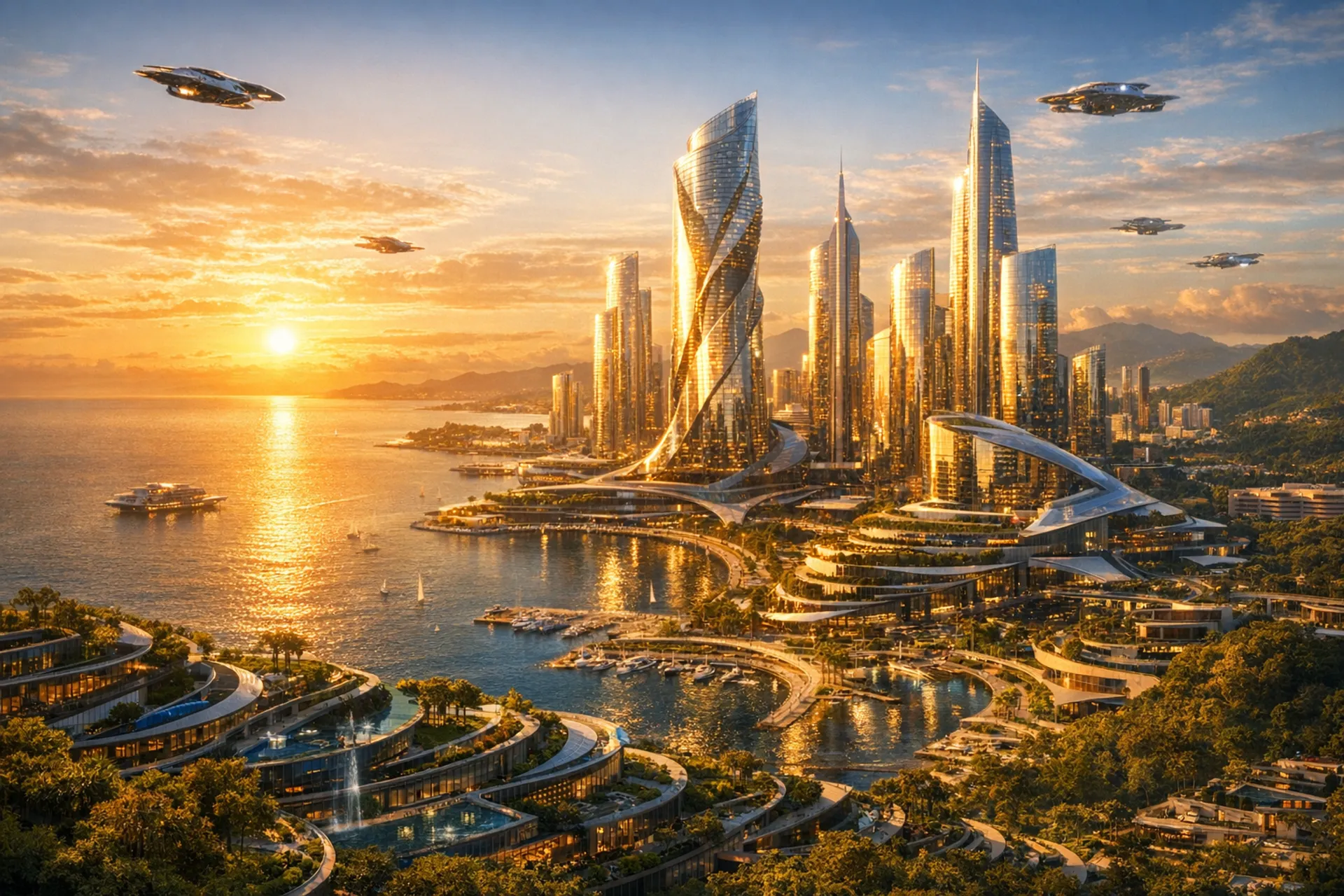
Built on GPT-5 Architecture
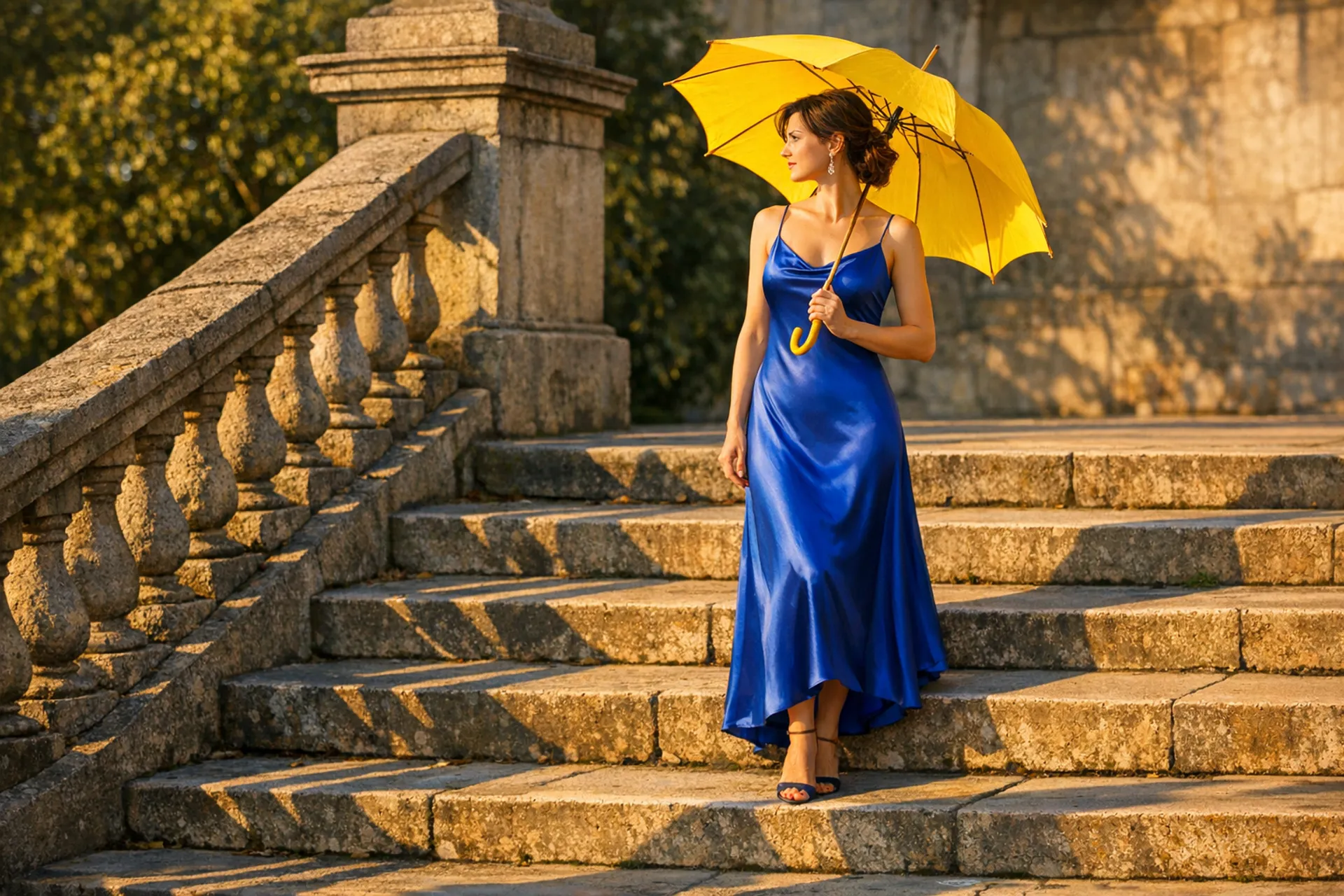
Instruction-Perfect Generation
Built directly into the GPT-5 architecture, GPT Image 1.5 follows instructions down to the smallest detail. Lighting, composition, spatial relationships, and material properties are rendered exactly as described. The same reasoning that powers GPT-5’s language understanding drives its visual generation.
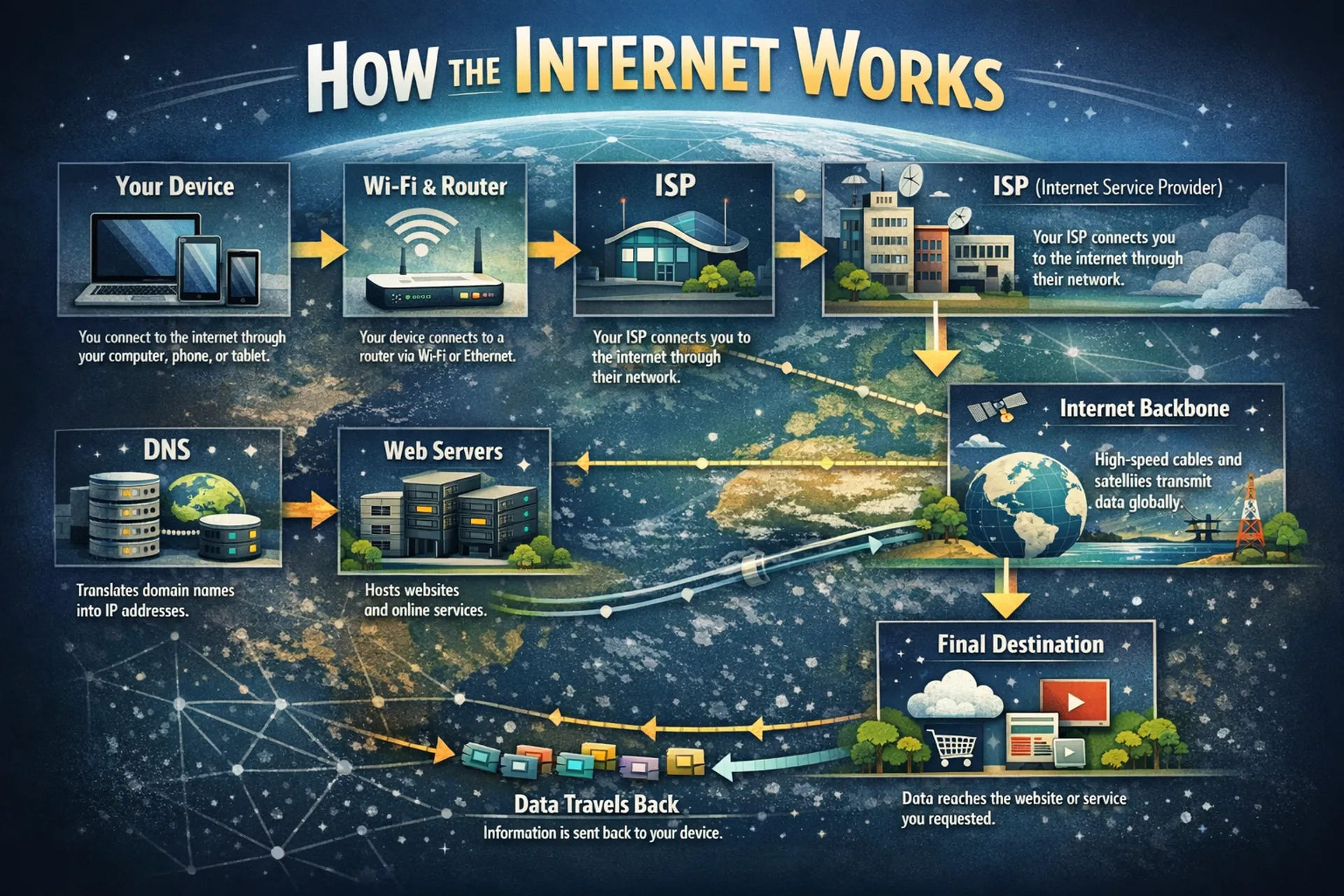
Pixel-Perfect Typography
Handles dense text, small lettering, and complex layouts like infographics, UI mockups, marketing materials, and multilingual signs. Text is clean, legible, and correctly placed. No more garbled letters or broken layouts.
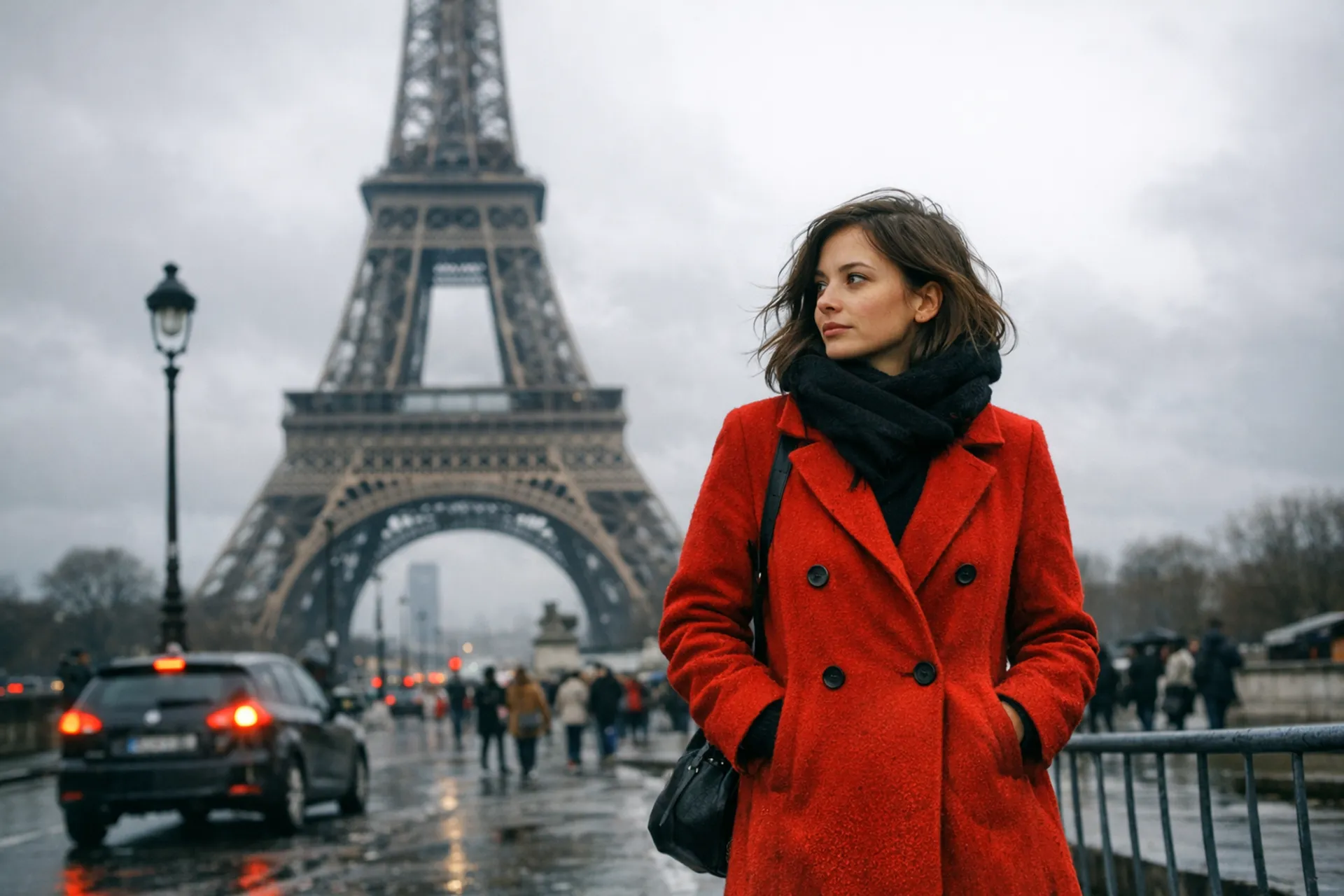
Edit Without Destroying
Change a person’s outfit without altering their face. Adjust lighting without recomposing the scene. Translate text in an image while preserving the original layout. GPT Image 1.5 maintains consistency across edits with dramatically reduced hallucination.
Text to image and image editing
Generate images from text prompts or edit existing images with natural language instructions.
See what GPT Image 1.5 can create
Copy any prompt below and try it yourself in the playground.
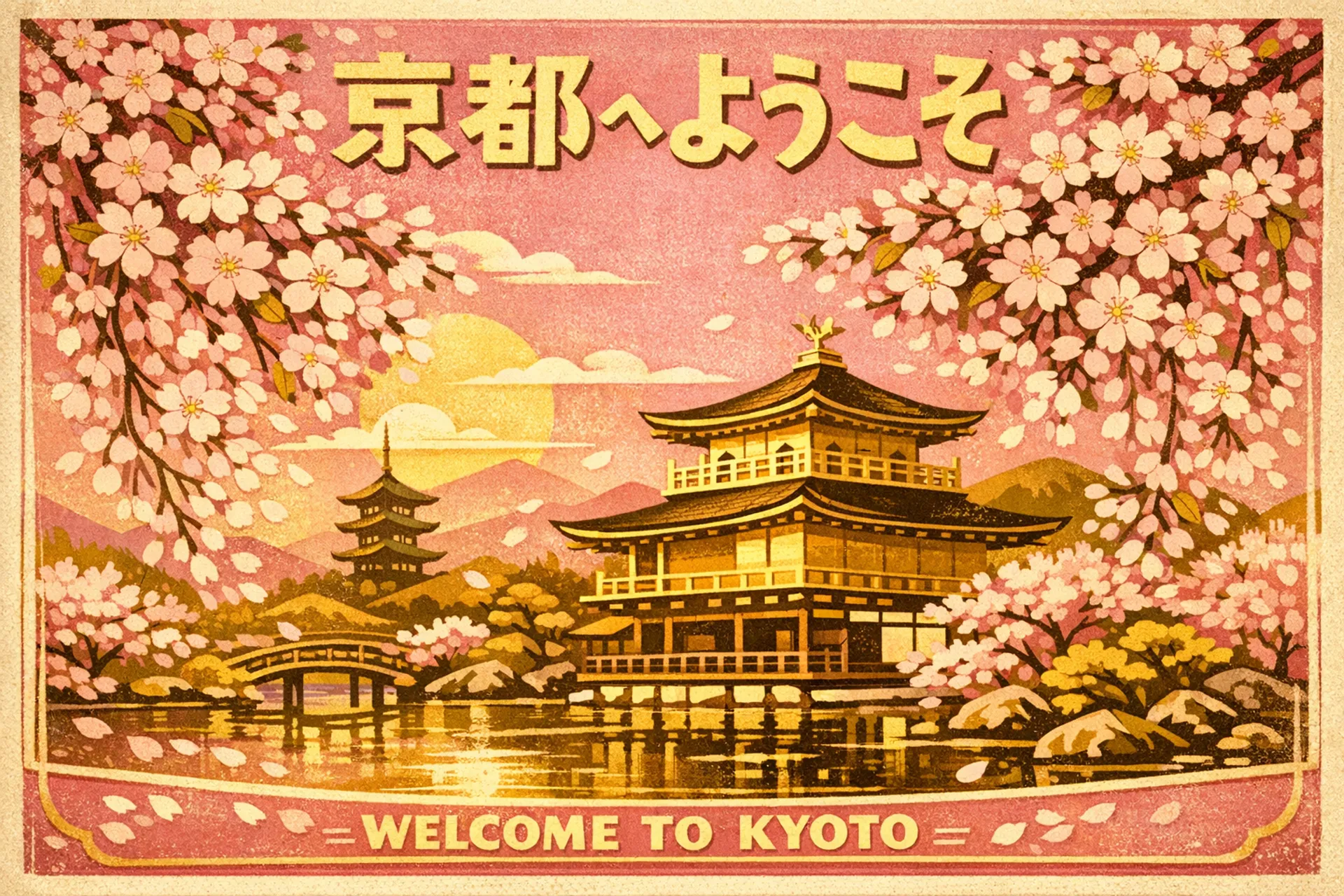
"A vintage travel poster for Kyoto featuring cherry blossoms over a temple, Japanese text reading '京都へようこそ', retro mid-century illustration style, gold and pink palette"
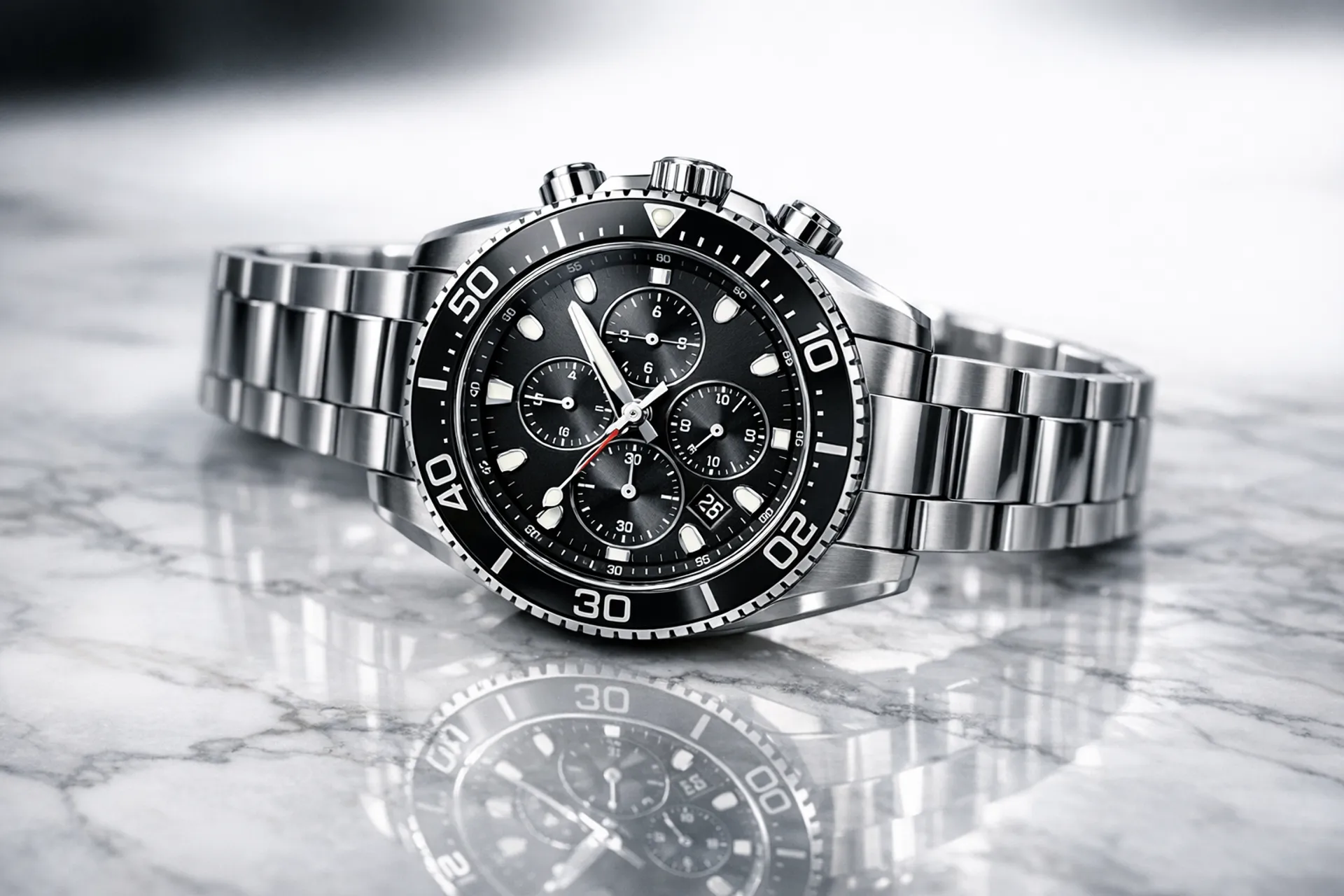
"A photorealistic product shot of a luxury watch on a marble surface, studio lighting with soft reflections, shallow depth of field, magazine advertisement quality"
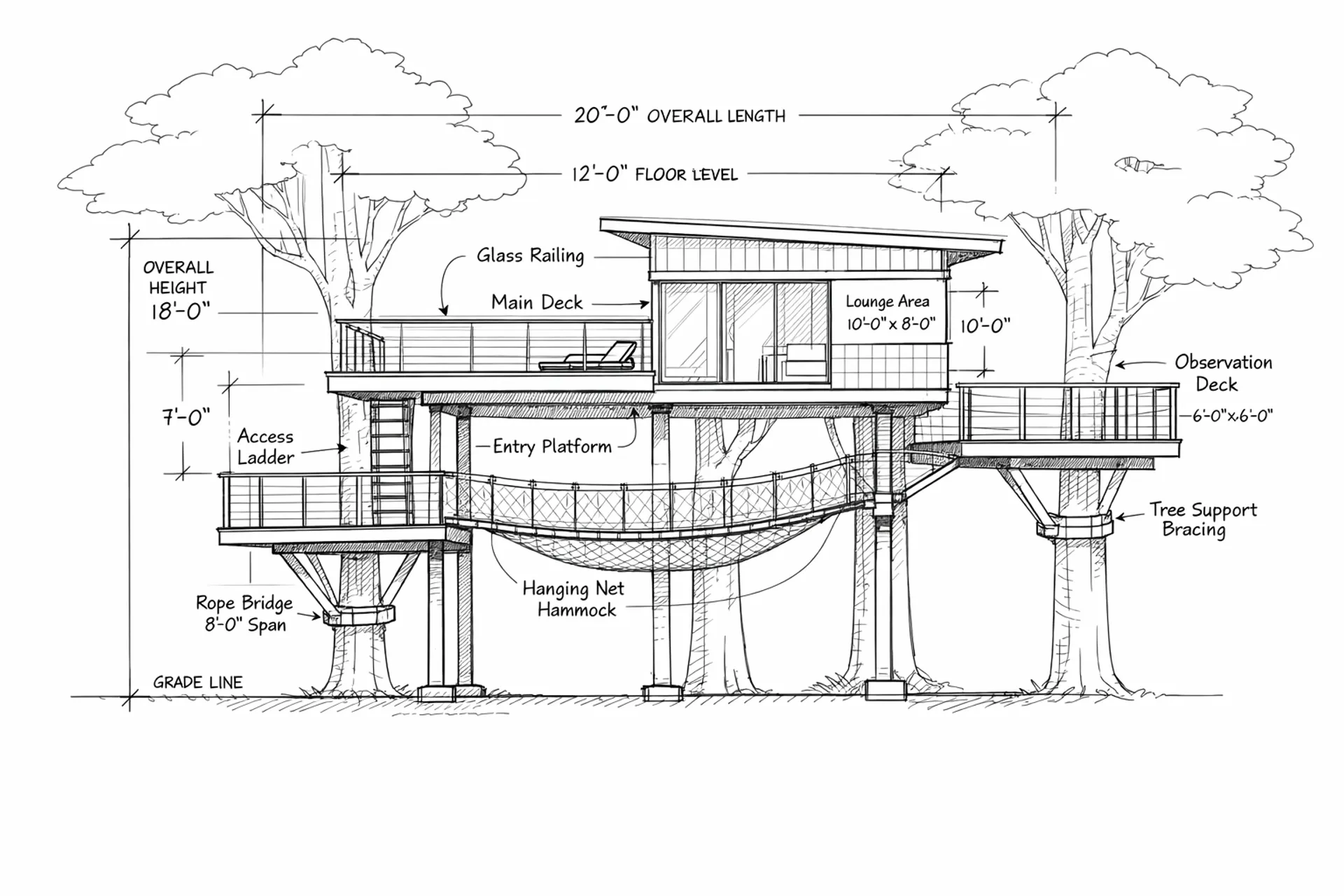
"An architectural blueprint of a modern treehouse, technical drawing style with measurements and annotations, clean white background, engineering precision"
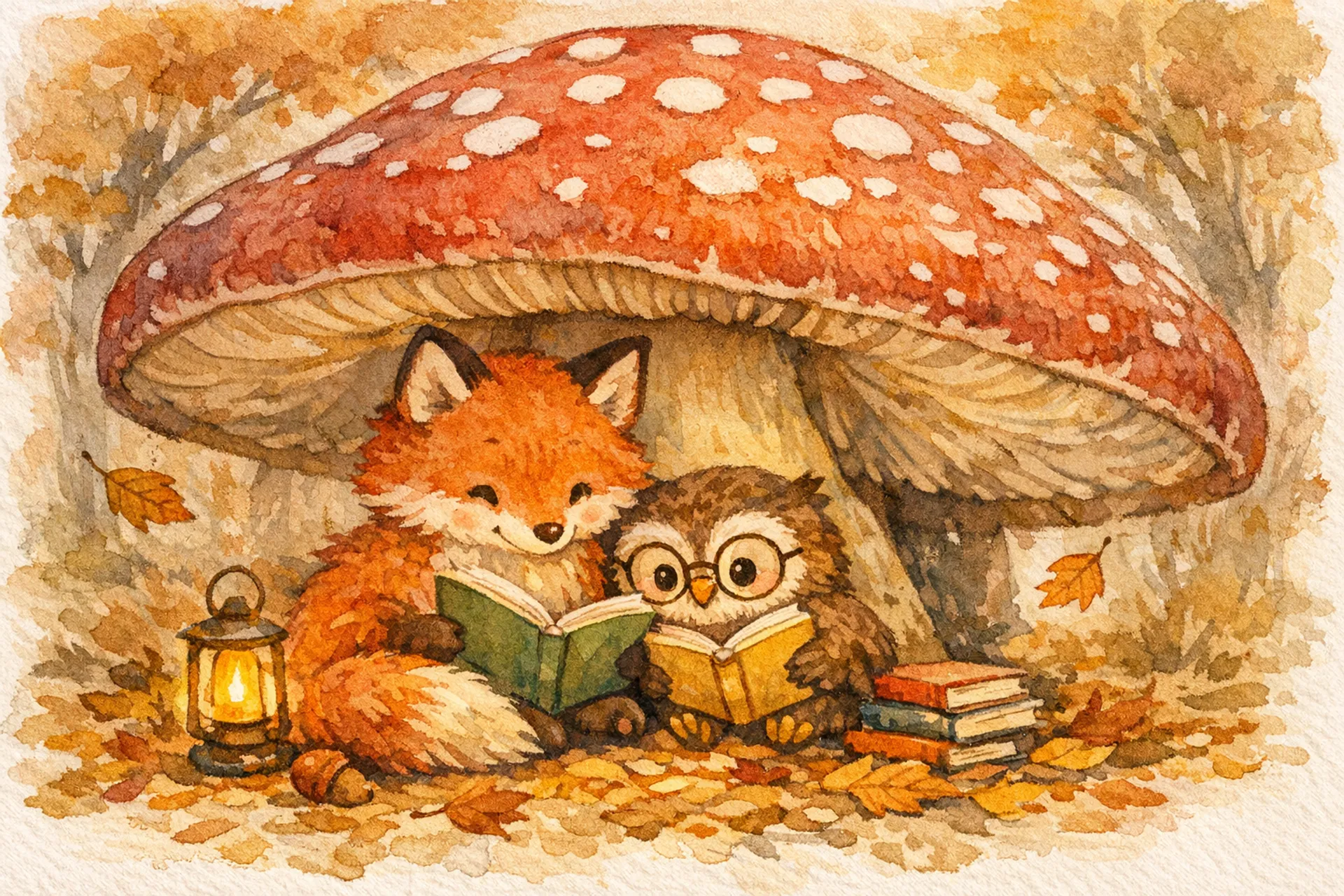
"A children's book illustration of a fox and owl reading together under a giant mushroom, watercolor style, warm autumn colors, whimsical and cozy atmosphere"
A few lines of code.
Production-quality images.
fal.ai handles the infrastructure: fast inference, auto-scaling, and a developer-friendly API. No GPUs to manage.
- Serverless: scales to zero, scales to millions
- Pay per image, no minimums
- Python and JavaScript SDKs, plus REST API
import fal_client

result = fal_client.run(
  "fal-ai/gpt-image-1.5",
  arguments={
    "prompt": "A vintage travel poster for Kyoto",
    "image_size": "landscape_16_9",
    "quality": "high",
  }
)

# result["images"][0]["url"] → your imageCommon questions about GPT Image 1.5
What is GPT Image 1.5?
GPT Image 1.5 is OpenAI’s latest image generation model, built directly into the GPT-5 architecture. It generates and edits production-quality images with superior prompt adherence, precise text rendering, and intelligent editing. It runs up to 4x faster and costs 20% less than its predecessor.
How does image editing work?
Provide an input image and describe the changes you want in plain language. GPT Image 1.5 modifies exactly what you specify while preserving everything else: lighting, composition, fine details. It supports inpainting, style transfer, and precise element manipulation.
What sizes and quality levels are available?
Three sizes: 1024×1024, 1536×1024, and 1024×1536. Three quality levels: low (fastest, cheapest), medium (balanced), and high (maximum detail). Output formats include PNG, JPEG, and WebP. Transparent backgrounds are supported.
How good is the text rendering?
Best-in-class. GPT Image 1.5 handles dense text, small lettering, multilingual characters, and complex layouts like infographics, UI mockups, and marketing materials with clean, legible output.
How much does GPT Image 1.5 cost on fal.ai?
Pricing varies by quality and size. Low quality: $0.009/image (1024×1024). Medium quality: $0.034/image (1024×1024). High quality: $0.133/image (1024×1024). Larger sizes cost more. Plus text token costs at $0.005/1K input, $0.010/1K output. No minimums or subscriptions.
How do I get started with the API?
Install the fal.ai SDK (Python or JavaScript), grab an API key from your dashboard, and make your first request in a few lines of code. Serverless, no GPUs to manage. Check the API documentation for all available parameters.
Can I use GPT Image 1.5 for commercial projects?
Yes. Images generated through the fal.ai API can be used in commercial projects. Check fal.ai's terms of service for full details on usage rights and licensing.
Ready to create?
Start generating production-quality images with GPT Image 1.5 on fal.ai.