


FLUX Tools Precise control over every FLUX image
FLUX Tools started as Redux, Fill and ControlNet add-ons for FLUX.1. The newest FLUX models build these controls in: FLUX 3 Image Edit works from up to ten references, FLUX 3 Klein places objects with bounding boxes, and FLUX.2 [pro] extends any image outward.


The newest FLUX endpoints
The newest Black Forest Labs endpoints on fal: editing, generation, video, LoRA and training. Every endpoint is pay-per-use with no minimums.

FLUX.1 [pro] Fill is a high-performance endpoint for the FLUX.1 [pro] model that enables rapid transformation of existing images, delivering high-quality style transfers and image modifications with the core FLUX capabilities.

Outpainting generation with FLUX.2 [pro] from Black Forest Labs. Optimized for maximum quality, exceptional photorealism and artistic images.

FLUX.1 [dev] Fill is a high-performance endpoint for the FLUX.1 [pro] model that enables rapid transformation of existing images, delivering high-quality style transfers and image modifications with the core FLUX capabilities.
Generate high-quality images from depth maps using Flux.1 [dev] depth estimation model. The model produces accurate depth representations for scene understanding and 3D visualization.

FLUX1.1 [pro] Redux is a high-performance endpoint for the FLUX1.1 [pro] model that enables rapid transformation of existing images, delivering high-quality style transfers and image modifications with the core FLUX capabilities.

Edit images fast with distilled FLUX 3 Image Klein and up to 3 custom LoRAs.

Generate images fast with distilled FLUX 3 Image Klein and up to 3 custom LoRAs.

Edit images with FLUX 3 Image Klein base and up to 3 custom LoRAs.

Generate images with FLUX 3 Image Klein base and up to 3 custom LoRAs.

Fine-tune FLUX 3 Image Klein on before/after image pairs to teach it a custom edit, with up to 10 input images per pair.

Fine-tune FLUX 3 Image Klein with your own images to teach it a subject, a product or a style.
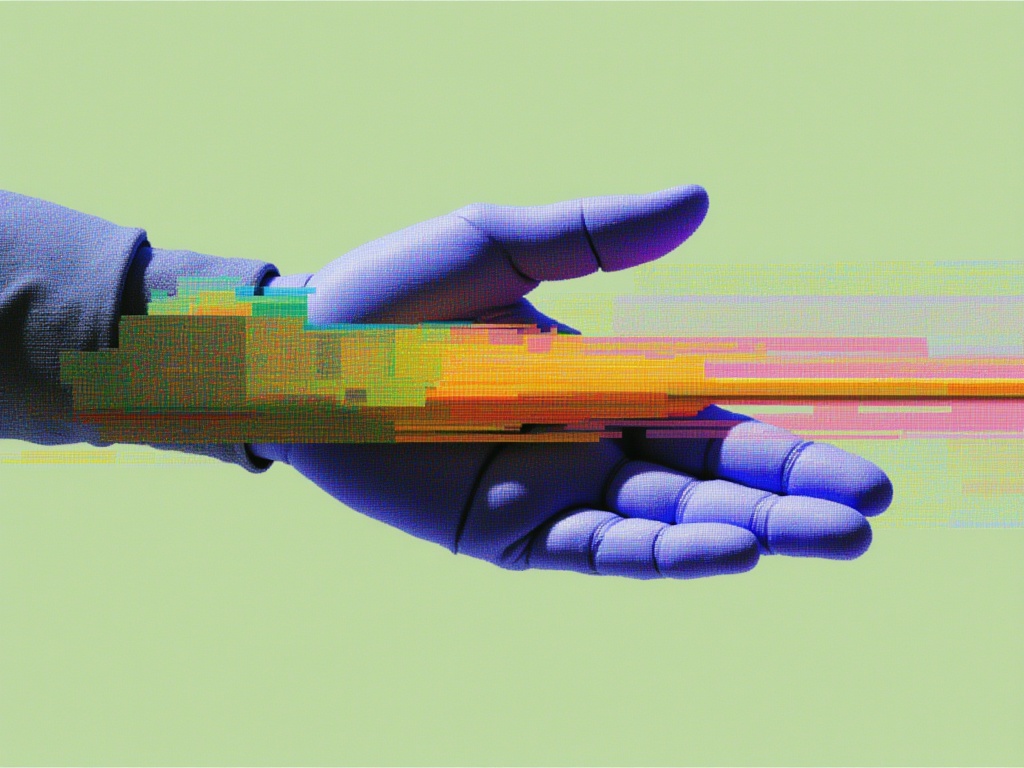
Edits and composes images from text instructions and up to ten references with FLUX.3 Klein, with optional bounding-box controls for object placement and transformation.


Every FLUX control in one API

Variations from reference images
Redux made variations of a single input image. FLUX 3 Image Edit takes up to ten references and combines them into one balanced, well-composed result, so a product, a character and a style can all come from your own images. Pictured: a FLUX.1 Kontext character edit.

Inpaint and extend any image
FLUX.1 Fill [pro] repaints a masked region from a prompt. FLUX.2 [pro] Outpaint extends a picture past its edges by the pixels you set on each side, for new aspect ratios and wider compositions. Pictured: a FLUX.1 Kontext object edit.

Place objects where you want them
Where ControlNets steered composition with edge and depth maps, FLUX 3 Klein accepts bounding boxes that place and transform objects in the frame, for both generation and editing. Pictured: made with FLUX 3 Klein.


How to get access to the FLUX Tools API
The client handles the submit protocol: it reports request status and returns the final image when generation completes.
import { fal } from "@fal-ai/client";

const result = await fal.subscribe("blackforestlabs/flux-3/edit-image", {
  input: {
    prompt: "Place the product from image 1 on the marble counter from image 2",
    image_urls: [
      "https://example.com/product.jpg",
      "https://example.com/counter.jpg",
    ],
  },
  logs: true,
  onQueueUpdate: (update) => {
    if (update.status === "IN_PROGRESS") {
      update.logs.map((log) => log.message).forEach(console.log);
    }
  },
});

console.log(result.data);
console.log(result.requestId);

Common questions about FLUX Tools
What are FLUX Tools?
FLUX Tools are the Black Forest Labs models for controlled image generation: Redux for variations from a reference image, Fill for inpainting and outpainting, and Canny and Depth control for guided composition. The newest FLUX models now cover these jobs directly, with reference editing, outpainting and bounding-box layout control.
Which models replace FLUX Redux?
FLUX 3 Image Edit and FLUX 3 Klein Edit both accept up to ten reference images and follow a text instruction, so you can create variations, merge subjects and transfer styles in one call.
How do I inpaint or outpaint with FLUX?
Use FLUX.1 Fill [pro] with an image and a mask to repaint a region, or FLUX.2 [pro] Outpaint to extend an image by a set number of pixels on any side.
Which FLUX models are on this page?
The endpoint list shows the newest Black Forest Labs image endpoints on fal and updates automatically when new ones launch. For the full model family, see the FLUX API and FLUX.2 pages.
How do I get started with the API?
Install the fal client for Python or JavaScript, grab an API key from your dashboard, and make your first request in a few lines of code. Check the API documentation for every parameter.
Can I use the results commercially?
Yes. Images generated through the fal API can be used in commercial projects. Check fal's terms of service for full details on usage rights and licensing.

Get in touch about FLUX Tools
Want to learn more about integrating FLUX Tools into your workflow? Leave your details and our team will reach out.