


Image Utils Background Removal, Segmentation, Depth and Upscaling
The building blocks of an image pipeline. Cut out subjects, segment objects, estimate depth, upscale, remove objects or text, and vectorize, each as a pay-per-use API call.


Image utility endpoints
Background removal, segmentation, depth, upscaling, cleanup and moderation. Every endpoint pay-per-use with no minimums.

Bria RMBG 2.0 enables seamless removal of backgrounds from images, ideal for professional editing tasks. Trained exclusively on licensed data for safe and risk-free commercial use. Model weights for commercial use are available here: https://share-eu1.hsforms.com/2GLpEVQqJTI2Lj7AMYwgfIwf4e04
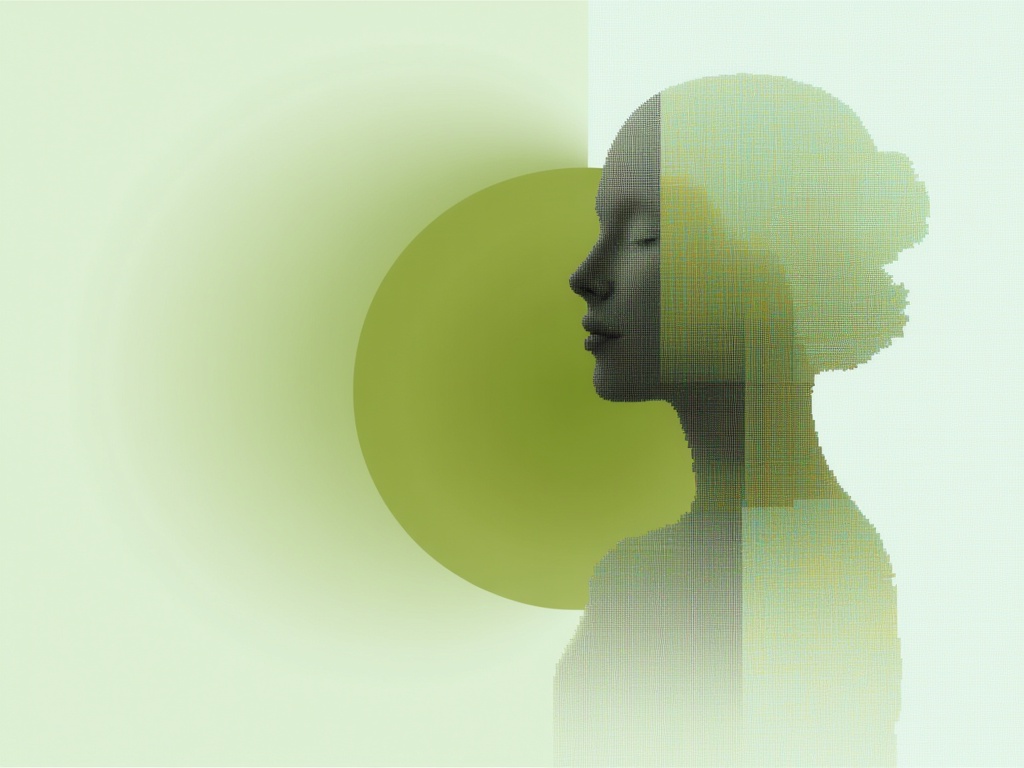
Background removal you steer with a prompt. Starts from the same clean cut as Bria RMBG, then adds, drops or isolates objects from plain words like "the person with the mat and the plant" or "only the chair". Original pixels, real alpha, nothing repainted.

Pixelcut’s Background Remover enables fast, ultra high-quality removal of backgrounds from images. Perfect for e-commerce and image editing workflows. Powered by advanced AI for clean, perfect cutouts every time.

SAM 3.1 builds comes with Object Multiplex, a shared-memory approach for joint multi-object tracking that delivers faster speeds with larger number of objects tracked.
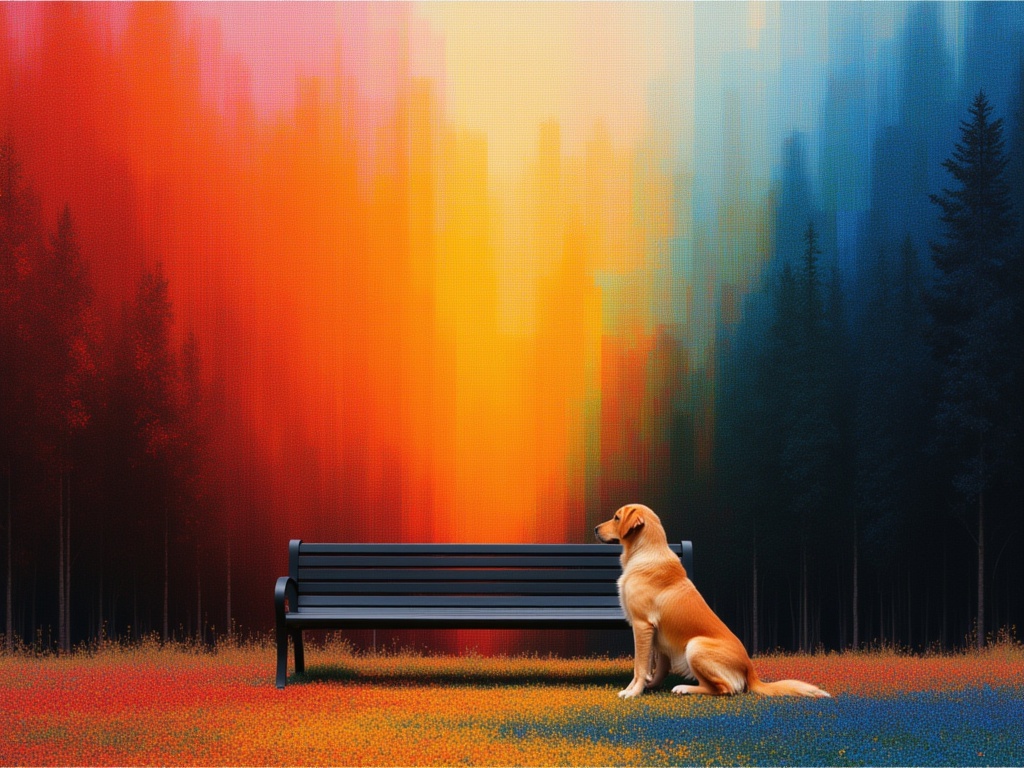
Estimate depth from a single image with Marigold V2, a diffusion-based depth model built on Qwen-Image-Edit, returning a colorized depth map.
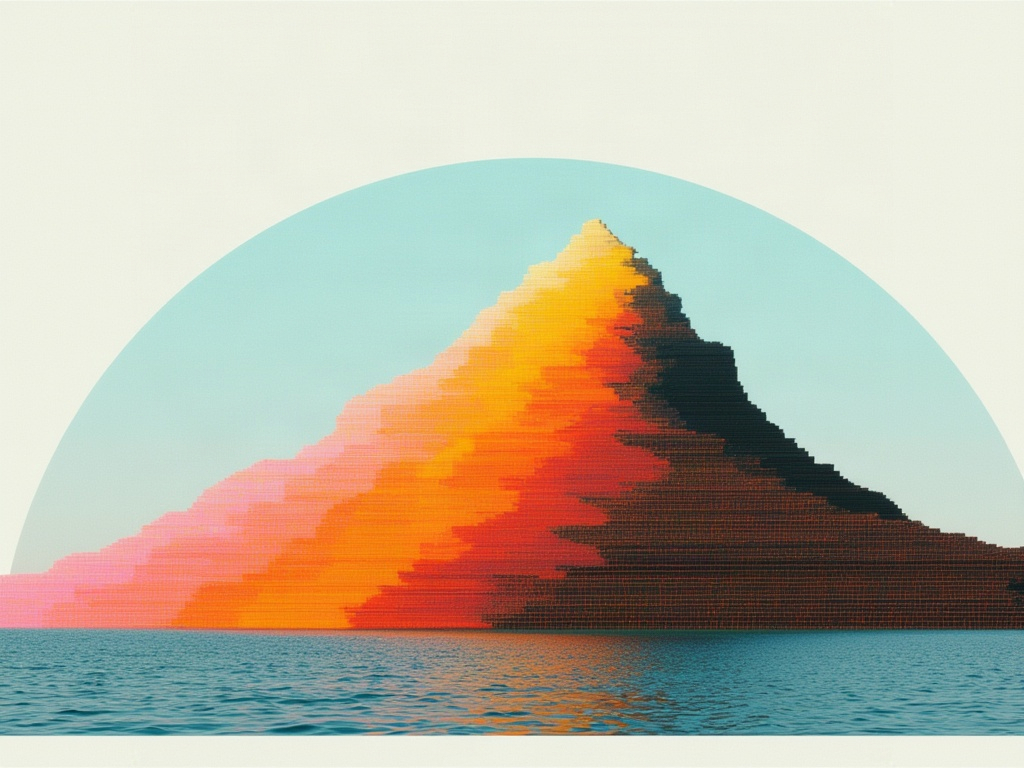
Estimates metric 3D geometry from a single image, returning a point map, depth, surface normals, a validity mask and the camera field of view. A sparse 3D refiner sharpens the predicted depth, and the result can be exported as a textured GLB mesh and a colored PLY point cloud.

Professional photo upscaling powered by Topaz Labs. Gigapixel precision models (Standard V2, High Fidelity, Low Resolution, CGI, Text Refine) enlarge images faithfully up to 4x. Best for photos that must stay true to the original.

Use SeedVR2 to upscale your images



Prompt-free object removal from an image and mask, erasing objects with their shadows and reflections and reconstructing the scene cleanly.
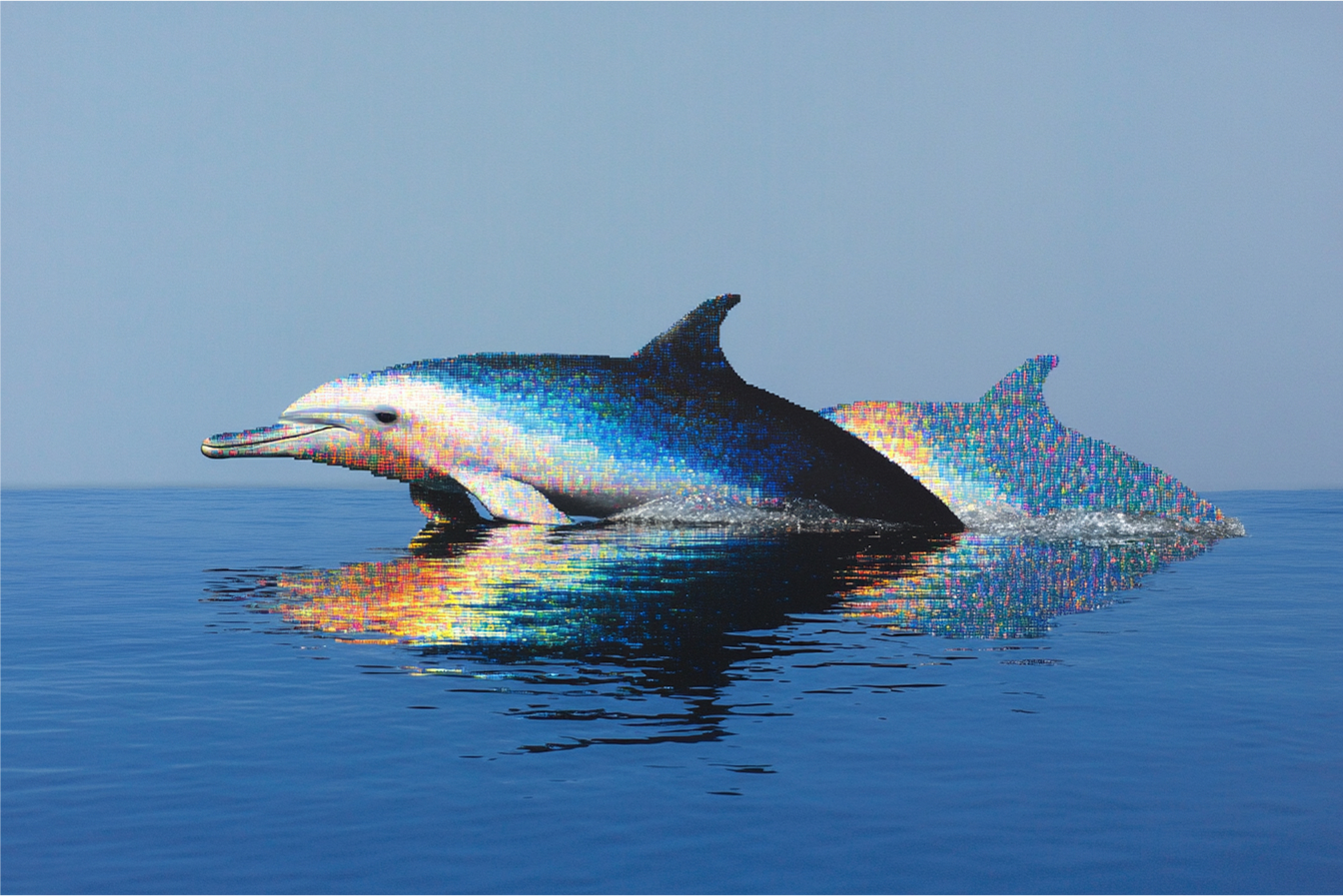
Remove all text and writing from images while preserving the background and natural appearance.
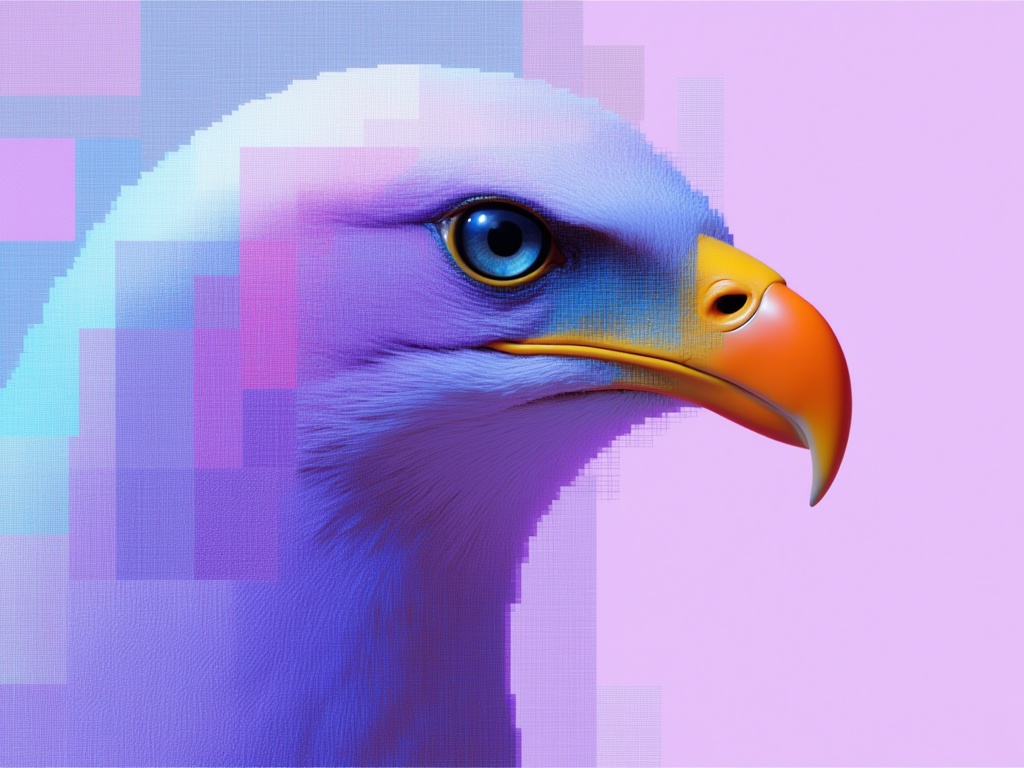
Converts images into editable SVG vector graphics, with a default mode for finer details and a simple mode for fewer shapes.

Predict the probability of an image being NSFW.


Everything an image pipeline needs
Clean cutouts in one call
Bria RMBG 2.0 removes the background from any image and returns a transparent PNG. Add a prompt to choose which subject to keep, or use Bria Guided Remove Background and Pixelcut for product and portrait cutouts.
Masks and depth maps for compositing
SAM 3.1 segments objects from a text prompt, points or boxes and returns masks, boxes and scores. Marigold V2 and MoGe-3 estimate depth and geometry for relighting, parallax and 3D work.
Fix and finish images at scale
Remove objects or overlaid text, upscale with Topaz and SeedVR2, turn images into vectors, and screen uploads with NSFW detection before they reach the rest of your pipeline.


How to get access to the Image Utils APIs
The client handles the submit protocol: request status updates and the final result when processing completes.
import { fal } from "@fal-ai/client";

const result = await fal.subscribe("fal-ai/bria/background/remove", {
  input: {
    image_url: "https://fal.media/files/panda/K5Rndvzmn1j-OI1VZXDVd.jpeg",
  },
  logs: true,
  onQueueUpdate: (update) => {
    if (update.status === "IN_PROGRESS") {
      update.logs.map((log) => log.message).forEach(console.log);
    }
  },
});

console.log(result.data);
console.log(result.requestId);

Common questions about Image Utils
Which image utilities are available on fal?
Background removal (Bria RMBG 2.0, Bria Guided Remove Background, Pixelcut), segmentation (SAM 3.1), depth and geometry (Marigold V2, MoGe-3), upscaling (Topaz, SeedVR2), object and text removal, image to vector, and NSFW detection. Explore the full catalog for more.
How much do the image utilities cost?
Each endpoint is priced on its own page. For example, SAM 3.1 costs $0.01 per request, and Bria RMBG 2.0 costs $0.018 per image without a prompt and $0.03 with a prompt. Pay-per-use with no minimums.
Can I chain utilities into a pipeline?
Yes. Every utility takes an image URL and returns hosted file URLs, so the output of one call (a cutout, a mask, a depth map) can be passed straight into the next, or into an image or video model.
How do I get started with the API?
Install the fal SDK (Python or JavaScript), grab an API key from your dashboard, and make your first request in a few lines of code. Check the API documentation for every parameter.

Get in touch about image utilities
Building an image pipeline at scale? Leave your details and our team will reach out.