 Documentation
 Examples
 Model API Reference
 SDK Reference
 Platform API
 Changelog

POST https://fal.run/fal-ai/flux-pro/kontext/text-to-image
Endpoint ID: fal-ai/flux-pro/kontext/text-to-image
Try it in the Playground
Run this model interactively with your own prompts.
Quick Start
Examples
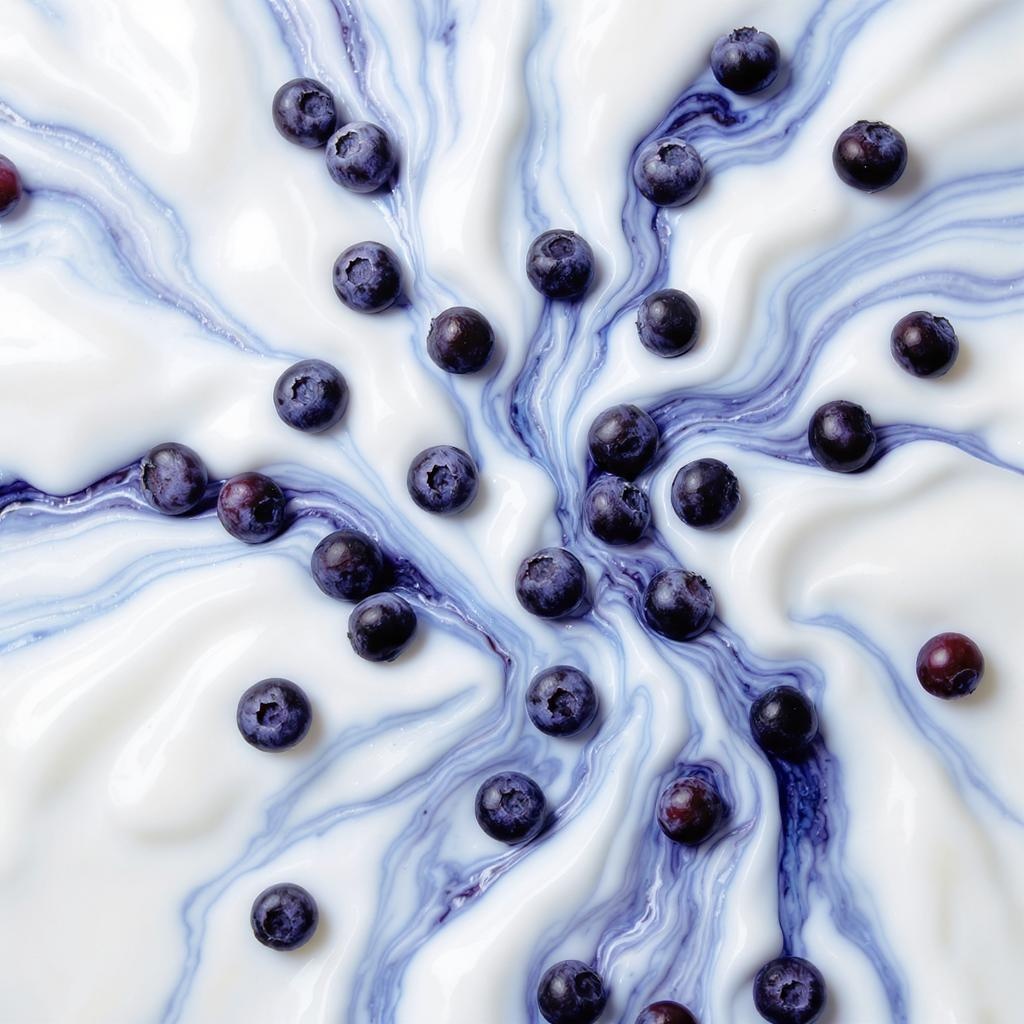
A close-up artistic photograph of fresh blueberries on a white surface. The surface has a marbled, fluid texture with swirls of white and various shades of blue, creating an abstract, paint-like effect. The blueberries are scattered across the image, some sitting on the white areas and others nestle…
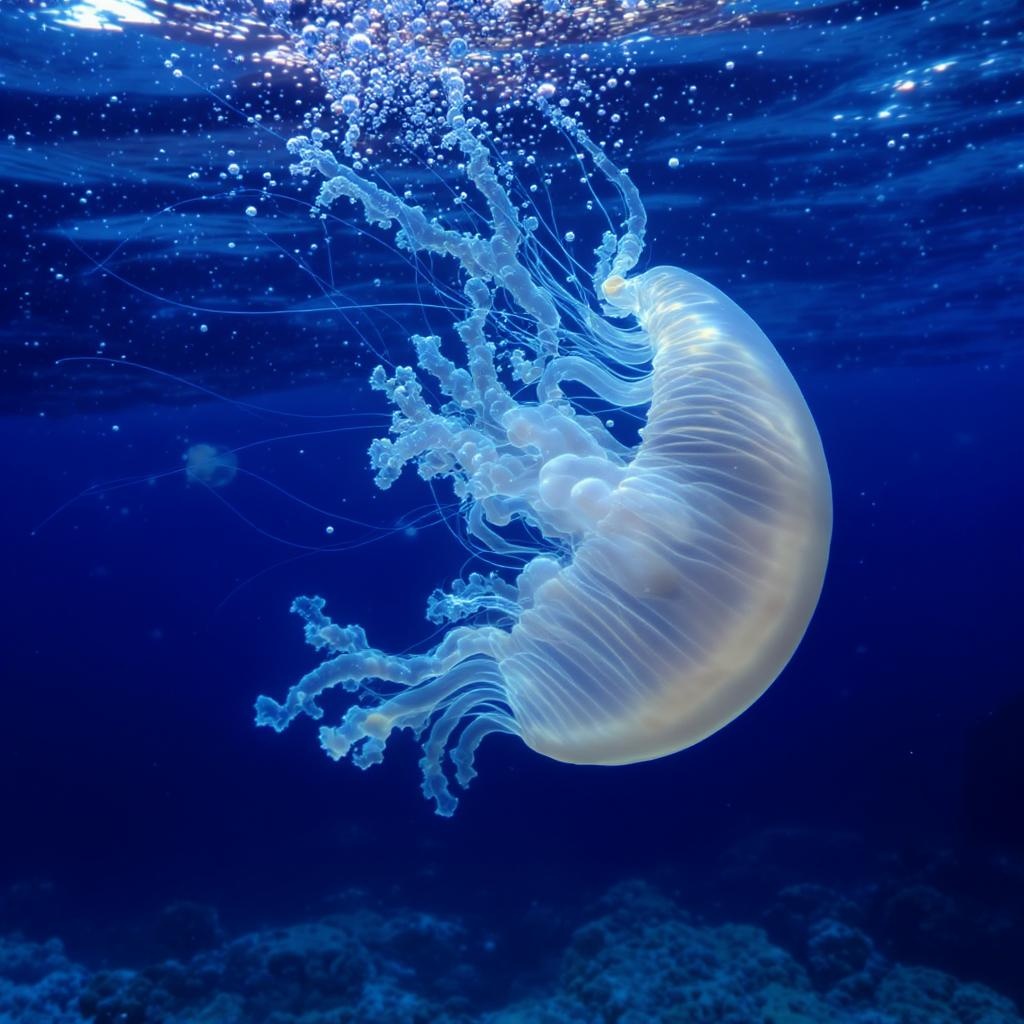
A visually stunning image of the Turritopsis dohrnii jellyfish floating gracefully in clear water. Include a close-up of its unique, translucent body, showcasing the regeneration process. The background should have a serene underwater environment with soft lighting.
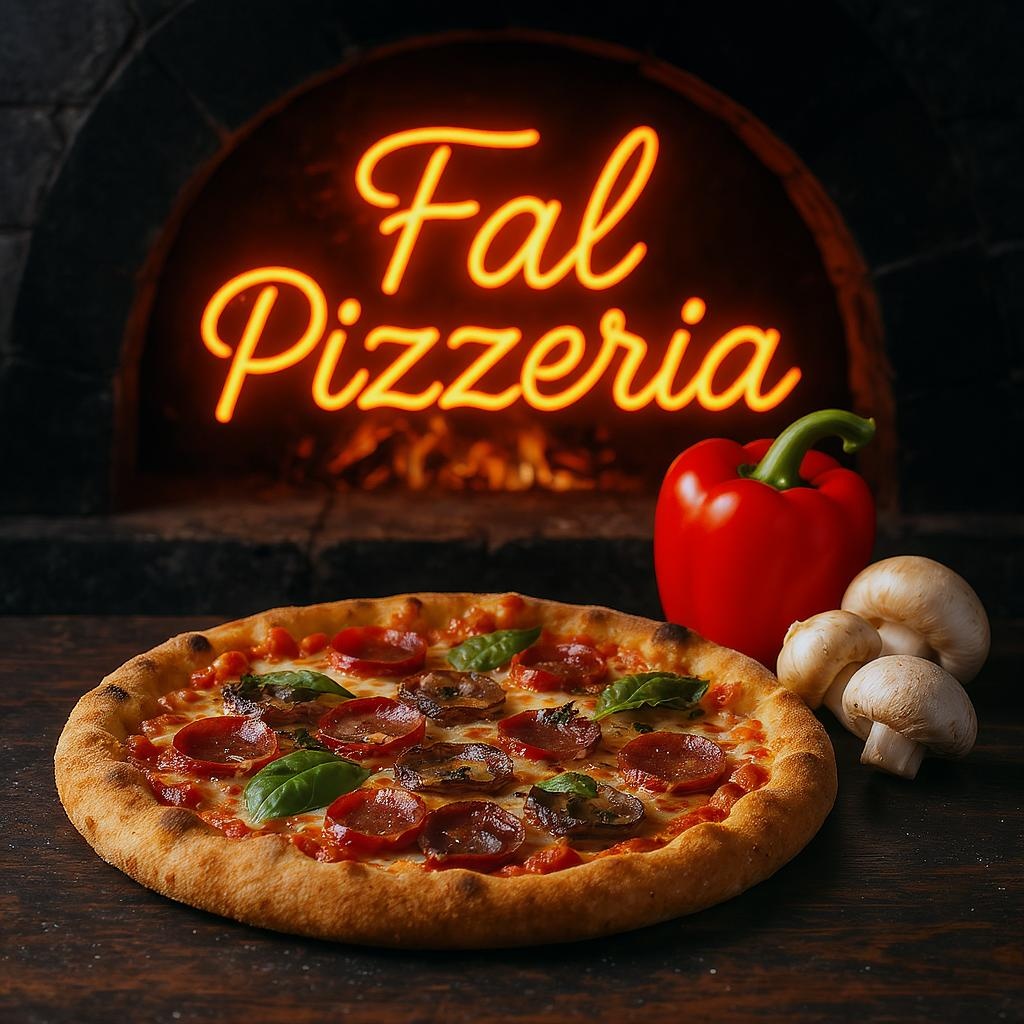
In the foreground is a pizza, in the background the word “Fal Pizzeria” is written in neon by a wood-fired pizza oven, next to the pizza pepper and mushrooms are artistically used to show freshness and freshness, a colorful and attractive color palette is used , dynamic image, food photography
Related
- FLUX.1 Kontext [pro] — Image Generation
Capabilities
- Text prompt input
- Reproducible generation (seed)
- CFG guidance scale
- Synchronous mode
- Batch generation
- Aspect ratio control
API Reference
Input Schema
string
required
The prompt to generate an image from.
integer
The same seed and the same prompt given to the same version of the model
will output the same image every time.
float
default:"3.5"
The CFG (Classifier Free Guidance) scale is a measure of how close you want
the model to stick to your prompt when looking for a related image to show you. Default value:
3.5Range: 1 to 20boolean
default:"false"
If
True, the media will be returned as a data URI and the output data won’t be available in the request history.integer
default:"1"
The number of images to generate. Default value:
1Range: 1 to 4OutputFormatEnum
default:"jpeg"
The format of the generated image. Default value:
"jpeg"Possible values: jpeg, pngSafetyToleranceEnum
default:"2"
The safety tolerance level for the generated image. 1 being the most strict and 5 being the most permissive. Default value:
"2"Possible values: 1, 2, 3, 4, 5, 6boolean
default:"false"
Whether to enhance the prompt for better results.
AspectRatioEnum
default:"1:1"
The aspect ratio of the generated image. Default value:
"1:1"Possible values: 21:9, 16:9, 4:3, 3:2, 1:1, 2:3, 3:4, 9:16, 9:21Output Schema
list<registry__image__fast_sdxl__models__Image>
required
The generated image files info.
Timings
required
integer
required
Seed of the generated Image. It will be the same value of the one passed in the
input or the randomly generated that was used in case none was passed.
list<boolean>
required
Whether the generated images contain NSFW concepts.
string
required
The prompt used for generating the image.
Input Example
Output Example
Limitations
guidance_scalerange: 1 to 20num_imagesrange: 1 to 4output_formatrestricted to:jpeg,pngsafety_tolerancerestricted to:1,2,3,4,5,6