 Documentation
 Examples
 Model API Reference
 SDK Reference
 Inference API
 Platform API
 Changelog

- Edit
- Restore
- Relight
- Sketch_to_colored_image
- Erase_by_text
- Colorize
- Restyle
- Rewrite_text
- Add_object_by_text
- Blend
- Replace_object_by_text
- Reseason
Endpoint: 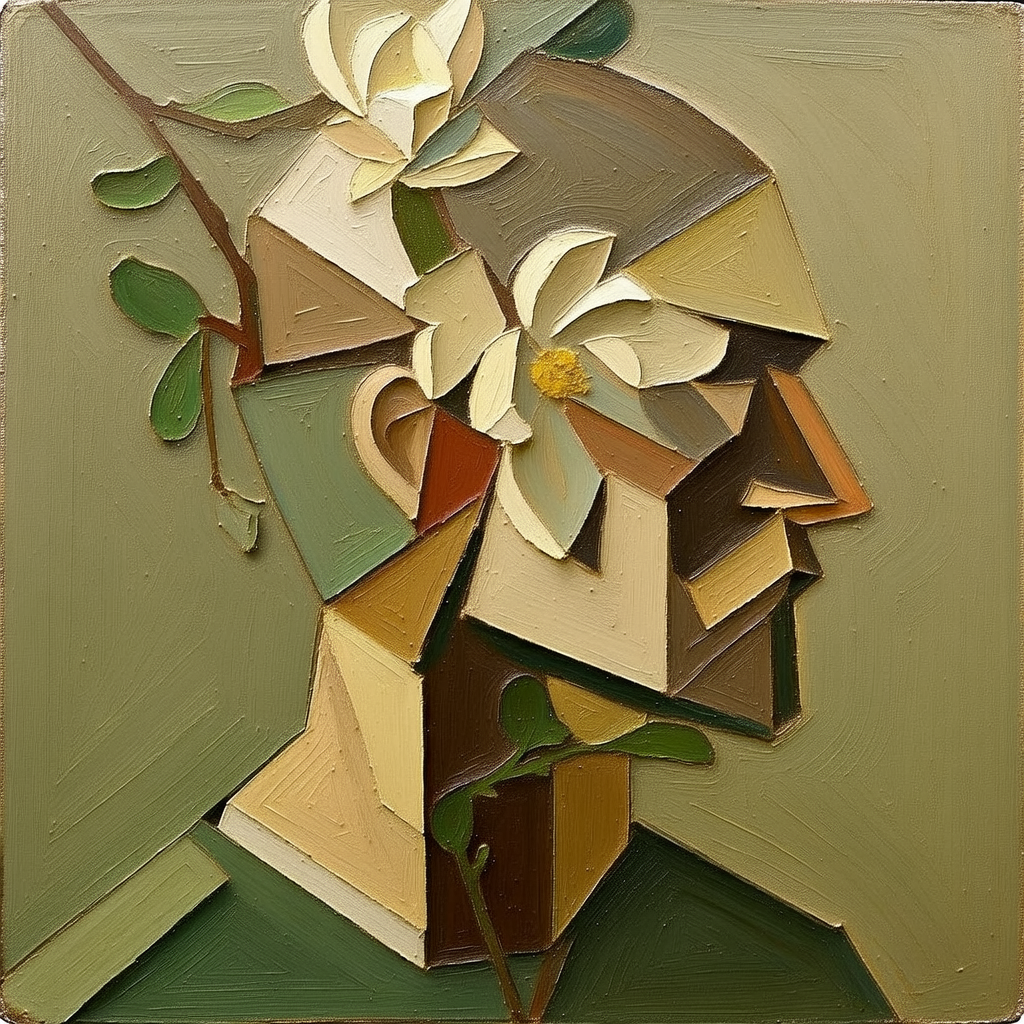

POST https://fal.run/bria/fibo-edit/edit
Endpoint ID: bria/fibo-edit/editTry it in the Playground
Run this model interactively with your own prompts.
Quick Start
import fal_client

def on_queue_update(update):
    if isinstance(update, fal_client.InProgress):
        for log in update.logs:
           print(log["message"])

result = fal_client.subscribe(
    "bria/fibo-edit/edit",
    arguments={},
    with_logs=True,
    on_queue_update=on_queue_update,
)
print(result)
import { fal } from "@fal-ai/client";

const result = await fal.subscribe("bria/fibo-edit/edit", {
  input: {},
  logs: true,
  onQueueUpdate: (update) => {
    if (update.status === "IN_PROGRESS") {
      update.logs.map((log) => log.message).forEach(console.log);
    }
  },
});
console.log(result.data);
console.log(result.requestId);
curl --request POST \
  --url https://fal.run/bria/fibo-edit/edit \
  --header "Authorization: Key $FAL_KEY" \
  --header "Content-Type: application/json" \
  --data '{}'
Examples
Input Schema
string
Reference image (file or URL).
string
Mask image (file or URL). Optional
string
Instruction for image editing.
StructuredInstruction
The structured prompt to generate an image from.
StructuredInstruction
The original vgl used to generate the image.
StructuredInstruction
The new vgl describing image after edit.
integer
default:"5555"
Random seed for reproducibility. Default value:
5555integer
default:"30"
Number of inference steps. Default value:
30Range: 20 to 50string
default:""
Negative prompt for image generation. Default value:
""float | integer
default:"5"
Guidance scale for text. Default value:
5boolean
default:"false"
If true, returns the image directly in the response (increases latency).
Output Schema
Image
required
Generated image.
list<Image>
default:""
Generated images.
Structured Instruction
required
Current instruction.
Input Example
{
  "image_url": "https://v3b.fal.media/files/b/0a8b07e8/GYKVk2EVivg_MC3jRRZi3_png%20-%202026-01-13T094835.850%20(3).png",
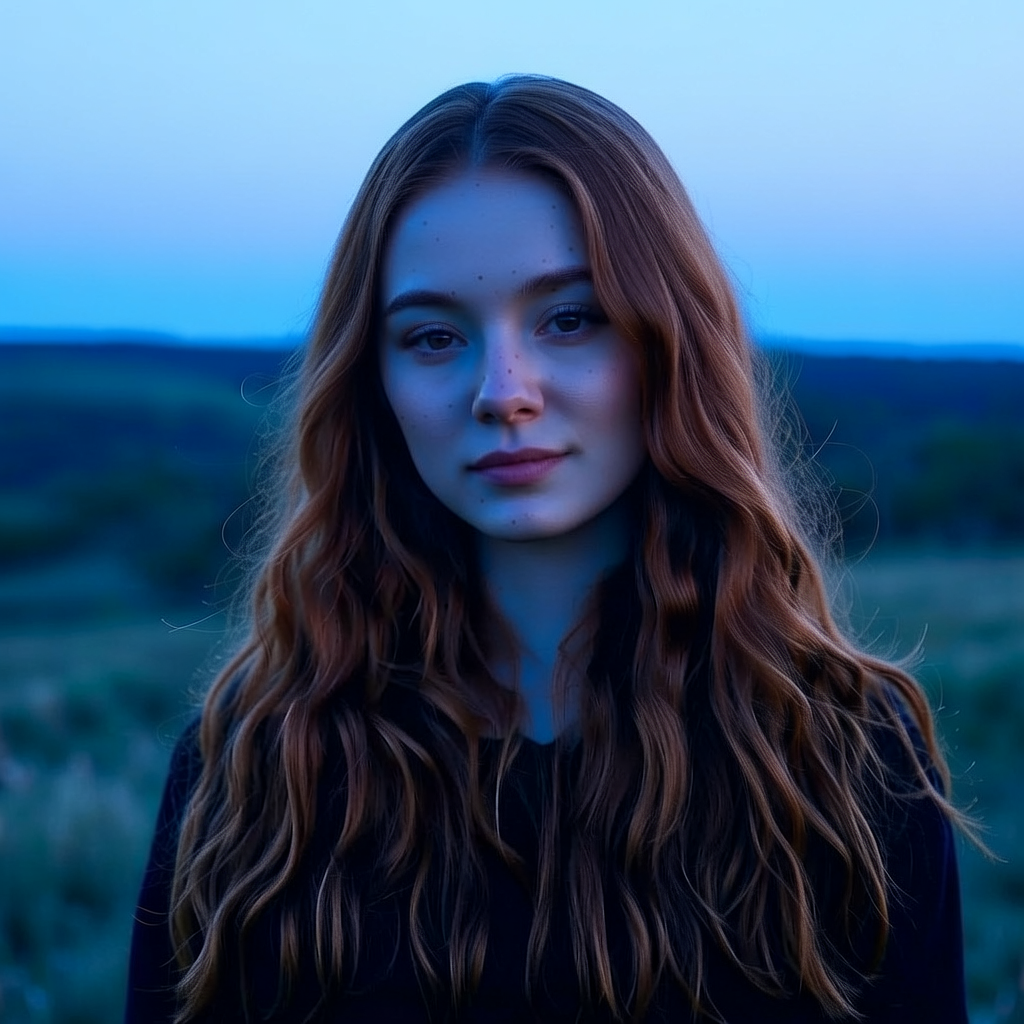
  "instruction": "change lighting to starlight nighttime",
  "seed": 5555,
  "steps_num": 30,
  "negative_prompt": "",
  "guidance_scale": 5,
  "sync_mode": false
}
Output Example
{
  "image": {
    "url": "",
    "content_type": "image/png",
    "file_name": "z9RV14K95DvU.png",
    "file_size": 4404019,
    "width": 1024,
    "height": 1024
  },
  "images": [
    {
      "url": "https://bria-datasets.s3.us-east-1.amazonaws.com/Liza/ewT7wv-jMgkqs7z7xQNNL_e8707c299d034feab7a64d903118098f.png"
    }
  ]
}
Endpoint:
POST https://fal.run/bria/fibo-edit/restore
Endpoint ID: bria/fibo-edit/restoreTry it in the Playground
Run this model interactively with your own prompts.
Quick Start
import fal_client

def on_queue_update(update):
    if isinstance(update, fal_client.InProgress):
        for log in update.logs:
           print(log["message"])

result = fal_client.subscribe(
    "bria/fibo-edit/restore",
    arguments={
        "image_url": "https://bria-datasets.s3.us-east-1.amazonaws.com/Liza/png+-+2026-01-13T134151.337.png"
    },
    with_logs=True,
    on_queue_update=on_queue_update,
)
print(result)
import { fal } from "@fal-ai/client";

const result = await fal.subscribe("bria/fibo-edit/restore", {
  input: {
      image_url: "https://bria-datasets.s3.us-east-1.amazonaws.com/Liza/png+-+2026-01-13T134151.337.png"
    },
  logs: true,
  onQueueUpdate: (update) => {
    if (update.status === "IN_PROGRESS") {
      update.logs.map((log) => log.message).forEach(console.log);
    }
  },
});
console.log(result.data);
console.log(result.requestId);
curl --request POST \
  --url https://fal.run/bria/fibo-edit/restore \
  --header "Authorization: Key $FAL_KEY" \
  --header "Content-Type: application/json" \
  --data '{
  "image_url": "https://bria-datasets.s3.us-east-1.amazonaws.com/Liza/png+-+2026-01-13T134151.337.png"
}'
Input Schema
string
required
The source image.
Output Schema
Image
required
Generated image.
list<Image>
default:""
Generated images.
Structured Instruction
required
Current instruction.
Input Example
{
  "image_url": "https://bria-datasets.s3.us-east-1.amazonaws.com/Liza/png+-+2026-01-13T134151.337.png"
}
Output Example
{
  "image": {
    "url": "",
    "content_type": "image/png",
    "file_name": "z9RV14K95DvU.png",
    "file_size": 4404019,
    "width": 1024,
    "height": 1024
  },
  "images": []
}
Endpoint:
POST https://fal.run/bria/fibo-edit/relight
Endpoint ID: bria/fibo-edit/relightTry it in the Playground
Run this model interactively with your own prompts.
Quick Start
import fal_client

def on_queue_update(update):
    if isinstance(update, fal_client.InProgress):
        for log in update.logs:
           print(log["message"])

result = fal_client.subscribe(
    "bria/fibo-edit/relight",
    arguments={
        "image_url": "https://bria-datasets.s3.us-east-1.amazonaws.com/Liza/bria_result+-+2026-01-13T095546.173.png",
        "light_direction": "front",
        "light_type": "soft overcast daylight lighting"
    },
    with_logs=True,
    on_queue_update=on_queue_update,
)
print(result)
import { fal } from "@fal-ai/client";

const result = await fal.subscribe("bria/fibo-edit/relight", {
  input: {
      image_url: "https://bria-datasets.s3.us-east-1.amazonaws.com/Liza/bria_result+-+2026-01-13T095546.173.png",
      light_direction: "front",
      light_type: "soft overcast daylight lighting"
    },
  logs: true,
  onQueueUpdate: (update) => {
    if (update.status === "IN_PROGRESS") {
      update.logs.map((log) => log.message).forEach(console.log);
    }
  },
});
console.log(result.data);
console.log(result.requestId);
curl --request POST \
  --url https://fal.run/bria/fibo-edit/relight \
  --header "Authorization: Key $FAL_KEY" \
  --header "Content-Type: application/json" \
  --data '{
  "image_url": "https://bria-datasets.s3.us-east-1.amazonaws.com/Liza/bria_result+-+2026-01-13T095546.173.png",
  "light_direction": "front",
  "light_type": "soft overcast daylight lighting"
}'
Input Schema
string
required
The source image.
Enum
required
Where the light comes from.Possible values:
front, side, bottom, top-downLightTypeEnum
required
The quality/style/time of day.Possible values:
midday, blue hour light, low-angle sunlight, sunrise light, spotlight on subject, overcast light, soft overcast daylight lighting, cloud-filtered lighting, fog-diffused lighting, moonlight lighting, starlight nighttime, soft bokeh lighting, harsh studio lightingOutput Schema
Image
required
Generated image.
list<Image>
default:""
Generated images.
Structured Instruction
required
Current instruction.
Input Example
{
  "image_url": "https://bria-datasets.s3.us-east-1.amazonaws.com/Liza/bria_result+-+2026-01-13T095546.173.png",
  "light_direction": "front",
  "light_type": "soft overcast daylight lighting"
}
Output Example
{
  "image": {
    "url": "",
    "content_type": "image/png",
    "file_name": "z9RV14K95DvU.png",
    "file_size": 4404019,
    "width": 1024,
    "height": 1024
  },
  "images": []
}
Endpoint:
POST https://fal.run/bria/fibo-edit/sketch_to_colored_image
Endpoint ID: bria/fibo-edit/sketch_to_colored_imageTry it in the Playground
Run this model interactively with your own prompts.
Quick Start
import fal_client

def on_queue_update(update):
    if isinstance(update, fal_client.InProgress):
        for log in update.logs:
           print(log["message"])

result = fal_client.subscribe(
    "bria/fibo-edit/sketch_to_colored_image",
    arguments={
        "image_url": "https://bria-datasets.s3.us-east-1.amazonaws.com/Liza/create_a_b_w_sketch_of_a_cat.png"
    },
    with_logs=True,
    on_queue_update=on_queue_update,
)
print(result)
import { fal } from "@fal-ai/client";

const result = await fal.subscribe("bria/fibo-edit/sketch_to_colored_image", {
  input: {
      image_url: "https://bria-datasets.s3.us-east-1.amazonaws.com/Liza/create_a_b_w_sketch_of_a_cat.png"
    },
  logs: true,
  onQueueUpdate: (update) => {
    if (update.status === "IN_PROGRESS") {
      update.logs.map((log) => log.message).forEach(console.log);
    }
  },
});
console.log(result.data);
console.log(result.requestId);
curl --request POST \
  --url https://fal.run/bria/fibo-edit/sketch_to_colored_image \
  --header "Authorization: Key $FAL_KEY" \
  --header "Content-Type: application/json" \
  --data '{
  "image_url": "https://bria-datasets.s3.us-east-1.amazonaws.com/Liza/create_a_b_w_sketch_of_a_cat.png"
}'
Input Schema
string
required
The source image.
Output Schema
Image
required
Generated image.
list<Image>
default:""
Generated images.
Structured Instruction
required
Current instruction.
Input Example
{
  "image_url": "https://bria-datasets.s3.us-east-1.amazonaws.com/Liza/create_a_b_w_sketch_of_a_cat.png"
}
Output Example
{
  "image": {
    "url": "",
    "content_type": "image/png",
    "file_name": "z9RV14K95DvU.png",
    "file_size": 4404019,
    "width": 1024,
    "height": 1024
  },
  "images": []
}
Endpoint:
POST https://fal.run/bria/fibo-edit/erase_by_text
Endpoint ID: bria/fibo-edit/erase_by_textTry it in the Playground
Run this model interactively with your own prompts.
Quick Start
import fal_client

def on_queue_update(update):
    if isinstance(update, fal_client.InProgress):
        for log in update.logs:
           print(log["message"])

result = fal_client.subscribe(
    "bria/fibo-edit/erase_by_text",
    arguments={
        "image_url": "https://bria-datasets.s3.us-east-1.amazonaws.com/Liza/an_empty_table_in_living_room.png",
        "object_name": "Table"
    },
    with_logs=True,
    on_queue_update=on_queue_update,
)
print(result)
import { fal } from "@fal-ai/client";

const result = await fal.subscribe("bria/fibo-edit/erase_by_text", {
  input: {
      image_url: "https://bria-datasets.s3.us-east-1.amazonaws.com/Liza/an_empty_table_in_living_room.png",
      object_name: "Table"
    },
  logs: true,
  onQueueUpdate: (update) => {
    if (update.status === "IN_PROGRESS") {
      update.logs.map((log) => log.message).forEach(console.log);
    }
  },
});
console.log(result.data);
console.log(result.requestId);
curl --request POST \
  --url https://fal.run/bria/fibo-edit/erase_by_text \
  --header "Authorization: Key $FAL_KEY" \
  --header "Content-Type: application/json" \
  --data '{
  "image_url": "https://bria-datasets.s3.us-east-1.amazonaws.com/Liza/an_empty_table_in_living_room.png",
  "object_name": "Table"
}'
Input Schema
string
required
The source image.
string
required
The name of the object to remove.
Output Schema
Image
required
Generated image.
list<Image>
default:""
Generated images.
Structured Instruction
required
Current instruction.
Input Example
{
  "image_url": "https://bria-datasets.s3.us-east-1.amazonaws.com/Liza/an_empty_table_in_living_room.png",
  "object_name": "Table"
}
Output Example
{
  "image": {
    "url": "",
    "content_type": "image/png",
    "file_name": "z9RV14K95DvU.png",
    "file_size": 4404019,
    "width": 1024,
    "height": 1024
  },
  "images": []
}
Endpoint:
POST https://fal.run/bria/fibo-edit/colorize
Endpoint ID: bria/fibo-edit/colorizeTry it in the Playground
Run this model interactively with your own prompts.
Quick Start
import fal_client

def on_queue_update(update):
    if isinstance(update, fal_client.InProgress):
        for log in update.logs:
           print(log["message"])

result = fal_client.subscribe(
    "bria/fibo-edit/colorize",
    arguments={
        "image_url": "https://bria-datasets.s3.us-east-1.amazonaws.com/Liza/png+-+2026-01-13T083840.113.png",
        "color": "contemporary color"
    },
    with_logs=True,
    on_queue_update=on_queue_update,
)
print(result)
import { fal } from "@fal-ai/client";

const result = await fal.subscribe("bria/fibo-edit/colorize", {
  input: {
      image_url: "https://bria-datasets.s3.us-east-1.amazonaws.com/Liza/png+-+2026-01-13T083840.113.png",
      color: "contemporary color"
    },
  logs: true,
  onQueueUpdate: (update) => {
    if (update.status === "IN_PROGRESS") {
      update.logs.map((log) => log.message).forEach(console.log);
    }
  },
});
console.log(result.data);
console.log(result.requestId);
curl --request POST \
  --url https://fal.run/bria/fibo-edit/colorize \
  --header "Authorization: Key $FAL_KEY" \
  --header "Content-Type: application/json" \
  --data '{
  "image_url": "https://bria-datasets.s3.us-east-1.amazonaws.com/Liza/png+-+2026-01-13T083840.113.png",
  "color": "contemporary color"
}'
Input Schema
string
required
The source image.
ColorEnum
required
Select the color palette or aesthetic for the output imagePossible values:
contemporary color, vivid color, black and white colors, sepia vintageOutput Schema
Image
required
Generated image.
list<Image>
default:""
Generated images.
Structured Instruction
required
Current instruction.
Input Example
{
  "image_url": "https://bria-datasets.s3.us-east-1.amazonaws.com/Liza/png+-+2026-01-13T083840.113.png",
  "color": "contemporary color"
}
Output Example
{
  "image": {
    "url": "",
    "content_type": "image/png",
    "file_name": "z9RV14K95DvU.png",
    "file_size": 4404019,
    "width": 1024,
    "height": 1024
  },
  "images": []
}
Endpoint:
POST https://fal.run/bria/fibo-edit/restyle
Endpoint ID: bria/fibo-edit/restyleTry it in the Playground
Run this model interactively with your own prompts.
Quick Start
import fal_client

def on_queue_update(update):
    if isinstance(update, fal_client.InProgress):
        for log in update.logs:
           print(log["message"])

result = fal_client.subscribe(
    "bria/fibo-edit/restyle",
    arguments={
        "image_url": "https://bria-datasets.s3.us-east-1.amazonaws.com/Liza/high_camera_angle_warm_filter.png",
        "style": "3D Render"
    },
    with_logs=True,
    on_queue_update=on_queue_update,
)
print(result)
import { fal } from "@fal-ai/client";

const result = await fal.subscribe("bria/fibo-edit/restyle", {
  input: {
      image_url: "https://bria-datasets.s3.us-east-1.amazonaws.com/Liza/high_camera_angle_warm_filter.png",
      style: "3D Render"
    },
  logs: true,
  onQueueUpdate: (update) => {
    if (update.status === "IN_PROGRESS") {
      update.logs.map((log) => log.message).forEach(console.log);
    }
  },
});
console.log(result.data);
console.log(result.requestId);
curl --request POST \
  --url https://fal.run/bria/fibo-edit/restyle \
  --header "Authorization: Key $FAL_KEY" \
  --header "Content-Type: application/json" \
  --data '{
  "image_url": "https://bria-datasets.s3.us-east-1.amazonaws.com/Liza/high_camera_angle_warm_filter.png",
  "style": "3D Render"
}'
Input Schema
string
required
The source image.
StyleEnum
required
Select the desired artistic style for the output image.Possible values:
3D Render, Cubism, Oil Painting, Anime, Cartoon, Coloring Book, Retro Ad, Pop Art Halftone, Vector Art, Story Board, Art Nouveau, Cross Etching, Wood CutOutput Schema
Image
required
Generated image.
list<Image>
default:""
Generated images.
Structured Instruction
required
Current instruction.
Input Example
{
  "image_url": "https://bria-datasets.s3.us-east-1.amazonaws.com/Liza/high_camera_angle_warm_filter.png",
  "style": "3D Render"
}
Output Example
{
  "image": {
    "url": "",
    "content_type": "image/png",
    "file_name": "z9RV14K95DvU.png",
    "file_size": 4404019,
    "width": 1024,
    "height": 1024
  },
  "images": []
}
Endpoint:
POST https://fal.run/bria/fibo-edit/rewrite_text
Endpoint ID: bria/fibo-edit/rewrite_textTry it in the Playground
Run this model interactively with your own prompts.
Quick Start
import fal_client

def on_queue_update(update):
    if isinstance(update, fal_client.InProgress):
        for log in update.logs:
           print(log["message"])

result = fal_client.subscribe(
    "bria/fibo-edit/rewrite_text",
    arguments={
        "image_url": "https://bria-datasets.s3.us-east-1.amazonaws.com/Liza/create_an_image_of_cake__with_text_on_it_saying___Hi_there__.png",
        "new_text": "FIBO Edit!"
    },
    with_logs=True,
    on_queue_update=on_queue_update,
)
print(result)
import { fal } from "@fal-ai/client";

const result = await fal.subscribe("bria/fibo-edit/rewrite_text", {
  input: {
      image_url: "https://bria-datasets.s3.us-east-1.amazonaws.com/Liza/create_an_image_of_cake__with_text_on_it_saying___Hi_there__.png",
      new_text: "FIBO Edit!"
    },
  logs: true,
  onQueueUpdate: (update) => {
    if (update.status === "IN_PROGRESS") {
      update.logs.map((log) => log.message).forEach(console.log);
    }
  },
});
console.log(result.data);
console.log(result.requestId);
curl --request POST \
  --url https://fal.run/bria/fibo-edit/rewrite_text \
  --header "Authorization: Key $FAL_KEY" \
  --header "Content-Type: application/json" \
  --data '{
  "image_url": "https://bria-datasets.s3.us-east-1.amazonaws.com/Liza/create_an_image_of_cake__with_text_on_it_saying___Hi_there__.png",
  "new_text": "FIBO Edit!"
}'
Input Schema
string
required
The source image.
string
required
The new text string to appear in the image.
Output Schema
Image
required
Generated image.
list<Image>
default:""
Generated images.
Structured Instruction
required
Current instruction.
Input Example
{
  "image_url": "https://bria-datasets.s3.us-east-1.amazonaws.com/Liza/create_an_image_of_cake__with_text_on_it_saying___Hi_there__.png",
  "new_text": "FIBO Edit!"
}
Output Example
{
  "image": {
    "url": "",
    "content_type": "image/png",
    "file_name": "z9RV14K95DvU.png",
    "file_size": 4404019,
    "width": 1024,
    "height": 1024
  },
  "images": []
}
Endpoint:
POST https://fal.run/bria/fibo-edit/add_object_by_text
Endpoint ID: bria/fibo-edit/add_object_by_textTry it in the Playground
Run this model interactively with your own prompts.
Quick Start
import fal_client

def on_queue_update(update):
    if isinstance(update, fal_client.InProgress):
        for log in update.logs:
           print(log["message"])

result = fal_client.subscribe(
    "bria/fibo-edit/add_object_by_text",
    arguments={
        "image_url": "https://bria-datasets.s3.us-east-1.amazonaws.com/Liza/an_empty_table_in_living_room.png",
        "instruction": "Place a red vase with flowers on the table."
    },
    with_logs=True,
    on_queue_update=on_queue_update,
)
print(result)
import { fal } from "@fal-ai/client";

const result = await fal.subscribe("bria/fibo-edit/add_object_by_text", {
  input: {
      image_url: "https://bria-datasets.s3.us-east-1.amazonaws.com/Liza/an_empty_table_in_living_room.png",
      instruction: "Place a red vase with flowers on the table."
    },
  logs: true,
  onQueueUpdate: (update) => {
    if (update.status === "IN_PROGRESS") {
      update.logs.map((log) => log.message).forEach(console.log);
    }
  },
});
console.log(result.data);
console.log(result.requestId);
curl --request POST \
  --url https://fal.run/bria/fibo-edit/add_object_by_text \
  --header "Authorization: Key $FAL_KEY" \
  --header "Content-Type: application/json" \
  --data '{
  "image_url": "https://bria-datasets.s3.us-east-1.amazonaws.com/Liza/an_empty_table_in_living_room.png",
  "instruction": "Place a red vase with flowers on the table."
}'
Input Schema
string
required
The source image.
string
required
The full natural language command describing what to add and where.
Output Schema
Image
required
Generated image.
list<Image>
default:""
Generated images.
Structured Instruction
required
Current instruction.
Input Example
{
  "image_url": "https://bria-datasets.s3.us-east-1.amazonaws.com/Liza/an_empty_table_in_living_room.png",
  "instruction": "Place a red vase with flowers on the table."
}
Output Example
{
  "image": {
    "url": "",
    "content_type": "image/png",
    "file_name": "z9RV14K95DvU.png",
    "file_size": 4404019,
    "width": 1024,
    "height": 1024
  },
  "images": []
}
Endpoint:
POST https://fal.run/bria/fibo-edit/blend
Endpoint ID: bria/fibo-edit/blendTry it in the Playground
Run this model interactively with your own prompts.
Quick Start
import fal_client

def on_queue_update(update):
    if isinstance(update, fal_client.InProgress):
        for log in update.logs:
           print(log["message"])

result = fal_client.subscribe(
    "bria/fibo-edit/blend",
    arguments={
        "image_url": "https://bria-datasets.s3.us-east-1.amazonaws.com/Liza/shirt.png",
        "instruction": "Place the art on the shirt, keep the art exactly the same"
    },
    with_logs=True,
    on_queue_update=on_queue_update,
)
print(result)
import { fal } from "@fal-ai/client";

const result = await fal.subscribe("bria/fibo-edit/blend", {
  input: {
      image_url: "https://bria-datasets.s3.us-east-1.amazonaws.com/Liza/shirt.png",
      instruction: "Place the art on the shirt, keep the art exactly the same"
    },
  logs: true,
  onQueueUpdate: (update) => {
    if (update.status === "IN_PROGRESS") {
      update.logs.map((log) => log.message).forEach(console.log);
    }
  },
});
console.log(result.data);
console.log(result.requestId);
curl --request POST \
  --url https://fal.run/bria/fibo-edit/blend \
  --header "Authorization: Key $FAL_KEY" \
  --header "Content-Type: application/json" \
  --data '{
  "image_url": "https://bria-datasets.s3.us-east-1.amazonaws.com/Liza/shirt.png",
  "instruction": "Place the art on the shirt, keep the art exactly the same"
}'
Input Schema
string
required
The source image.
string
required
Instruct what elements you would like to blend in your image.
Output Schema
Image
required
Generated image.
list<Image>
default:""
Generated images.
Structured Instruction
required
Current instruction.
Input Example
{
  "image_url": "https://bria-datasets.s3.us-east-1.amazonaws.com/Liza/shirt.png",
  "instruction": "Place the art on the shirt, keep the art exactly the same"
}
Output Example
{
  "image": {
    "url": "",
    "content_type": "image/png",
    "file_name": "z9RV14K95DvU.png",
    "file_size": 4404019,
    "width": 1024,
    "height": 1024
  },
  "images": []
}
Endpoint:
POST https://fal.run/bria/fibo-edit/replace_object_by_text
Endpoint ID: bria/fibo-edit/replace_object_by_textTry it in the Playground
Run this model interactively with your own prompts.
Quick Start
import fal_client

def on_queue_update(update):
    if isinstance(update, fal_client.InProgress):
        for log in update.logs:
           print(log["message"])

result = fal_client.subscribe(
    "bria/fibo-edit/replace_object_by_text",
    arguments={
        "image_url": "https://bria-datasets.s3.us-east-1.amazonaws.com/Liza/a_bowl_of_fruits__should_have_a_red_apple.png",
        "instruction": "Replace the red apple with a green pear"
    },
    with_logs=True,
    on_queue_update=on_queue_update,
)
print(result)
import { fal } from "@fal-ai/client";

const result = await fal.subscribe("bria/fibo-edit/replace_object_by_text", {
  input: {
      image_url: "https://bria-datasets.s3.us-east-1.amazonaws.com/Liza/a_bowl_of_fruits__should_have_a_red_apple.png",
      instruction: "Replace the red apple with a green pear"
    },
  logs: true,
  onQueueUpdate: (update) => {
    if (update.status === "IN_PROGRESS") {
      update.logs.map((log) => log.message).forEach(console.log);
    }
  },
});
console.log(result.data);
console.log(result.requestId);
curl --request POST \
  --url https://fal.run/bria/fibo-edit/replace_object_by_text \
  --header "Authorization: Key $FAL_KEY" \
  --header "Content-Type: application/json" \
  --data '{
  "image_url": "https://bria-datasets.s3.us-east-1.amazonaws.com/Liza/a_bowl_of_fruits__should_have_a_red_apple.png",
  "instruction": "Replace the red apple with a green pear"
}'
Input Schema
string
required
The source image.
string
required
The full natural language command describing what to replace.
Output Schema
Image
required
Generated image.
list<Image>
default:""
Generated images.
Structured Instruction
required
Current instruction.
Input Example
{
  "image_url": "https://bria-datasets.s3.us-east-1.amazonaws.com/Liza/a_bowl_of_fruits__should_have_a_red_apple.png",
  "instruction": "Replace the red apple with a green pear"
}
Output Example
{
  "image": {
    "url": "",
    "content_type": "image/png",
    "file_name": "z9RV14K95DvU.png",
    "file_size": 4404019,
    "width": 1024,
    "height": 1024
  },
  "images": []
}
Endpoint:
POST https://fal.run/bria/fibo-edit/reseason
Endpoint ID: bria/fibo-edit/reseasonTry it in the Playground
Run this model interactively with your own prompts.
Quick Start
import fal_client

def on_queue_update(update):
    if isinstance(update, fal_client.InProgress):
        for log in update.logs:
           print(log["message"])

result = fal_client.subscribe(
    "bria/fibo-edit/reseason",
    arguments={
        "image_url": "https://bria-datasets.s3.us-east-1.amazonaws.com/Liza/create_a_realistic_image_of_a_green_field_in_the_spring__also_add_trees.png",
        "season": "winter"
    },
    with_logs=True,
    on_queue_update=on_queue_update,
)
print(result)
import { fal } from "@fal-ai/client";

const result = await fal.subscribe("bria/fibo-edit/reseason", {
  input: {
      image_url: "https://bria-datasets.s3.us-east-1.amazonaws.com/Liza/create_a_realistic_image_of_a_green_field_in_the_spring__also_add_trees.png",
      season: "winter"
    },
  logs: true,
  onQueueUpdate: (update) => {
    if (update.status === "IN_PROGRESS") {
      update.logs.map((log) => log.message).forEach(console.log);
    }
  },
});
console.log(result.data);
console.log(result.requestId);
curl --request POST \
  --url https://fal.run/bria/fibo-edit/reseason \
  --header "Authorization: Key $FAL_KEY" \
  --header "Content-Type: application/json" \
  --data '{
  "image_url": "https://bria-datasets.s3.us-east-1.amazonaws.com/Liza/create_a_realistic_image_of_a_green_field_in_the_spring__also_add_trees.png",
  "season": "winter"
}'
Input Schema
string
required
The source image.
SeasonEnum
required
The desired season.Possible values:
spring, summer, autumn, winterOutput Schema
Image
required
Generated image.
list<Image>
default:""
Generated images.
Structured Instruction
required
Current instruction.
Input Example
{
  "image_url": "https://bria-datasets.s3.us-east-1.amazonaws.com/Liza/create_a_realistic_image_of_a_green_field_in_the_spring__also_add_trees.png",
  "season": "winter"
}
Output Example
{
  "image": {
    "url": "",
    "content_type": "image/png",
    "file_name": "z9RV14K95DvU.png",
    "file_size": 4404019,
    "width": 1024,
    "height": 1024
  },
  "images": []
}
Related
- Fibo Edit [Restore] — Image Generation
Limitations
steps_numrange: 20 to 50light_directionrestricted to:front,side,bottom,top-downcolorrestricted to:contemporary color,vivid color,black and white colors,sepia vintageseasonrestricted to:spring,summer,autumn,winter