 Documentation
 Examples
 Model API Reference
 SDK Reference
 Platform API
 Changelog

- Edit
- Text To Image
Endpoint: 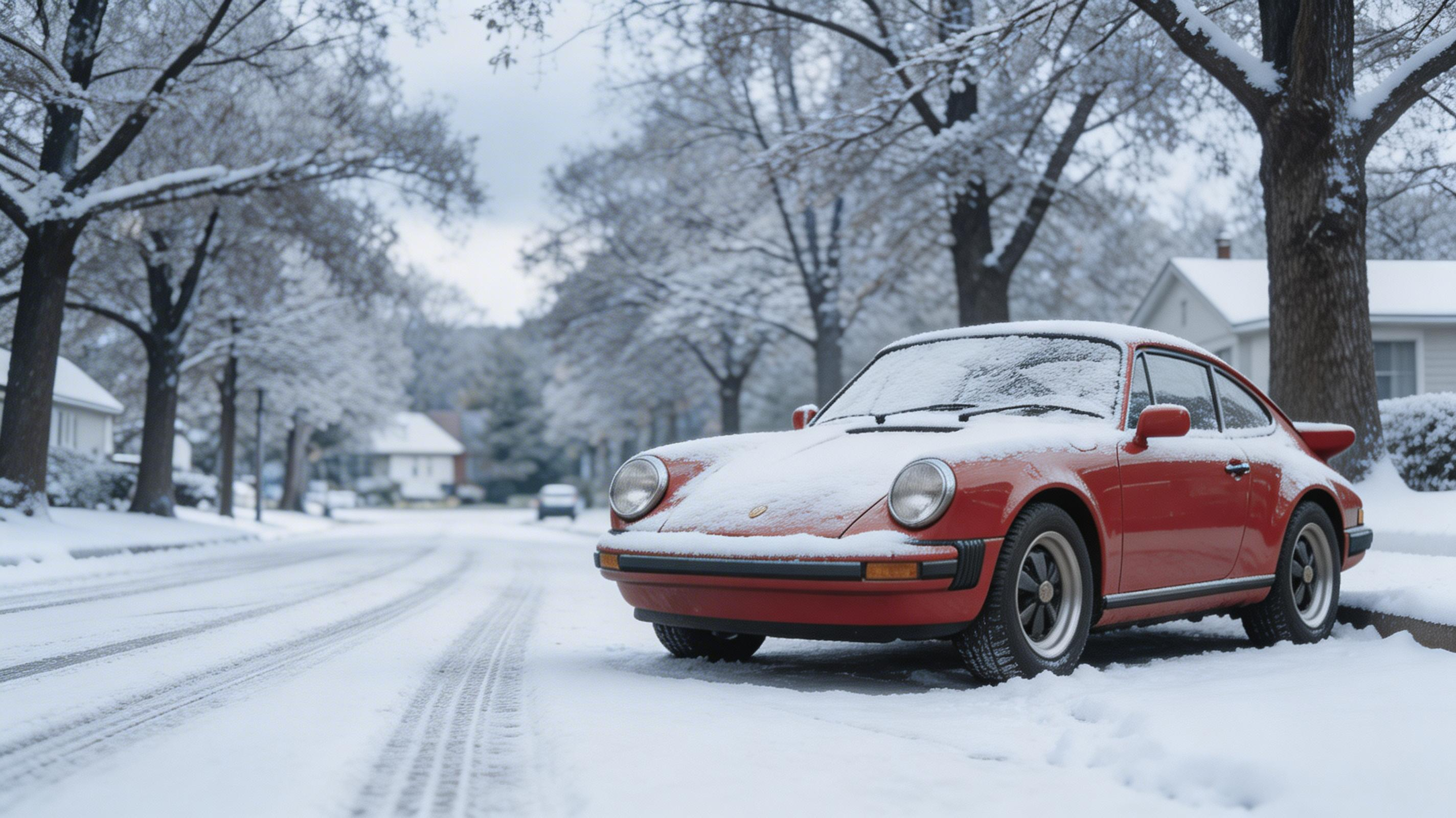
POST https://fal.run/fal-ai/bytedance/seedream/v5/lite/edit
Endpoint ID: fal-ai/bytedance/seedream/v5/lite/editTry it in the Playground
Run this model interactively with your own prompts.
Quick Start
Examples
Change the season to winter. Cover everything in fresh white snow. The trees should be bare with snow on branches. The fallen leaves are replaced by snow. Overcast grey sky. The red car has a thin layer of snow on the hood and roof. Tire tracks in the fresh snow on the road.
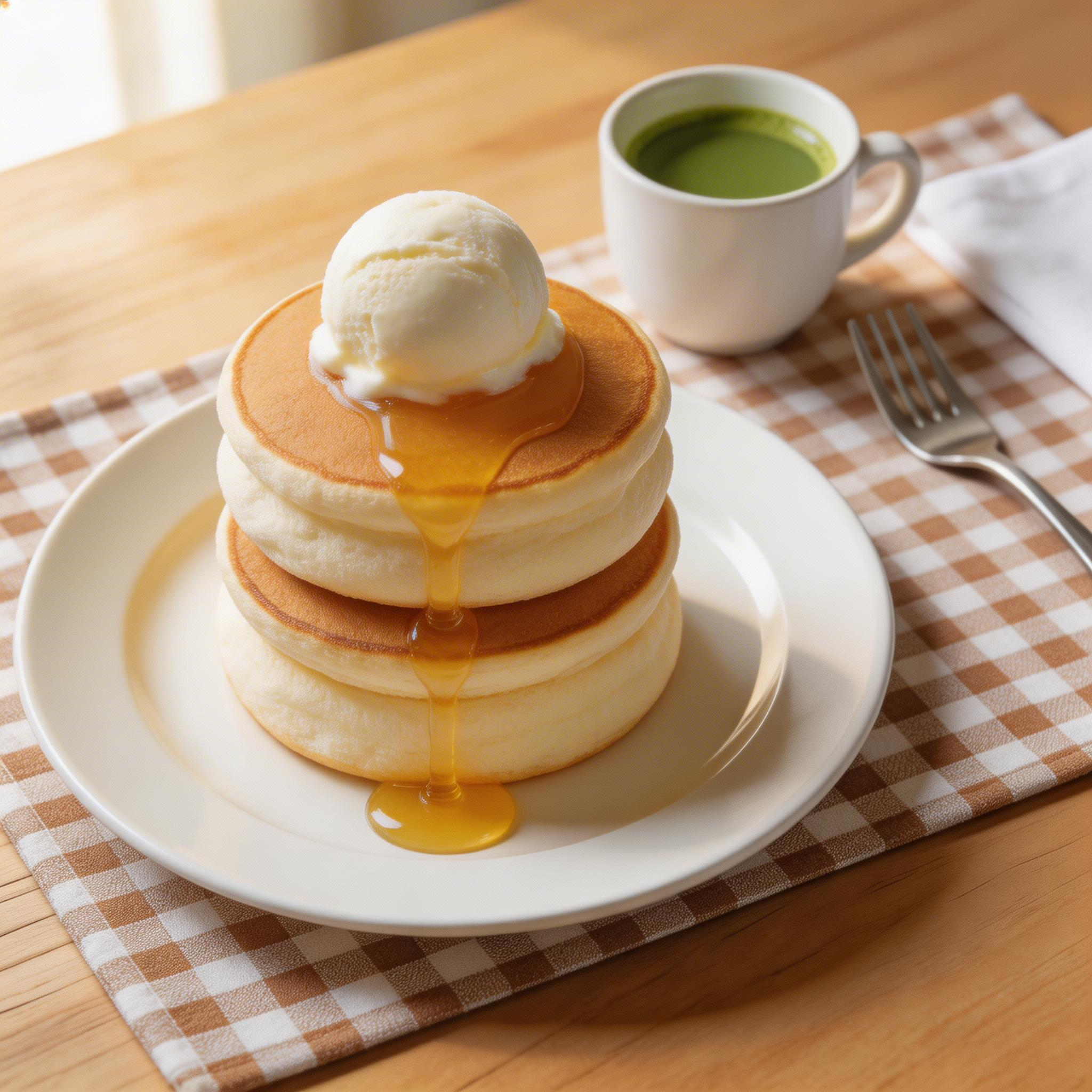
Transform these into fluffy Japanese souffle pancakes. Make them much thicker and jigglier looking, tall and wobbly. Add a scoop of vanilla ice cream on top with a drizzle of honey. A small ceramic cup of matcha on the side. Change the setting to a cute Japanese cafe table with a checkered placemat…
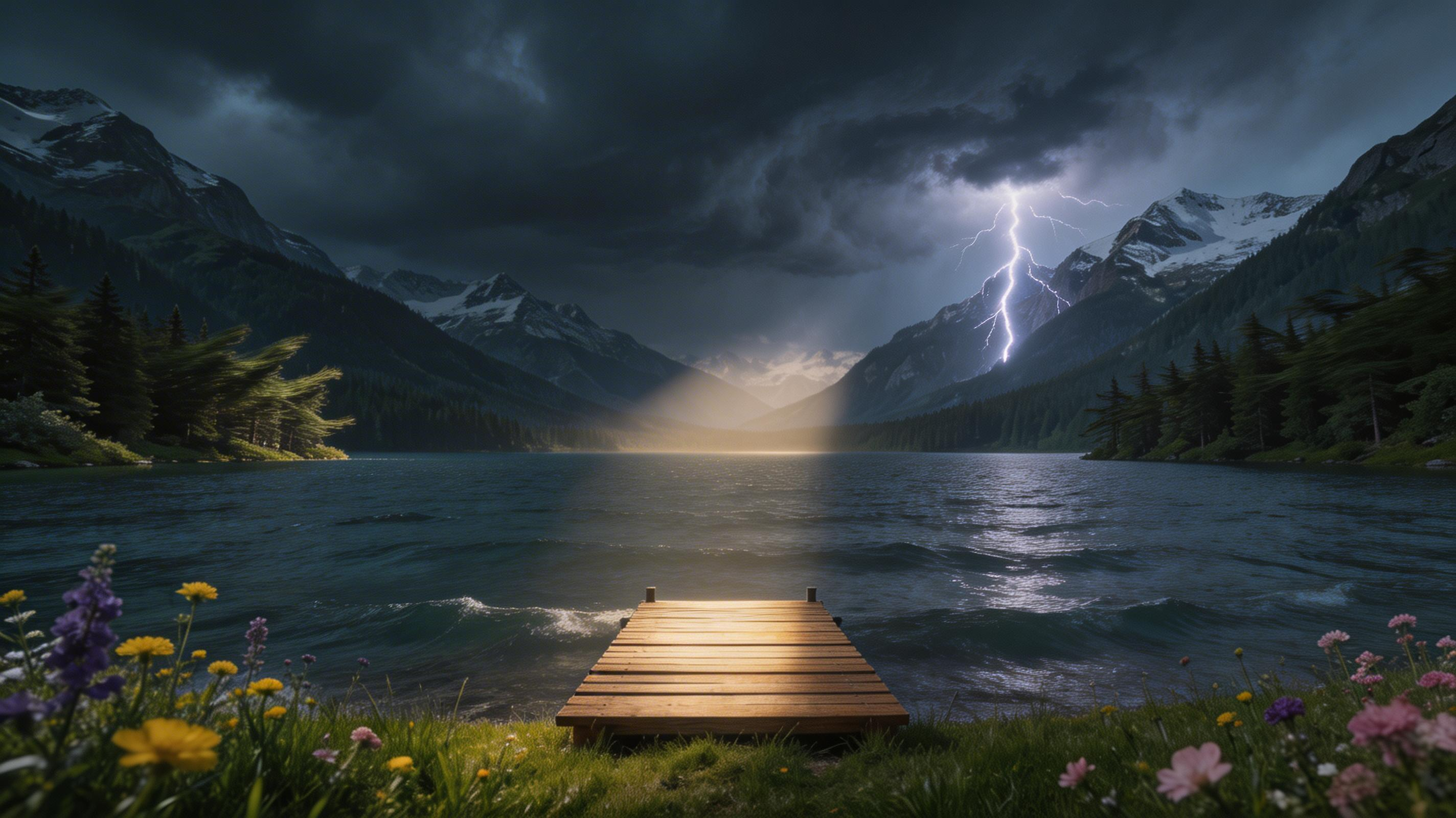
Change the weather to an approaching thunderstorm. Dark dramatic storm clouds rolling over the mountains. Lightning bolt striking one of the peaks in the distance. The lake surface is choppy with small waves. Wind bending the trees. The light is eerie and dramatic with a break in the clouds letting …
Input Schema
string
required
The text prompt used to edit the image
ImageSize | Enum
default:"auto_2K"
The size of the generated image. Total pixels must be between 2560x1440 and 3072x3072. In case the image size does not fall within these parameters, the image size will be adjusted to by scaling. Default value:
auto_2KPossible values: square_hd, square, portrait_4_3, portrait_16_9, landscape_4_3, landscape_16_9, auto_2K, auto_3Kinteger
default:"1"
Number of separate model generations to be run with the prompt. Default value:
1Range: 1 to 6integer
default:"1"
If set to a number greater than one, enables multi-image generation. The model will potentially return up to
max_images images every generation, and in total, num_images generations will be carried out. In total, the number of images generated will be between num_images and max_images*num_images. Default value: 1Range: 1 to 6boolean
default:"false"
If
True, the media will be returned as a data URI and the output data won’t be available in the request history.boolean
default:"true"
If set to true, the safety checker will be enabled. Default value:
truelist<string>
required
List of URLs of input images for editing. Presently, up to 10 image inputs are allowed. If over 10 images are sent, only the last 10 will be used.
Output Schema
list<Image>
required
Generated images
integer
required
Seed used for generation.
Input Example
Output Example
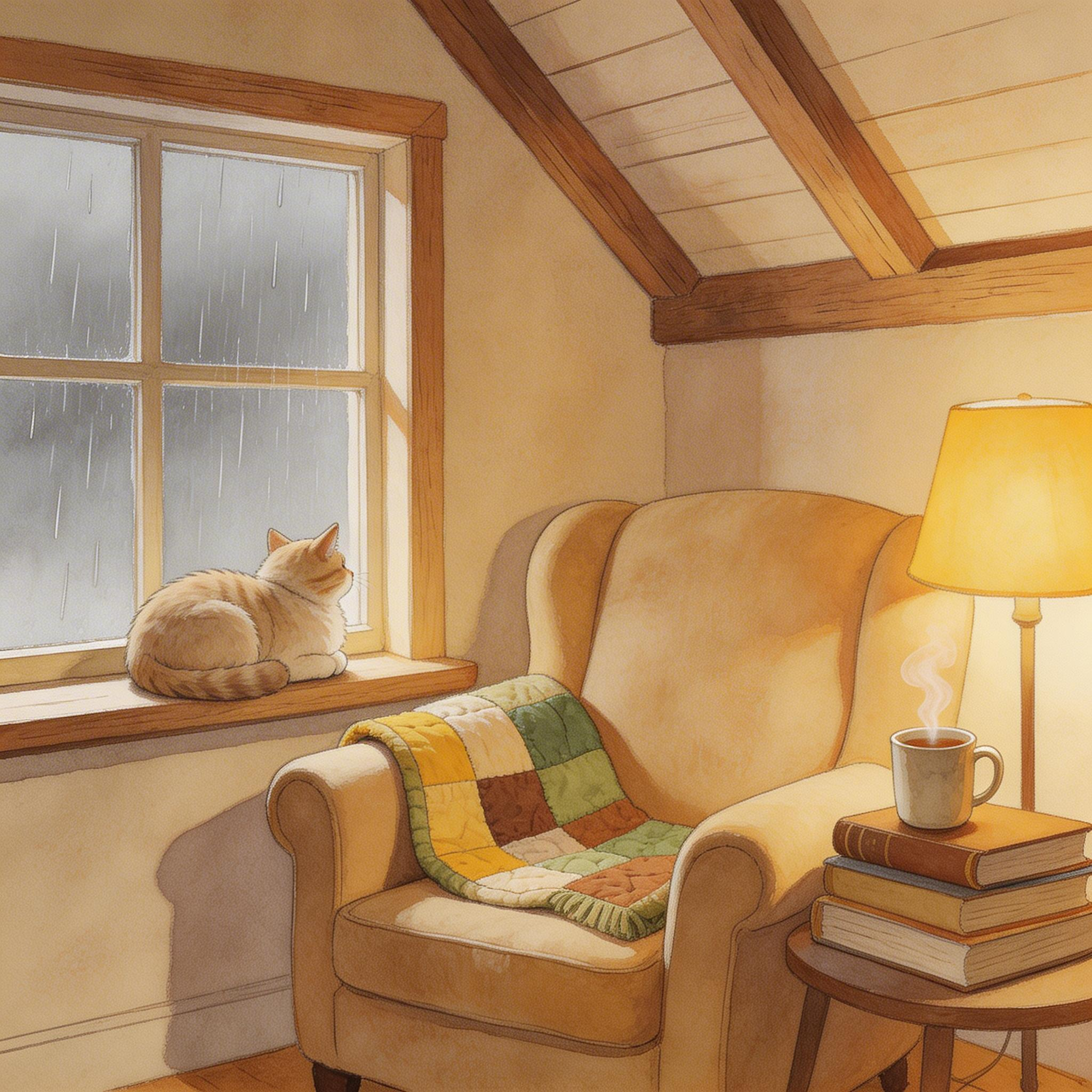
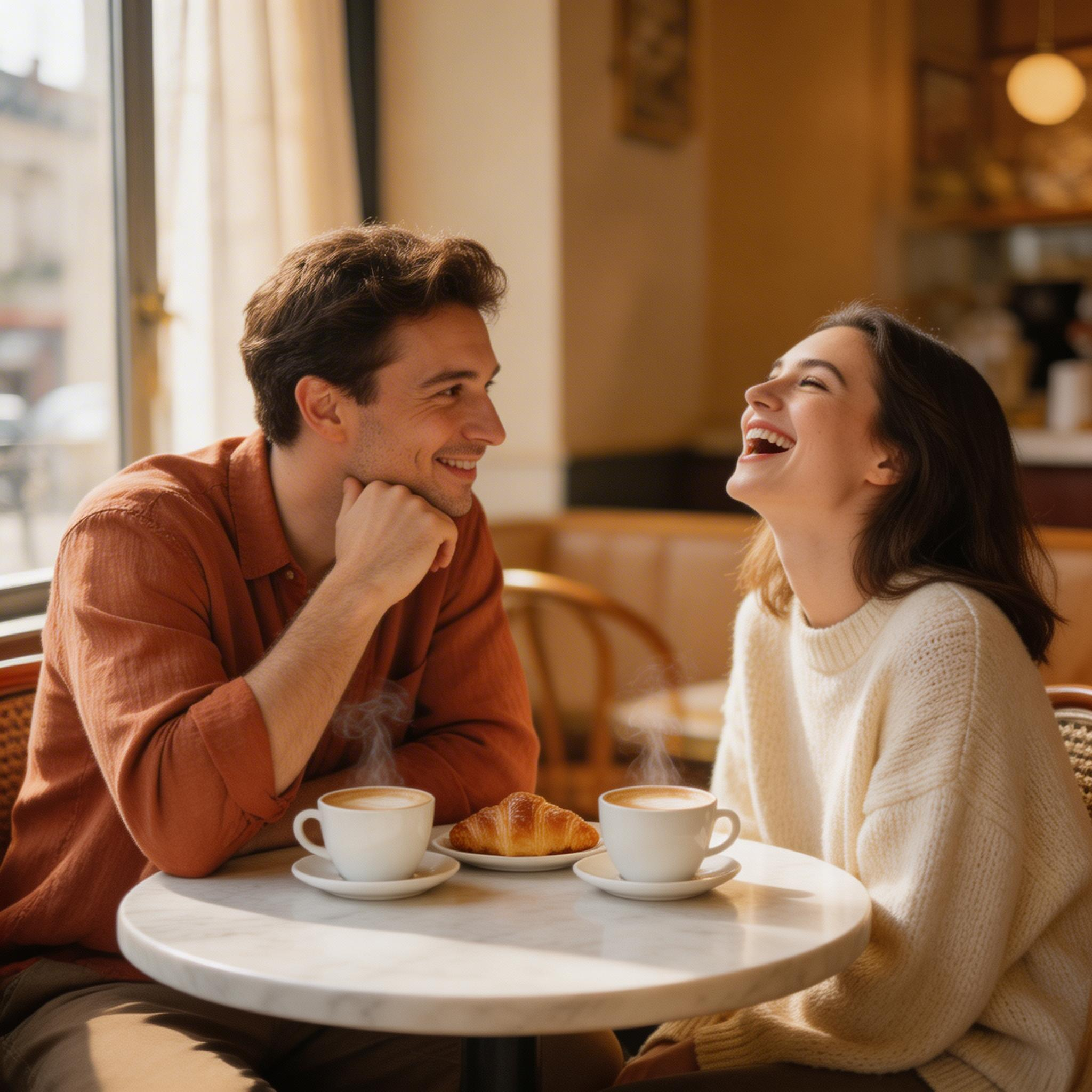
What this means for you:
- High-resolution output: Generate images up to 3072x3072 pixels with flexible aspect ratios.
- Multi-image generation: Request up to 6 separate generations per API call, with the option to generate multiple variations per generation using
max_images - Safety integration: Built-in content filtering enabled by default, with the option to disable for controlled environments
Technical Specifications
Related
- Bytedance — Image Generation
Limitations
image_sizerestricted to:square_hd,square,portrait_4_3,portrait_16_9,landscape_4_3,landscape_16_9,auto_2K,auto_3Knum_imagesrange: 1 to 6max_imagesrange: 1 to 6- Content moderation via safety checker